Question
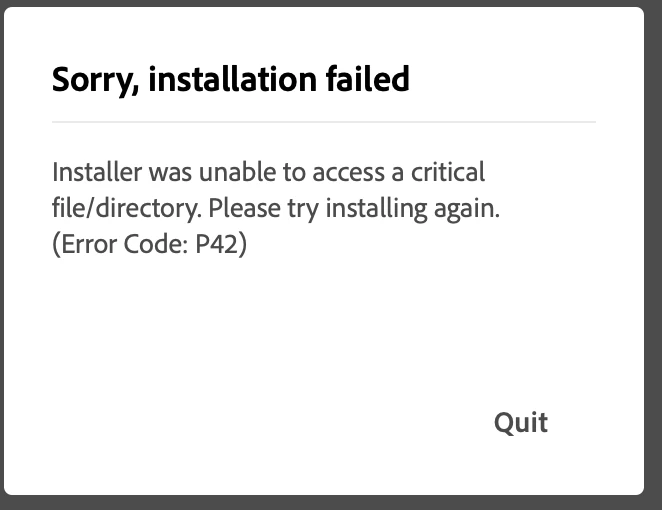
Can't install Creative Cloud on new MacBook Air Error P42
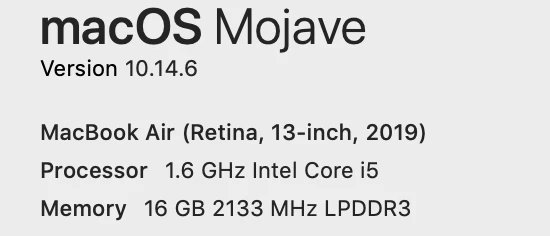
Can't install Creative Cloud on new MacBook Air (OS 10.14.6, 1.6GHz i5, 16GB RAM)
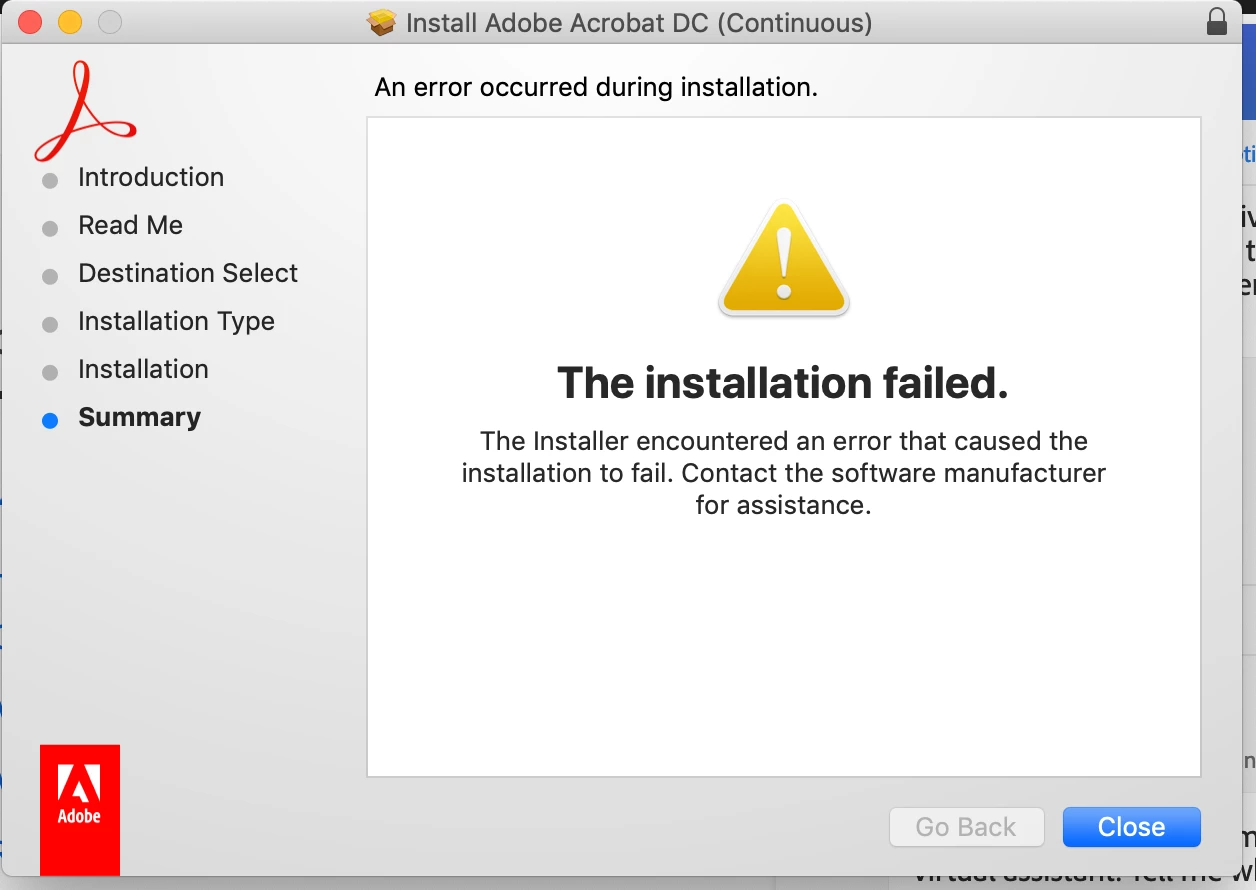
I get error P42 even after using CC Cleaner and the the separate CC Installation download.
Just got finished with Adobe Support, and watched as Aman did everything I had done before calling. He ended up with the same P42 eror. Then he closed the Bomgar Support App -- and disappeared.
Suggestions? Thanks.
 AdChoices