


Participant
August 20, 2022
Answered

Can't install Lightroom signed out issue

  • August 20, 2022
  • 3 replies
  • 374 views

I am trying to install Lightroom on my Mac. I had educational license from my school, which expired. I then tried to install Lightroom through a friends and family license, but cannot get past the step where it indicates that I am Signed Out.

Everytime I try to Sign In, it reverts back to the "You've been signed out page" 
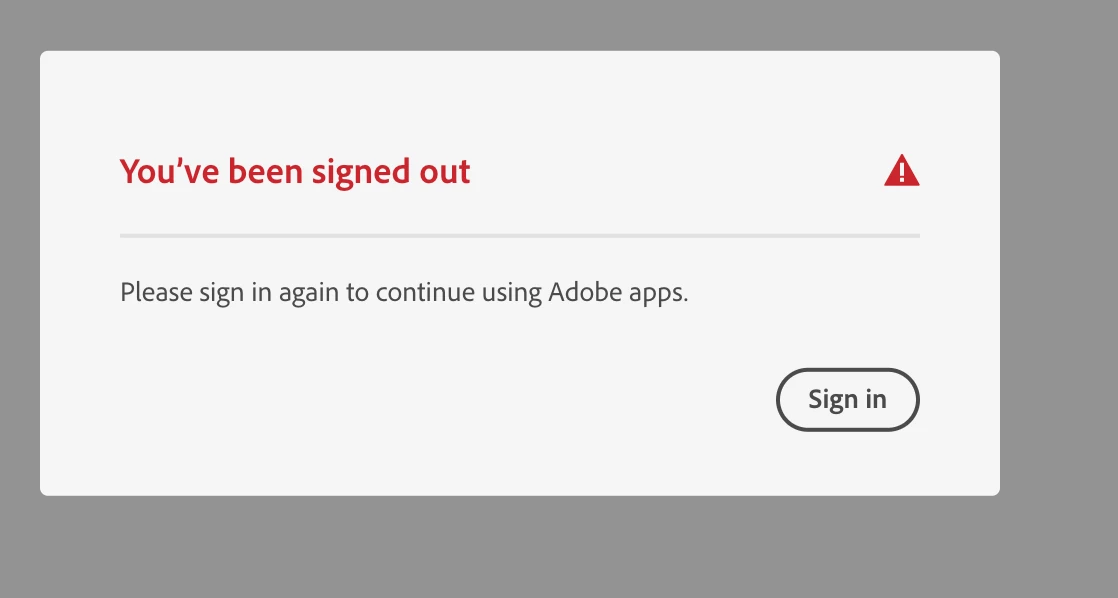
Any ideas on how to resolve this?

This topic has been closed for replies.
Correct answer kglad

once you get a legal license, you can use this - https://helpx.adobe.com/manage-account/kb/troubleshoot-creative-cloud-sign-out-sign-in.html

3 replies

Peru Bob
Community Expert
Community Expert
August 21, 2022
quote

 friends and family license


By @Ryan2573448947e2


Where did you purchase it from?

You may have been scammed.

kglad
Community Expert
kgladCommunity ExpertCorrect answer
Community Expert
August 21, 2022
Participant
August 24, 2022

OK, that helped.  It required that I delete two Adobe credentials in Keychain in order to proceed.  Thank you for the assistance!

John T Smith
Community Expert
Community Expert
August 20, 2022

I have never heard of a friends and family license


Cloud License  http://www.adobe.com/legal/licenses-terms.html
-you may NOT share a subscription

Participant
August 24, 2022

Sorry, that was a little confusing.  I have a family member that works for Adobe.  It's a regular license, I just didn't pay retail for it.  I had a school license that I was using for a class I was taking last year. That expired, so I'm not sure if there is something being crossed up in relation to that school license and the new full license that I just purchased and downloaded. 

kglad
Community Expert
Community Expert
August 24, 2022

if the sign in out link in my previous message didn't help, using a browser that allows popups and cookies, contact adobe support by clicking here, https://helpx.adobe.com/contact.html?rghtup=autoOpen
in the chat field (lower right), type AGENT
be patient, it can take quite a while to reach a human

p.s. if you're contacted by anyone (via email or private message), it's much more likely to be a scammer than an adobe representative. ie, double check for an employee badge if contacted in the forums and look for an adobe.com domain in the email address if you click reply to an email. then check again and be very suspicious. any other method of contacting (or offering to contact you) is almost certainly a scam, https://community.adobe.com/t5/using-the-community-discussions/staying-safe-in-the-adobe-support-community/td-p/12919684/redirect_from_archived_page/true.

p.p.s you can also use phone (but chat is usually quicker), https://helpx.adobe.com/contact/phone.html