debasisd61729577
Participating Frequently
February 22, 2018
Answered

Can't install PS CC

  • February 22, 2018
  • 4 replies
  • 672 views

I am using PS CC for almost two years. Recently my harddisk crashed. I can't re-install PS CC now. I have tried a lot of things but it's not working. Please help.

This topic has been closed for replies.
Correct answer Bani Verma

It's not working.

After installing CC.

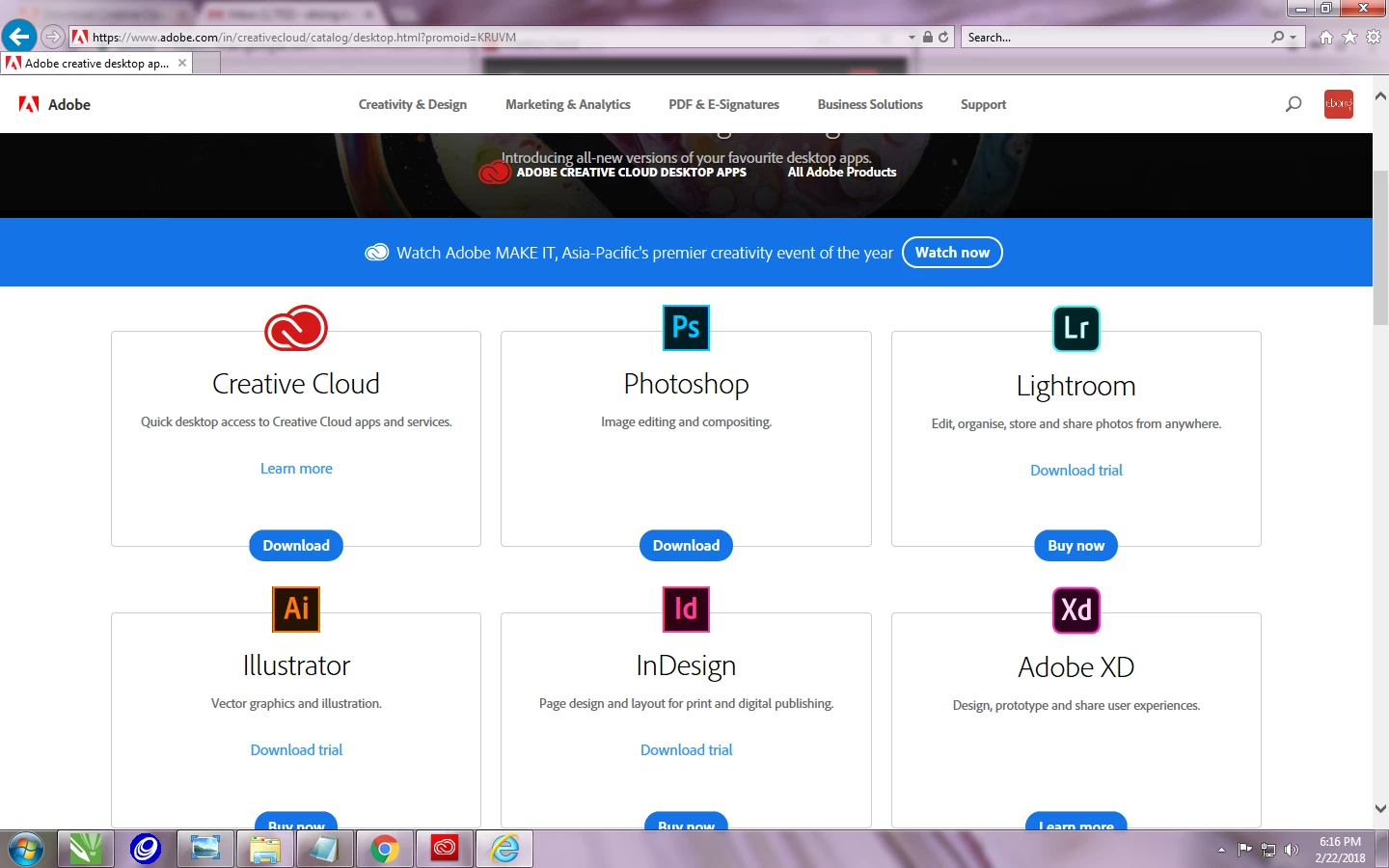
Step 1
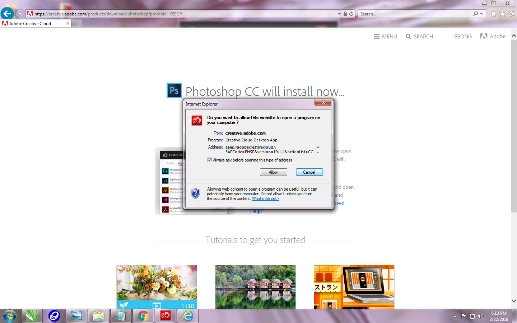
Step 2
Step 3
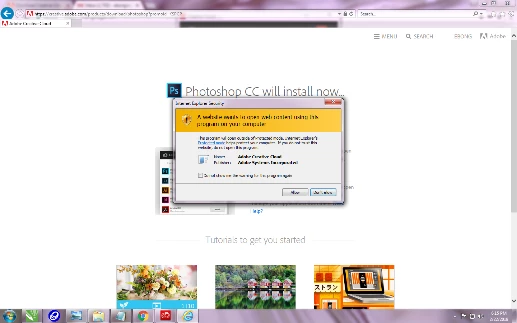
After clicking yes to all nothing is happening. It's only the screen above without the pop-up.


Are you logged in as an Administrator on this machine?

Please check the all programs from start menu do you see 'Adobe Creative Cloud' app there?

If not, then please log in as an Admin to install the app.

However, if you are logged in as an admin then please perform the steps given under "Solution 2" in the following help document to resolve this issue: "Failed to install" error received when installing Adobe Creative Cloud desktop app"

4 replies

debasisd61729577
Participating Frequently
February 22, 2018

This is the file I downloaded from Adobe's website:

PhotoshopCC_en_US_WIN_64.zip

Bani Verma
Legend
February 22, 2018

Lets start a fresh installation, please use the direct download link given here to download the Creative Cloud desktop app: Download Creative Cloud desktop app.

Once the desktop app is installed successfully, sign in with your Adobe ID (email address) then go to 'Apps Tab' and look for Photoshop CC under it and click 'Install' written next to it to start the installation.

I am really sorry but just found out that the latest Photoshop CC (19) version is compatible with Windows 7 service pack 1 hence you'll get the latest one. see, Photoshop system requirements.

debasisd61729577
Participating Frequently
February 22, 2018

Ok. let me try

debasisd61729577
Participating Frequently
February 22, 2018

It must be the latest. As I am downloading it from Adobe website. Please let me know which version is right for my OS. And where can I get that? I don't have a CD/DVD. I don't even saved the installer file in my machine.

debasisd61729577
Participating Frequently
February 22, 2018

Hi
Thanks for your quick response. I am using Windows 7 Professional 64 Bit. Actually, no error message is showing. After I try to install the package downloaded from my main account, 1st it says checking/updating windows, then the progression bar goes forward, and after a point, it moves to reverse direction and that's it. Don't know what to do.

Thanks
Debasis

Bani Verma
Legend
February 22, 2018

Thanks for the update Debasis, will be possible for you to share a screens shot of this window with us, see: FAQ: How do I capture and post a screen shot or video?

With operating system you have the latest version will not work, hence please confirm which version of Photoshop you are trying to install and is it Creative cloud or Creative suite ?

Sorry for so many questions, but these will help understand the problem better and accordingly I will be able to help you resolve the issue .

Bani Verma
Legend
February 22, 2018

Hi Debasisd61729577,

As you have mentioned that you have reinstalled Photoshop CC after the system hard-disk crash, however the apps isn't working.

Kindly let us know the exact error message/code that shows up when you try to use Photoshop CC, along with the computer's operating system and its version.

Also, were you able to install Photoshop CC successfully or do you get an error installing the app?

Are you following the steps listed here to download the app: Learn how to download your Adobe Creative Cloud apps ?

Awaiting your response.