Participant
July 31, 2016
Answered

Can't install the software, unexplained error keeps appearing

  • July 31, 2016
  • 1 reply
  • 249 views

Hi.

I'm trying to install my Creative Cloud software, but when starting the installation, it gets stuck in this stage:
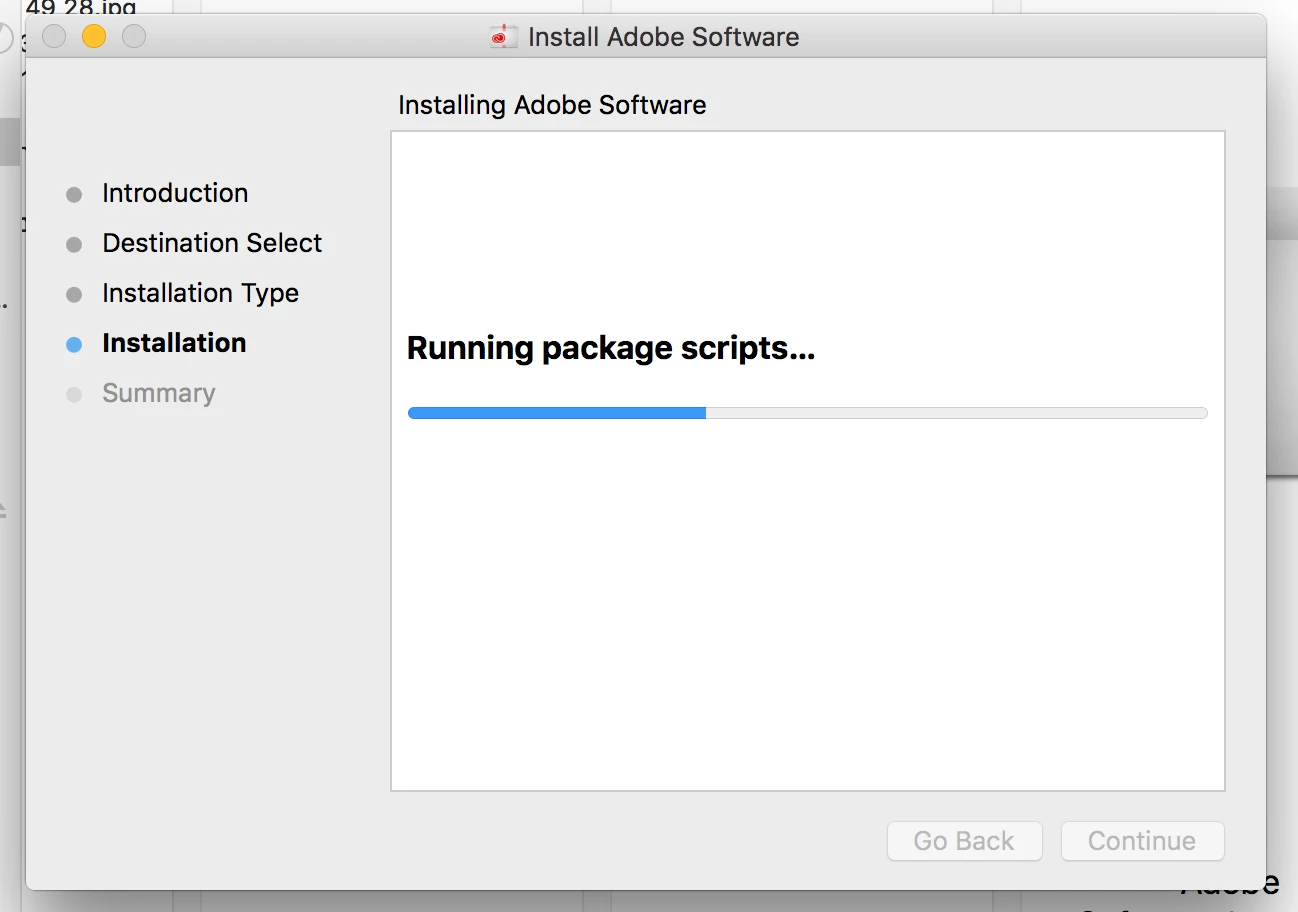
After a few minutes of this, I get this:
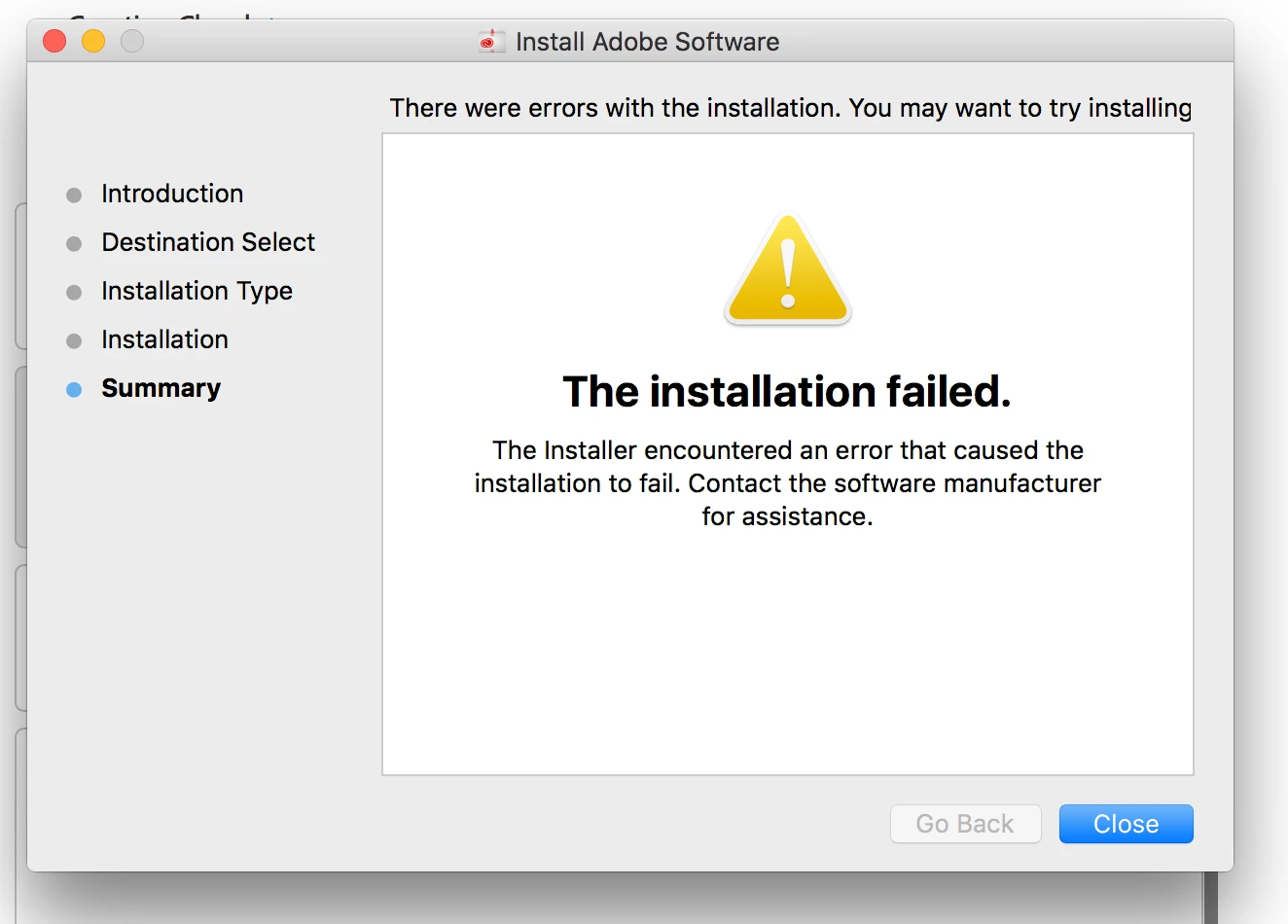
An unexplained error, no code, nothing. I have no idea where to start, can someone solve this?

NOTES:

1. We're talking about an iMac, 5K 27', Late 2014.

2. Runs OsX El Capitan.

3. I can't "Repair Disk Permissions", because Apple have removed this option from El Capitan.

This topic has been closed for replies.
Correct answer kglad

uninstall everything cc including the cc desktop app.

clean your computer of cc files per http://www.adobe.com/support/contact/cscleanertool.html

restart your computer (don't skip this)

reinstall the cc desktop app, https://creative.adobe.com/products/creative-cloud

use the desktop app to install your cc programs/trials.

[moved from Downloading, Installing, Setting Up to Creative Cloud Download & Install]

1 reply

kglad
Community Expert
kgladCommunity ExpertCorrect answer
Community Expert
July 31, 2016

uninstall everything cc including the cc desktop app.

clean your computer of cc files per http://www.adobe.com/support/contact/cscleanertool.html

restart your computer (don't skip this)

reinstall the cc desktop app, https://creative.adobe.com/products/creative-cloud

use the desktop app to install your cc programs/trials.

[moved from Downloading, Installing, Setting Up to Creative Cloud Download & Install]