


Participant
November 28, 2022
Answered

Can't log in again on adobe creative cloud desktop on mac

  • November 28, 2022
  • 2 replies
  • 1622 views

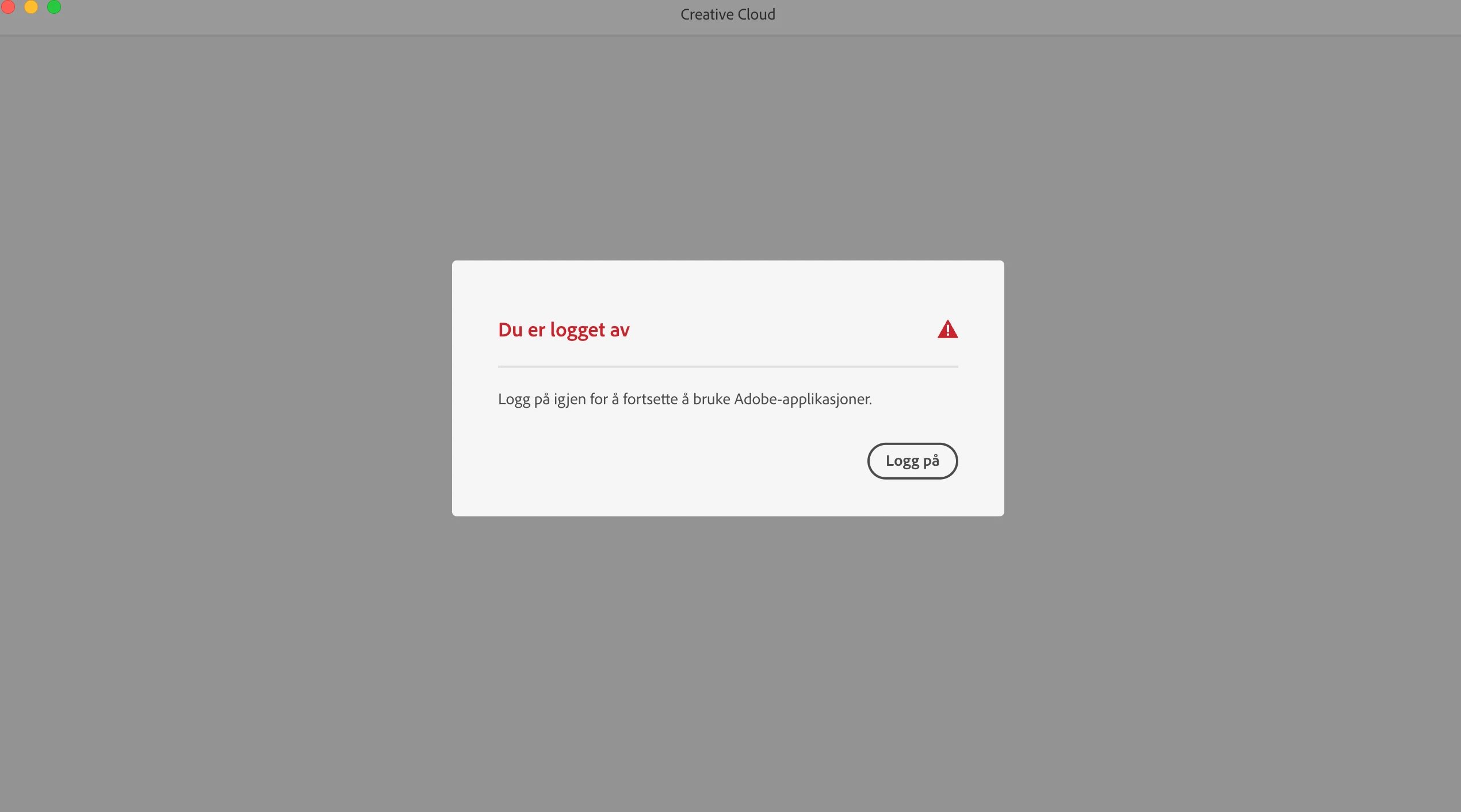
I have had other account before and when i logged out i couldn't log in again. When i click on the log in button the same page appare again. So i don't know how to fix it, I tried to uninstall the programe but i can't because "you still use creative cloud - applications installed on the mac which you need creative cloud to use". I can't unistall the other apps because i can't log in on the creative cloud desktop.

 

This topic has been closed for replies.
Correct answer kglad

if the sign out/in steps failed to help, you probably need to remove older licensing from your computer:


https://helpx.adobe.com/enterprise/kb/resolve-trial-and-license-expired-errors.html


if that fails, https://helpx.adobe.com/download-install/kb/adobe-license-issues-keychain-credential-mgr.html

2 replies

Participant
November 28, 2022

I'm having the exact same problem, I did follow all the advices I could find on this platform but nothing actually works, the only way I found to use my Adobe account is to create a new windows account on my computer and to install Creative Cloud on it. I don't konw why, but it finally worked that way, wich is not really efficient as all my fixtures, presets and other files I need for my job still remain on the older account. Would need help as well not gonna lie.

kglad
Community Expert
kgladCommunity ExpertCorrect answer
Community Expert
November 28, 2022

if the sign out/in steps failed to help, you probably need to remove older licensing from your computer:


https://helpx.adobe.com/enterprise/kb/resolve-trial-and-license-expired-errors.html


if that fails, https://helpx.adobe.com/download-install/kb/adobe-license-issues-keychain-credential-mgr.html

kglad
Community Expert
Community Expert
November 28, 2022

follow the steps here to resolve the cc sign in/out loop -  https://helpx.adobe.com/manage-account/kb/troubleshoot-creative-cloud-sign-out-sign-in.html

Participant
November 28, 2022

I can't log in on desktop, so I tried to delete my old license information. When I relaunched creative cloud desktop it is still the same. 

kglad
Community Expert
Community Expert
November 28, 2022

reset the cc desktop app: make sure it's in the foreground, then press:

Win: Ctrl + Alt + R
Mac: Cmd + Opt + R

if that fails, try to repair
https://helpx.adobe.com/download-install/kb/creative-cloud-install-stuck.html

if that fails go ahead and uninstall using the correct uninstaller from https://helpx.adobe.com/creative-cloud/help/uninstall-creative-cloud-desktop-app.html#sa_src=web-messaging and then reinstall

if that fails, do a clean cc install following each applicable step:

uninstall every cc app including preferences, https://helpx.adobe.com/creative-cloud/help/uninstall-remove-app.html

then uninstall the cc desktop app, again using the correct uninstaller, https://helpx.adobe.com/creative-cloud/help/uninstall-creative-cloud-desktop-app.html#sa_src=web-messaging

clean your computer of cc files per http://www.adobe.com/support/contact/cscleanertool.html

check for, and if available, update your os

repair all ms visual c++ versions that can be repaired.

update your ms visual c++, if it can be updated

restart your computer (don't skip this)

reinstall the cc desktop app, https://creativecloud.adobe.com/apps/all/desktop?action=install&source=apps&productId=creative-cloud

if you're unable to download the cc desktop app at this stage, use the "alternative download links" at the bottom of the page at https://helpx.adobe.com/download-install/kb/creative-cloud-desktop-app-download.html

use the desktop app to install your cc programs/trials