
Document Geek
Community Expert
Community Expert
December 6, 2017
Answered

Can't open or uninstall creative cloud app

  • December 6, 2017
  • 1 reply
  • 602 views

Hi,

I got a message to update to the the 2018 version and received this message when trying to launch it.
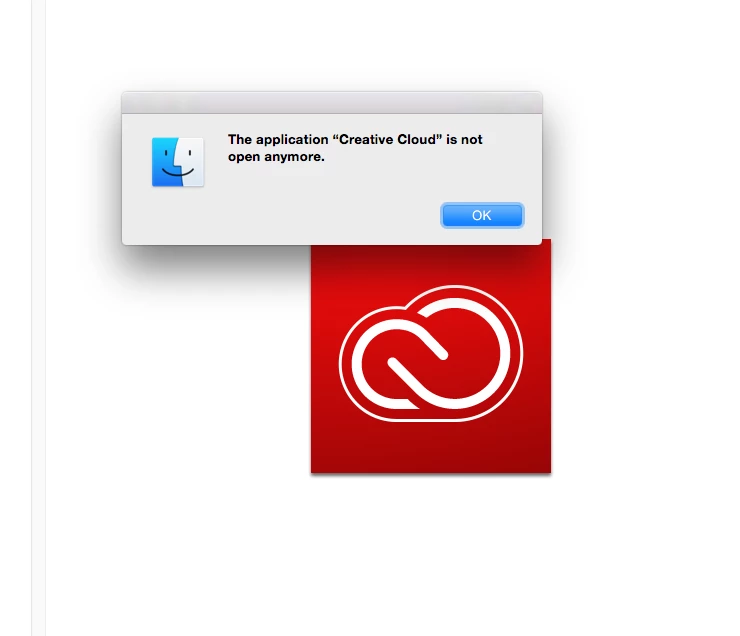
Then, I tried to uninstall the creative cloud app and received this message.
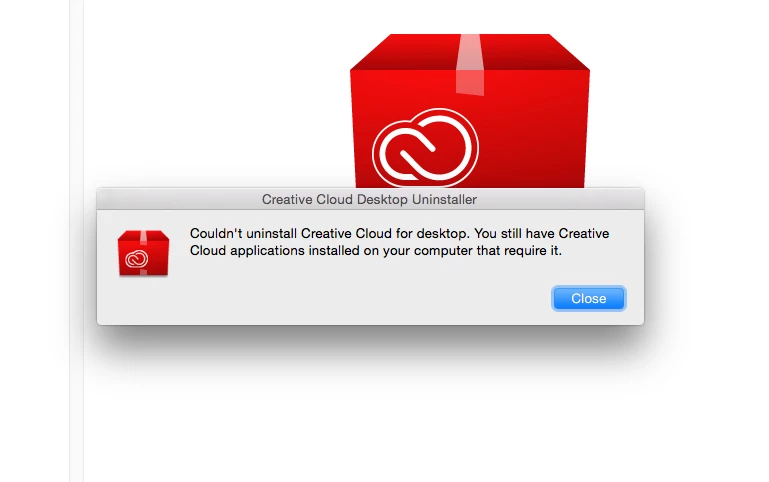
Help! What can I do next to get my creative cloud application fixed?

This topic has been closed for replies.
Correct answer Bani Verma

Hi Document%20Geek,

Sorry that you are having trouble using and uninstalling the Adobe Creative Cloud desktop app, please use the following uninstaller to uninstall the Creative Cloud desktop app: Uninstall the Adobe Creative Cloud desktop application.

Yo may also refer to: "Failed to install" error received when installing Adobe Creative Cloud desktop app"

Let us know if this helps.

1 reply

Bani Verma
Bani VermaCorrect answer
Legend
December 6, 2017

Hi Document%20Geek,

Sorry that you are having trouble using and uninstalling the Adobe Creative Cloud desktop app, please use the following uninstaller to uninstall the Creative Cloud desktop app: Uninstall the Adobe Creative Cloud desktop application.

Yo may also refer to: "Failed to install" error received when installing Adobe Creative Cloud desktop app"

Let us know if this helps.