


Question
Can't run any Adobe software after installation, error 205
When I try to run any Adobe software installed through Creative Cloud, it launches the application and shortly after shows me an "Error 205." Dismissing the dialogue closes the program.
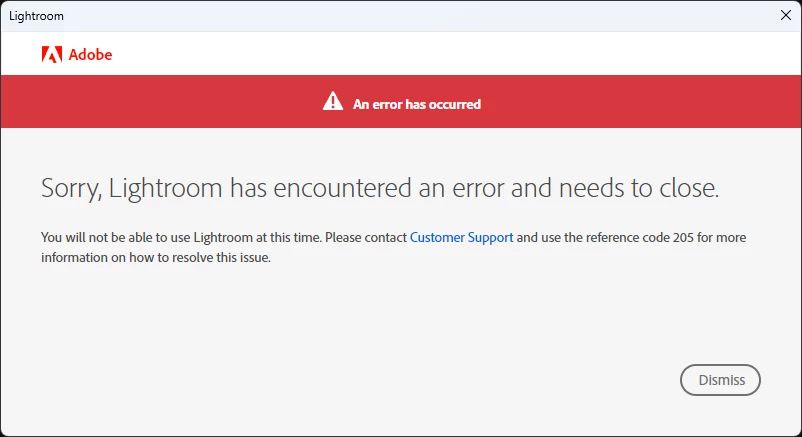
I'm running Windows 11, and per the top posts and articles I've found about this error, I've tried the following:
- Logging out and back into Creative Cloud
- Rebooting
- Using Adobe's cleaning tool to completely remove Creative Cloud
- Reinstalling Creative Cloud
- Using a different internet connection
- Disabling Windows Firewall
- Disabling router firewall
- Deleting Adobe's entries from Credential Manager manually,
- Deleting Adobe's entries from Credential Manager using Adobe's script provided in a help article
- Renaming the "OOBE" folder in "%AppData%\Adobe\"
- Making sure my account has an active subscription with valid payment method and is in good standing
Interesting things to note:
- I can install and run Creative Cloud and Adobe software using my Adobe account on my MacBook
- If I create a new user account in Windows 11 and install Creative Cloud there, I can install and run Adobe software without issue on that account
- Note: I signed out of and uninstalled Creative Cloud on those systems after testing to make sure they didn't interfere with troubleshooting on the main account of my Windows 11 workstation
How can I resolve this error? Being locked out of using my main computer for Adobe software has made my work considerably more difficult.
 AdChoices