

Can't upgrade an older version of CS5 Extended (Teacher/Student) - 2011
I purchased Adobe CS5 Extended (Teacher/Student Version) in 2011 & have since upgraded to a MacBook pro.
Adobe said I could use the 2011 version on my new mac without purchasing ie; you can have 2 copies on different computers.
Today I attempted to update CS5, Bridge etc. but the installer kept spitting the dummy & gave the following feedback.
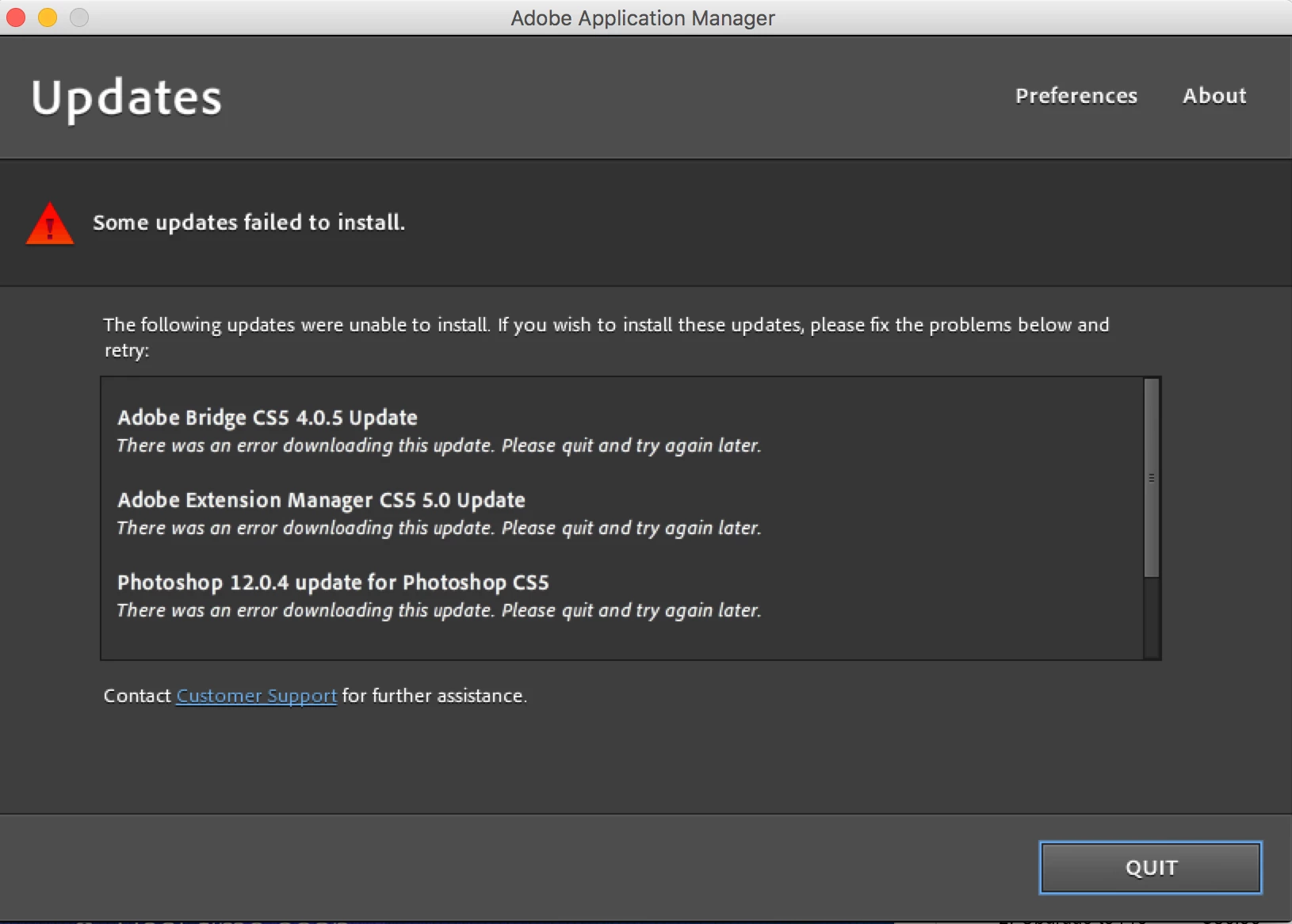
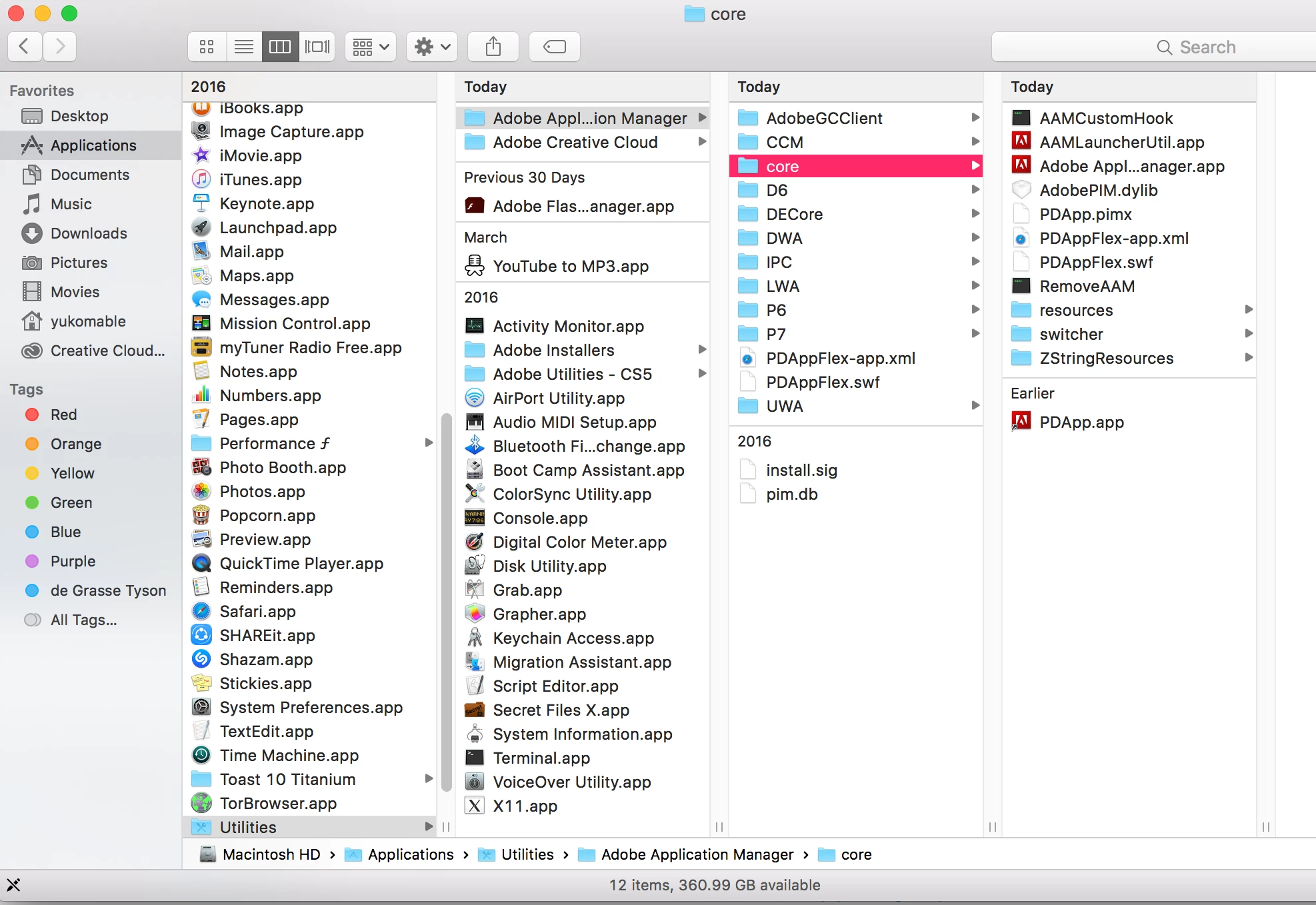
I then researched & discovered that I needed to upgrade my "Adobe update manager" which I did, now I've been inundated with umpteen Red Box applications & subfolders/files (pic below) that I have no idea about & I'm also on the Cloud because Adobe are no longer using "old school" apps for their Application Manager process.
The worse thing is, even though Adobe has me registered as purchasing CS5 & display my details including serial number, the Cloud says I haven't purchased any Adobe products so the whole exercise was pointless - unless of course, I'm missing something obvious.
I've tried about a dozen different ways to work through this so please don't think I haven't tried prior to posting this rather long plea for help.
I also tried to chat directly with Adobe but it seems they only want to talk to you if you purchase something (I've overworn my warranty ).
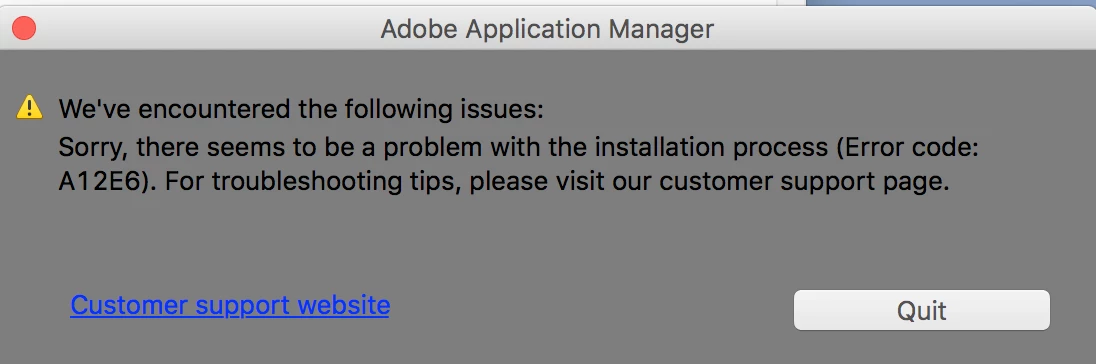
Here's another error message followed by a shot of the umpteen Adobe "tidbits" which were downloaded during this process.
Can I ask if anyone has any idea on how I should proceed?
Thank you kindly in advance.
 AdChoices