



Question
Cannot Collaborate
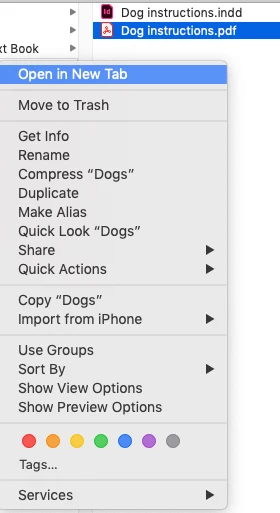
All the Creative Cloud options in Mac Finder are greyed out. I am trying to follow the instructions on this page: Collaborate on folders and libraries from Creative Cloud account
There doesn't seem to be any other way to collaborate on folders, other than through the contextual menu in Finder. No way through the website... Am I missing something?
Also, how do I get the Creative Could options to appear in Finder


 AdChoices