Participant
January 2, 2023
Answered

Cannot Find Premiere Pro to install on CC

  • January 2, 2023
  • 3 replies
  • 1565 views

Hello,

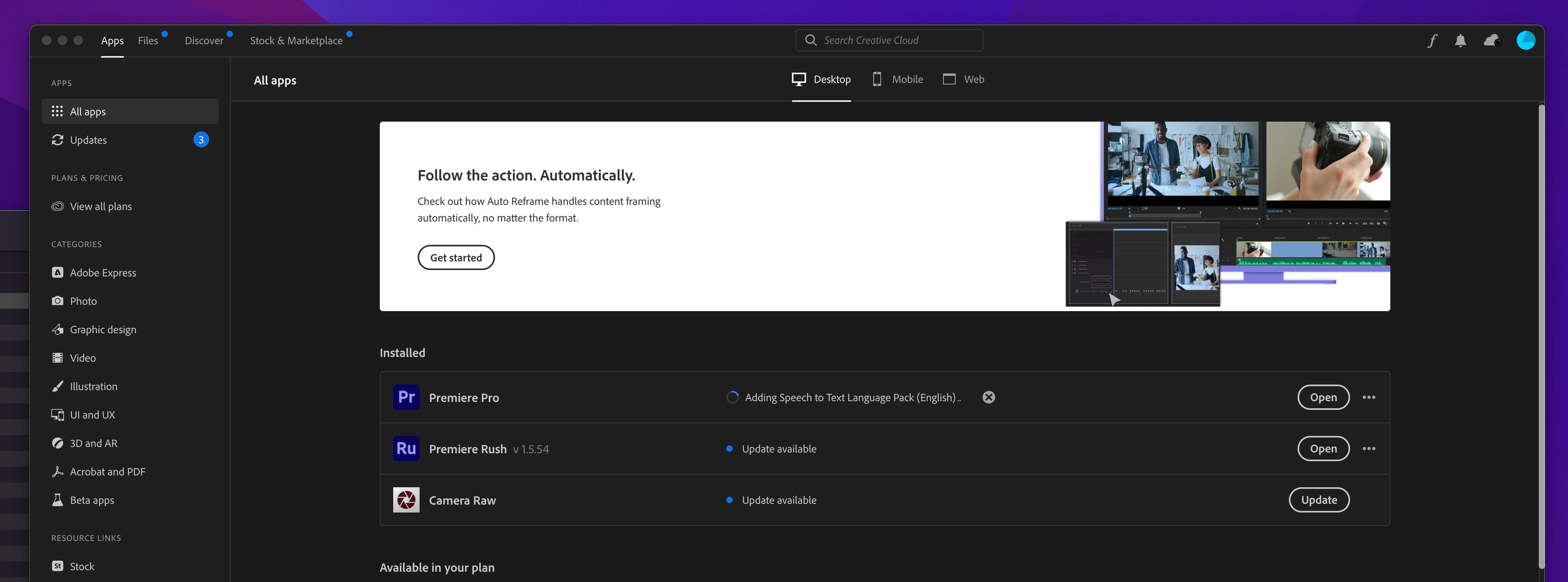
I just downloaded CC so I can install Premiere Pro, however I cannot see the app on CC. I can see everyting else apart from Premiere Pro.
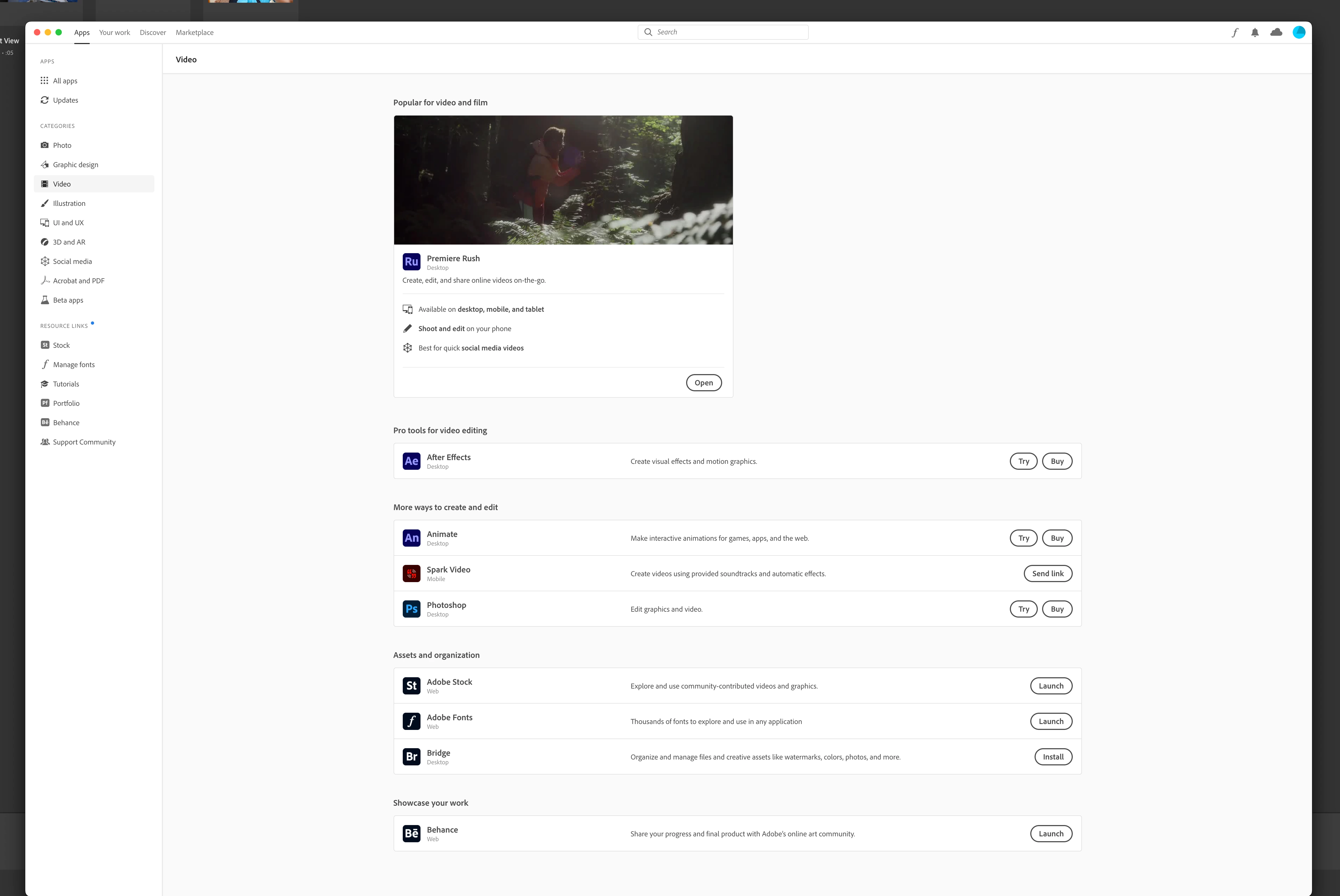
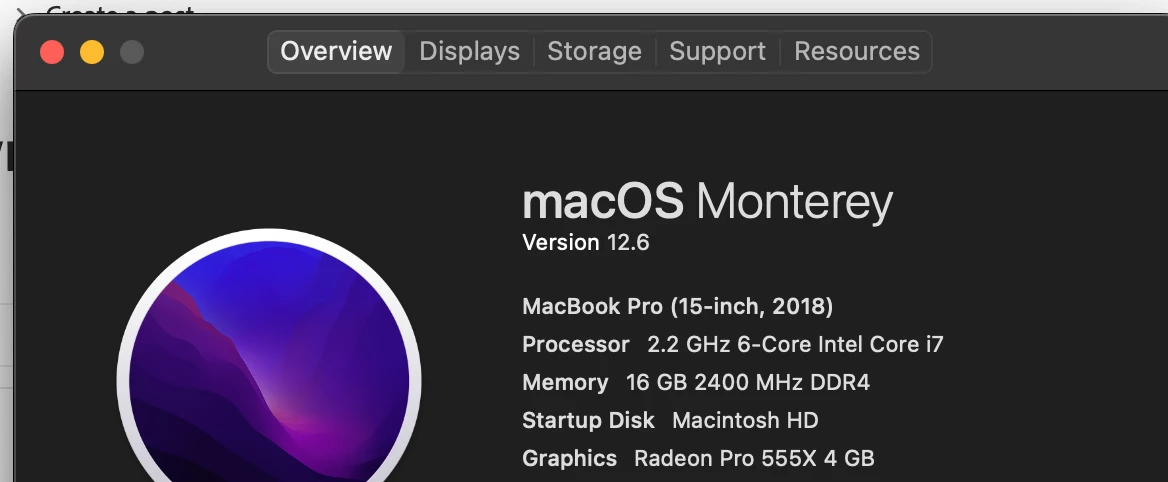
I have a 2018 15" 16gb Intel MBP, feeling I should be able to install and run this to an extent. Does anyone know why I cannot find and install the Pro verion?


Thanks.
This topic has been closed for replies.
Correct answer Purevibe

Hello again,
@Test Screen Name 


After uninstalling CC, restarting, and then installing again it finially appeared and has downloaded!!!


Thanks for chiming in all.

3 replies

Peru Bob
Community Expert
Community Expert
January 3, 2023

Try resetting the CC App.
To reset the Creative Cloud desktop app, make sure it's in the foreground, then press:
Win: Ctrl + Alt + R
Mac: Cmd + Opt + R

If that doesn't work, try uninstalling and reinstalling the CC App:
https://helpx.adobe.com/creative-cloud/help/uninstall-creative-cloud-desktop-app.html
https://helpx.adobe.com/download-install/kb/creative-cloud-desktop-app-download.html

Legend
January 2, 2023

You've told us the model of Mac and the anount of RAM... please give us one more key piece of info. What version of macOS?

PurevibeAuthorCorrect answer
Participant
January 3, 2023

Hello again,
@Test Screen Name 


After uninstalling CC, restarting, and then installing again it finially appeared and has downloaded!!!


Thanks for chiming in all.

kglad
Community Expert
Community Expert
January 2, 2023

if you have a trial and an incompatible (with the most recent premiere pro) computer, you won't be offered previous versions.  if you have a subscription, you should be offered the latest version compatible with your computer, as long as you enabled "show" older versions in the cc desktop settings.