Participant
January 30, 2020
Answered

Cannot install individual apps, CC claims i dont have access?

  • January 30, 2020
  • 1 reply
  • 407 views

The creative cloud app is not letting me install individual desktop apps, on one specific computer.

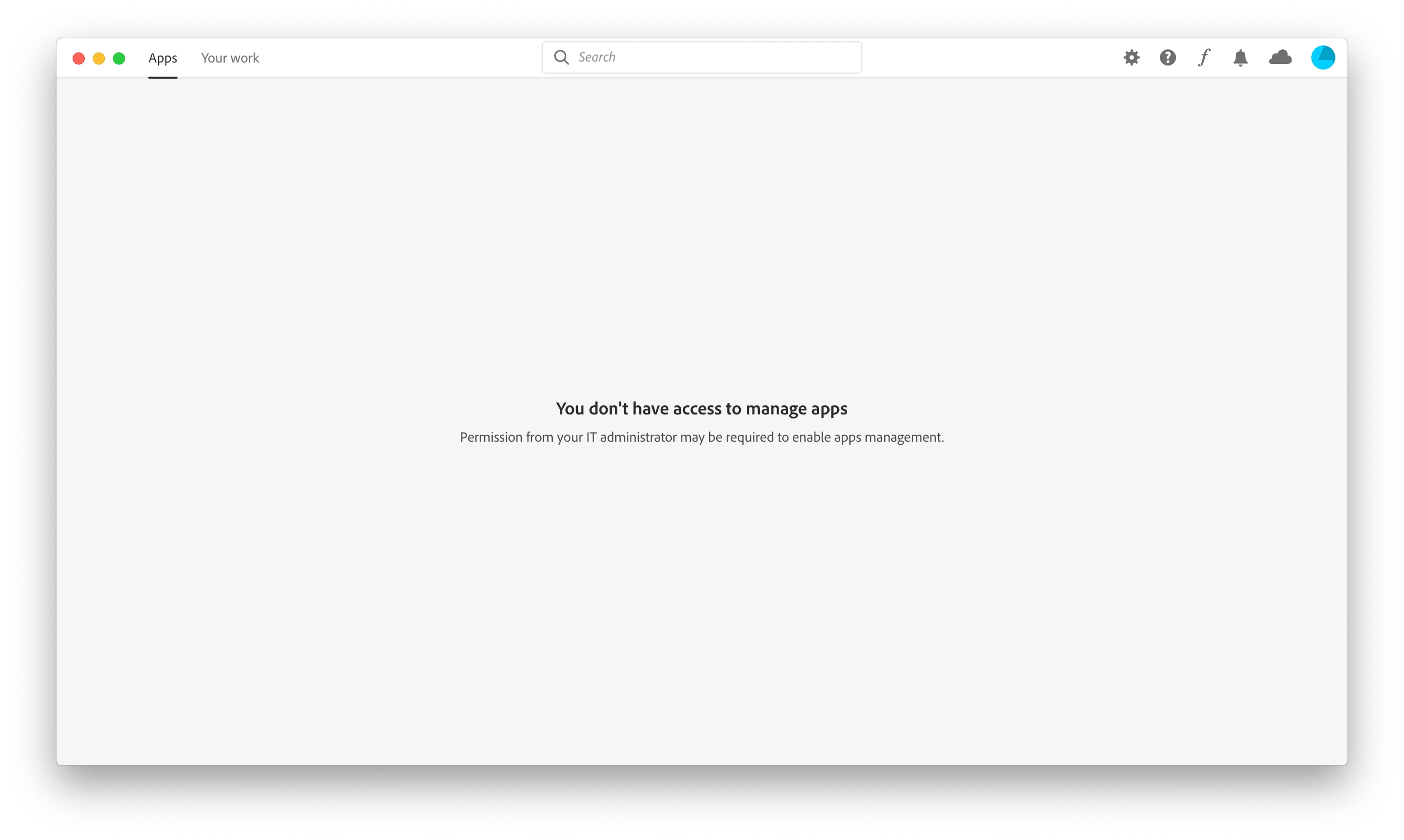
My organisation has a license and i'm able to install on another computer, but my other one doesnt allow me and just brings up the following error within the creative cloud app.


I have run the creative cloud clean up tool as well, but still no joy?

I then download the individual program and it stalls when installing, also adds in the CC cloud app thats just been installed and gives the below error again.


Any ideas to help please?


This topic has been closed for replies.
Correct answer Tacafy大尉

jezthomp, good evening.
This post may be useful.

https://community.adobe.com/t5/enterprise-teams/dont-t-have-access-to-manage-apps/m-p/10549338#M24325

1 reply

Tacafy大尉
Tacafy大尉Correct answer
Legend
January 30, 2020
jezthompAuthor
Participant
January 30, 2020

This worked however, a little different...

For anyone else that have this trouble. If the folder doesnt appear within the computer user, it will be within the computer root, copy the folder from there to the user version if it doesnt exist. This means the app tab will work for within the creative cloud app for the specific user you're on.