


Question
Cannot install plugins to any app
I cannot install any plugins through the creative cloud for any application. The ones I have installed are:
- Photoshop
- Illustrator
- Acrobat
- XD
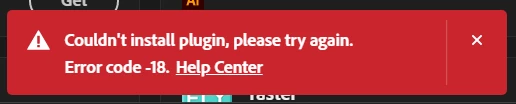
For Photoshop and Illustrator, any time I try to install a plugin I get this error:
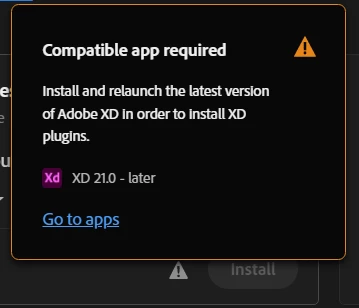
For XD, the problem is a little different. At first, I tried installing plugins through the in-app marketplace, but it would just keep loading for a long time and eventually quit. When I try to install plugins through the Creative Cloud app, it says that my version for XD is not up-to-date.
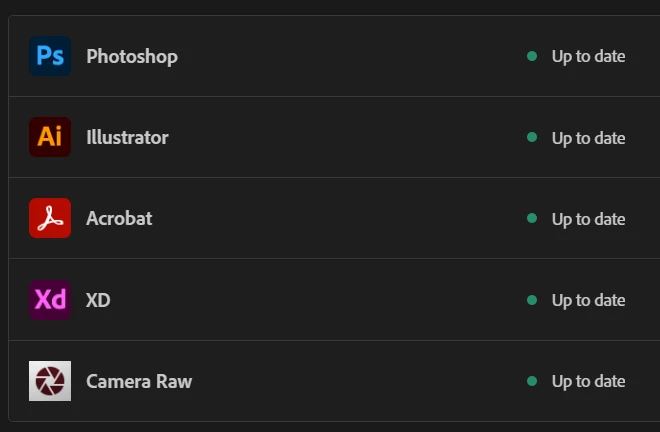
I tried seeing if there were any missing updates, both on the "Updates" tab as well as through Menu > Help
> Check For Updates, but all apps seem to be up-to-date.
This is a big damper on my workflow.
 AdChoices