Cannot Install standalone Lightroom 6 after Mac Sierra update
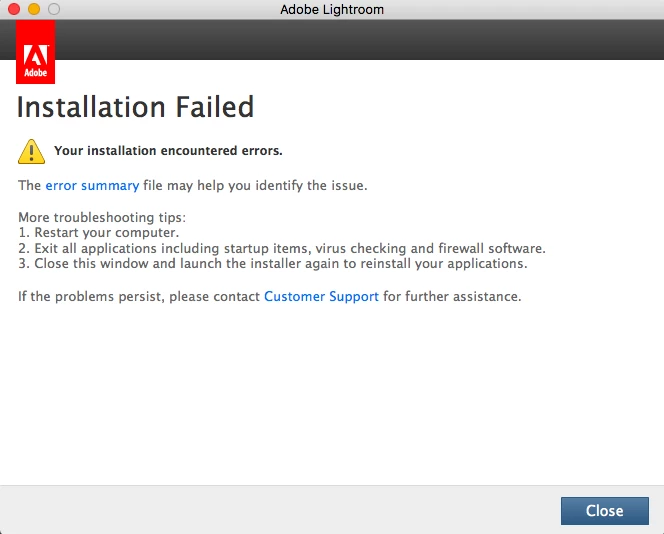
I was having performance problems with LR6 after the update to Mac Sierra 10.12.6 and decided to uninstall and re load the software. When I attempt to install I get the following warning:
When I click on 'Error Summary' I get this page:
And when I click 'System Requirements' I get this page:
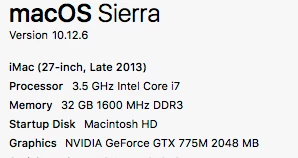
However, the fact that I have been running the software Ok surely means I have the necessary requirements on my Mac? These are as follows:
I read another thread from a guy with the same problem which was resolved by making a new user admin. Unfortunately, that hasn't worked for me. I believe these are the installer logs that tell you (anyone) what the issues are? Ironically, my machine says this kind of file cannot be uploaded! So I hope the screenshot is legible. Aside from that I am at a loss which is why I am here. Definitely a case of if it ain't broke. For the record my copy of LR is a standalone item purchased from a reseller.
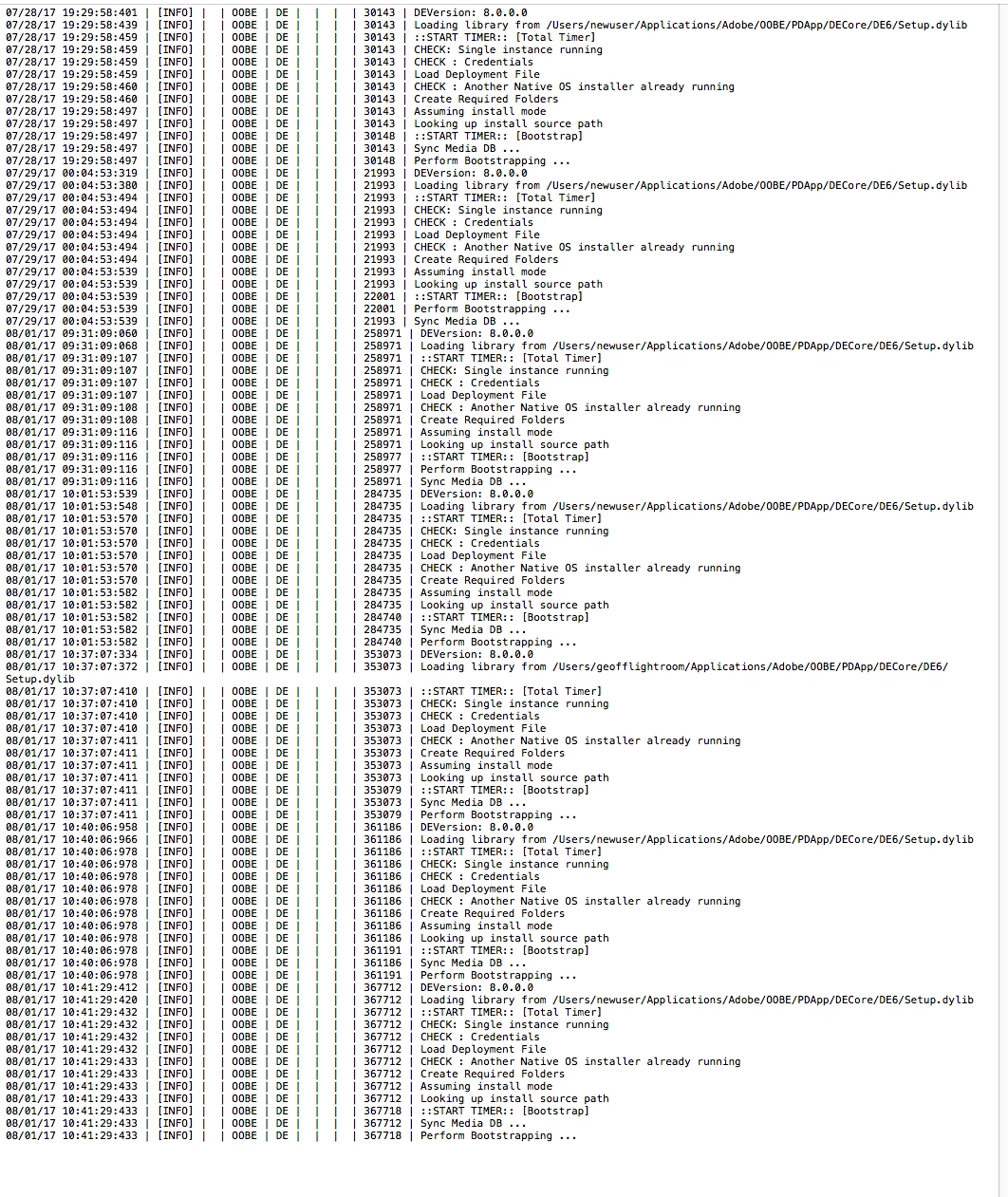
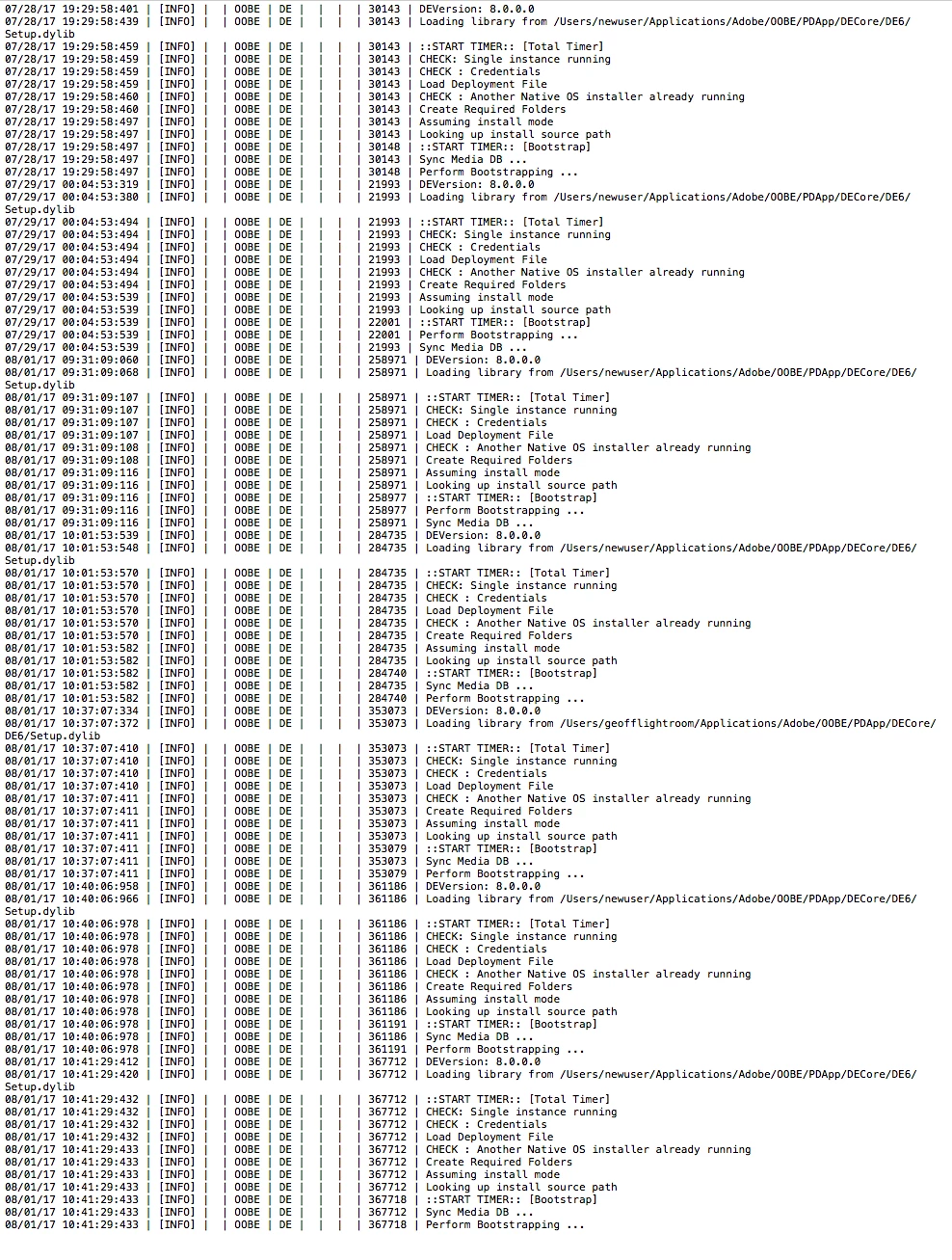
All suggestions gratefully received..
Geoff
 AdChoices