
Question
Cannot remove CoreSyncCustomHook.exe
I'm attempting a clean install of Creative Cloud desktop app (on Windows 10).
In order to do so I've run the adobe uninstaller. It gave me the following error.
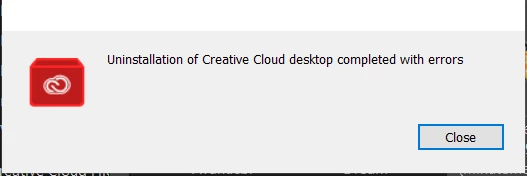
I tracked down various remnants using Revo uninstaller and I've managed to get rid of all of them.
EXCEPT CoreSyncCustomHook.exe
It's located in the folder C:\Program Files (x86)\Common Files\Adobe\CoreSyncExtension\customhook
The folder cannot be removed because windows claims it's still 'In Use' running somewhere.
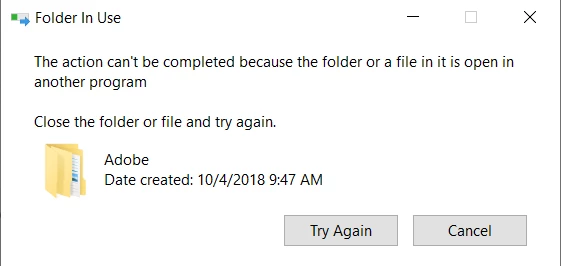
If anyone has an idea how and where this POS is running for the love of all that is holy tell me.
I've scoured my taskmanager (both details and services) but cannot find anything that's copyrighted by Adobe.


 AdChoices