Sparken
Participant
December 27, 2016
Question

Cant install LR

  • December 27, 2016
  • 2 replies
  • 320 views

Hello!

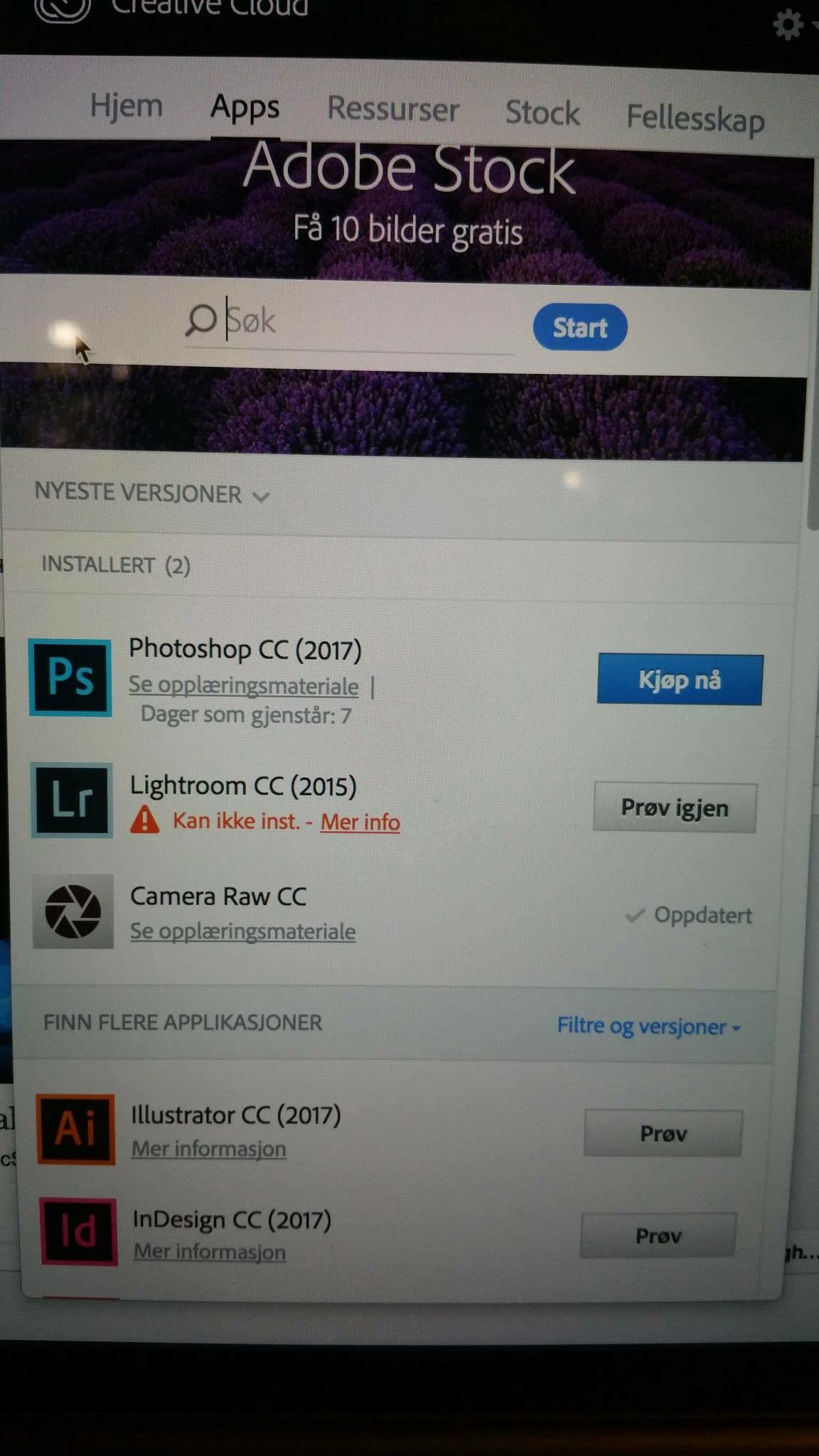
I cant install LR on my mac. PS did install perfect, but LR wont.

I have reinstalled, i have run the AdobeCreativeCloudCleanerTool and the ApplicationManager. still no luck .

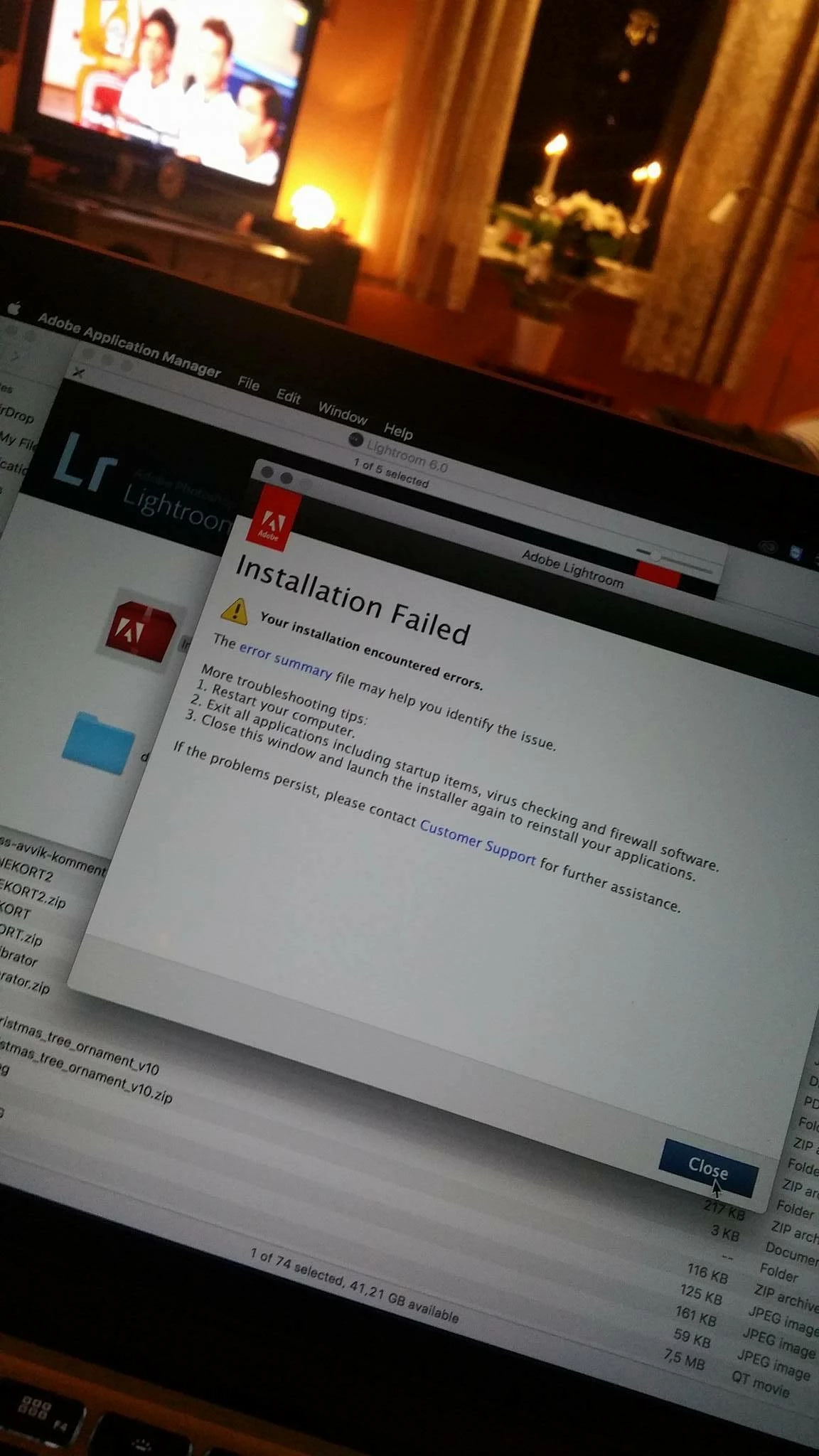
And yes, the install stops on 42%.....

Have also tried to install LR directly from a DMG file, get a error there also..

HELP! I need my Lightroom!

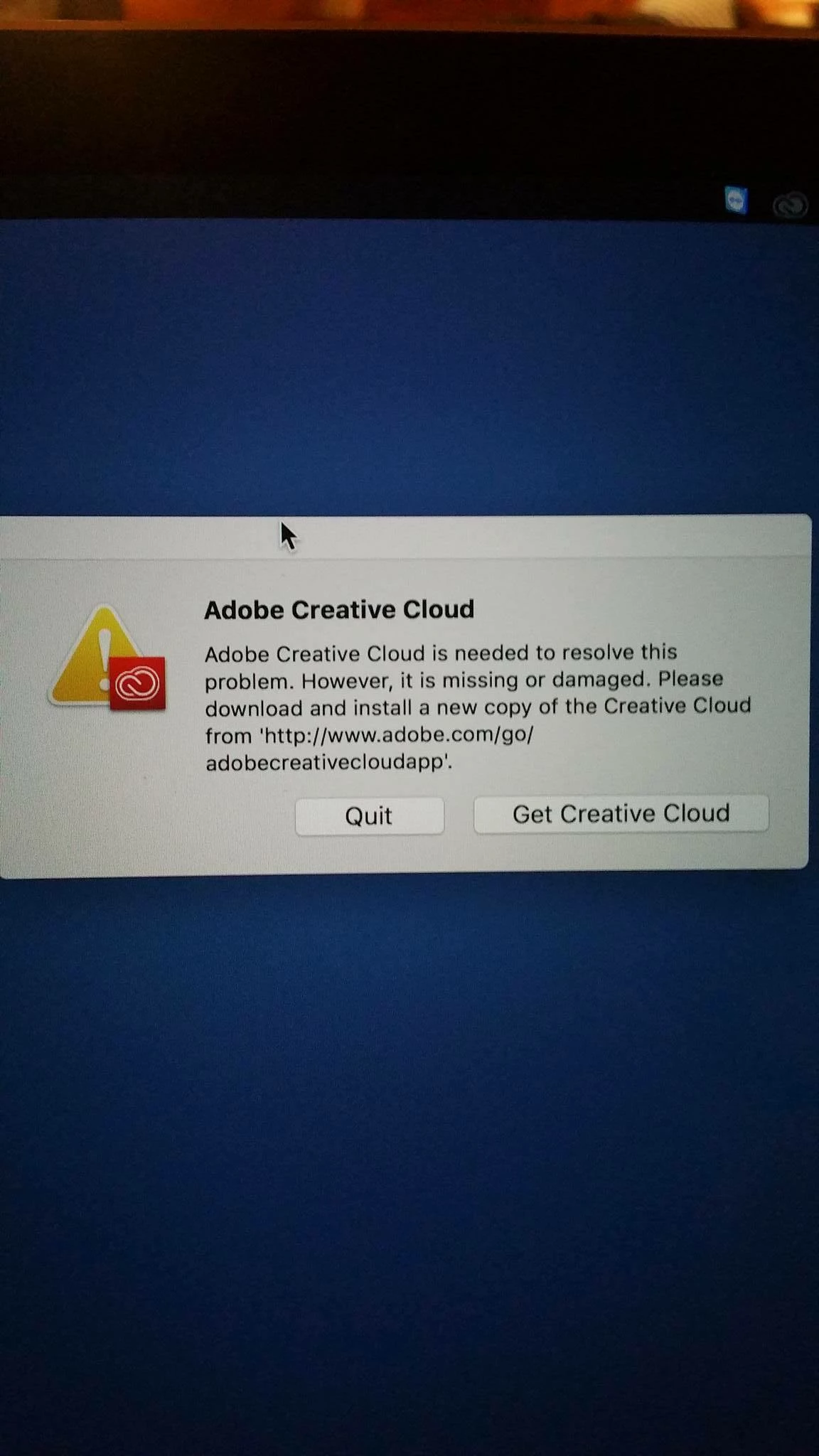
Somtimes my CC wont even start, when i start my mac i get a error message, more error pictures following:
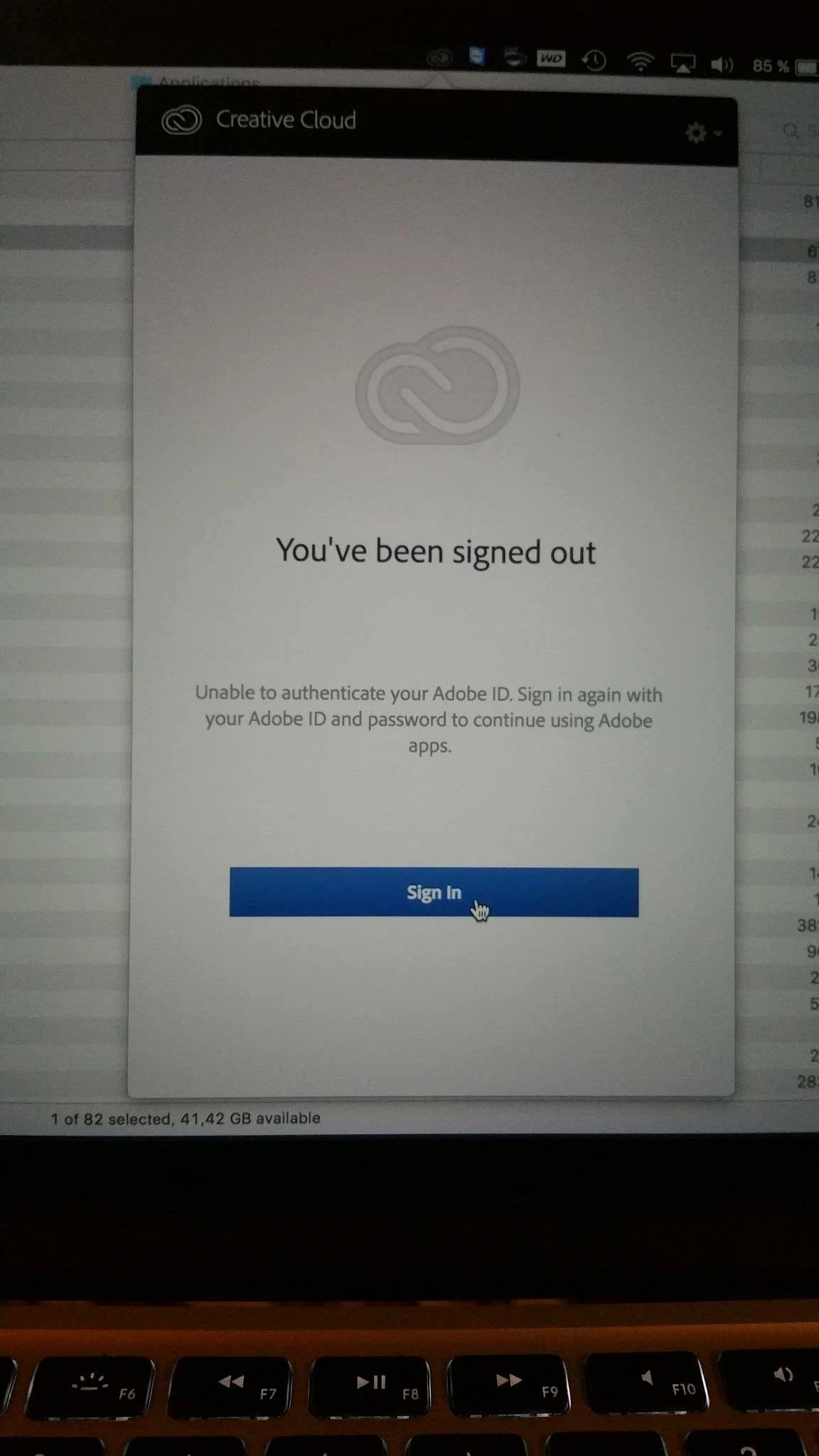
This topic has been closed for replies.

2 replies

Sheena Kaul
Legend
December 28, 2016
kglad
Community Expert
Community Expert
December 27, 2016

use finder to search for all your tmp and temp folders.  empty them all.

then

uninstall everything cc including preferences, https://helpx.adobe.com/creative-cloud/help/uninstall-remove-app.html

then uninstall the cc desktop app, https://helpx.adobe.com/creative-cloud/help/uninstall-creative-cloud-desktop-app.html

clean your computer of cc files per http://www.adobe.com/support/contact/cscleanertool.html

restart your computer (don't skip this)

reinstall the cc desktop app, https://creative.adobe.com/products/creative-cloud. (if you have a win os, right click the exe > click 'run as administrator'.

use the desktop app to install your cc programs/trials

Sparken
SparkenAuthor
Participant
December 27, 2016

Still the same... Did it all. 

PS seems to install as usal.

kglad
Community Expert
Community Expert
December 27, 2016

close all cc programs.

sign out and then back in to your cc desktop application using the same adobe id used to pay for your subscription:  http://helpx.adobe.com/creative-cloud/kb/sign-in-out-creative-cloud-desktop-app.html

restart lr install