Participant
January 11, 2015
Question

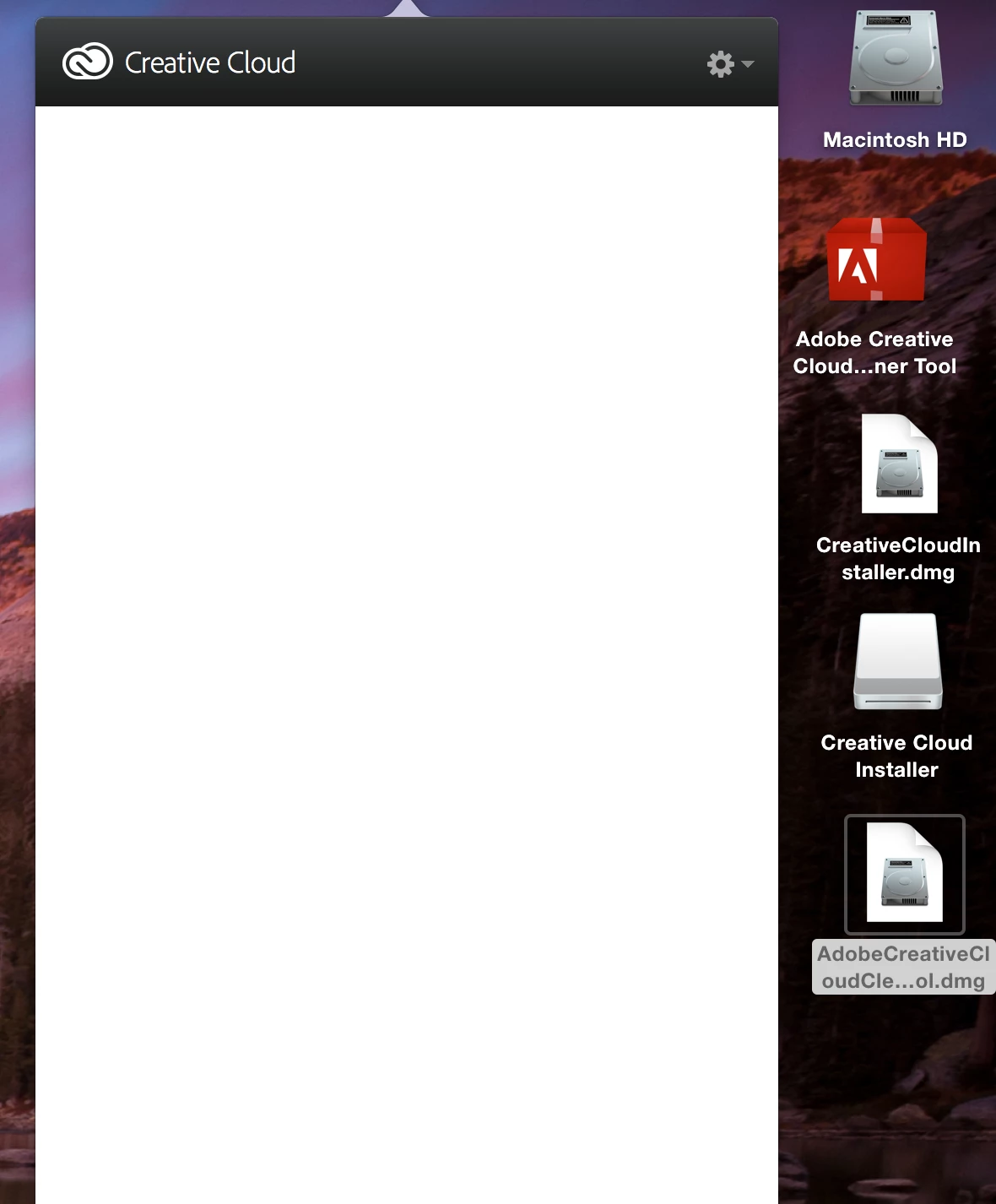
Cant run Adobe Cloud after set up new MAC with migration manager

  • January 11, 2015
  • 1 reply
  • 54 views

Hi, after setting up new Mac - cloud ist not running. Adobe Cleaner Tool was also used, still ist shows no Apps to install.

Any suggestions?
This topic has been closed for replies.

1 reply

Ethereal_Sunflower98BC
Participating Frequently
January 11, 2015

Try below steps once

click Gear icon on the top Right corner and Quit Creative Cloud App

Click on Finder and then hold Command + Shift + G keys on your keypad

It will open Go to folder window, type  exactly ~/Library and click on Go

Then open Application Support > Adobe folders

Trash AAMUpdater and OOBE folders.

click on finder and hold Command + Shift + G keys on your keypad.

This time type /Library and click on Go.

Make sure to remove ~ symbol.

Then open Application Support > Adobe folders.

Trash AAMUpdater, Adobe Application manager, OOBE folders.

Navigate to Finder> Applications > Utilites

Trash Adobe Creative Cloud and Adobe Application Manager folders

Download and Run CC cleaner tool from below link

http://helpx.adobe.com/creative-suite/kb/cs5-cleaner-tool-installation-problems/_jcr_content/main-pars/accordion_container_1/accordion-par/accordion-item-1/accordion-item-par/procedure/proc_par/step_3/step_par/download/file.res/AdobeCreativeCloudCleanerTool.zip

Accept the license agreement and click on Adobe Application Manager

Then click on clean up selected

Reinstall Creative Cloud App and check.

Participant
January 11, 2015

Hey Soooo Many Thanks! It works