

Answered
CC app show Photoshop as not installed
In that little CC applet which sits in my menu bar it shows Photoshop CC as needing to be installed (not updated).
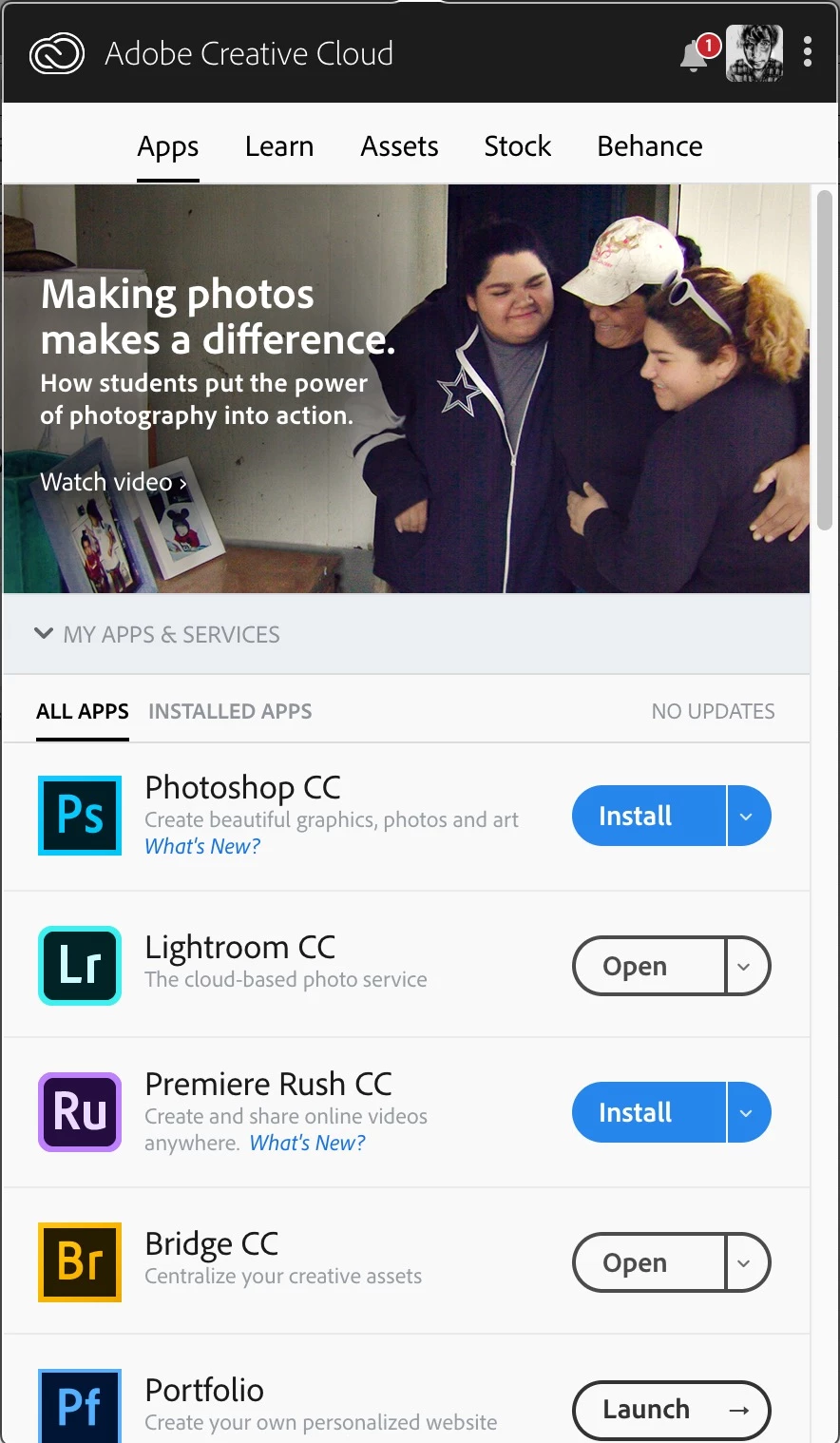
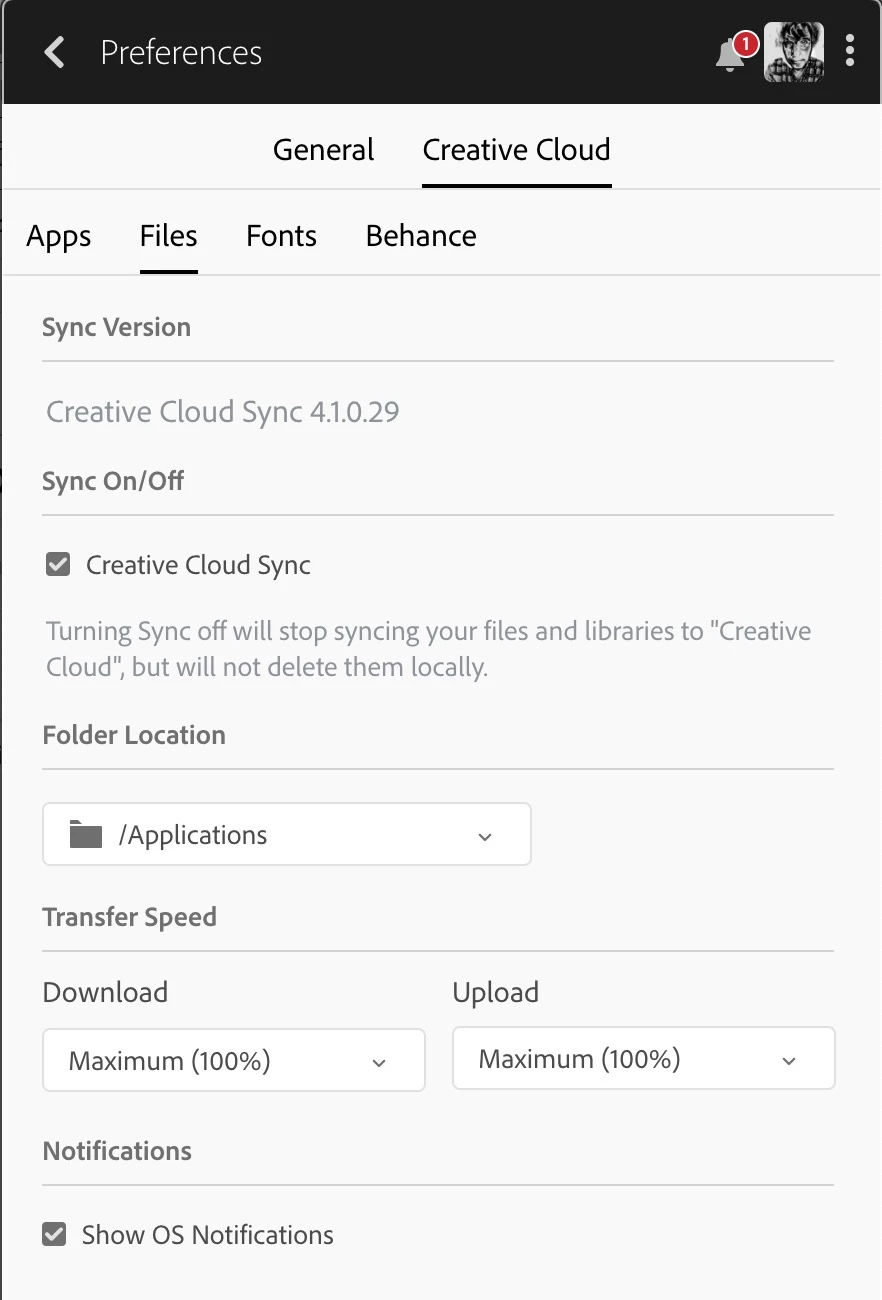
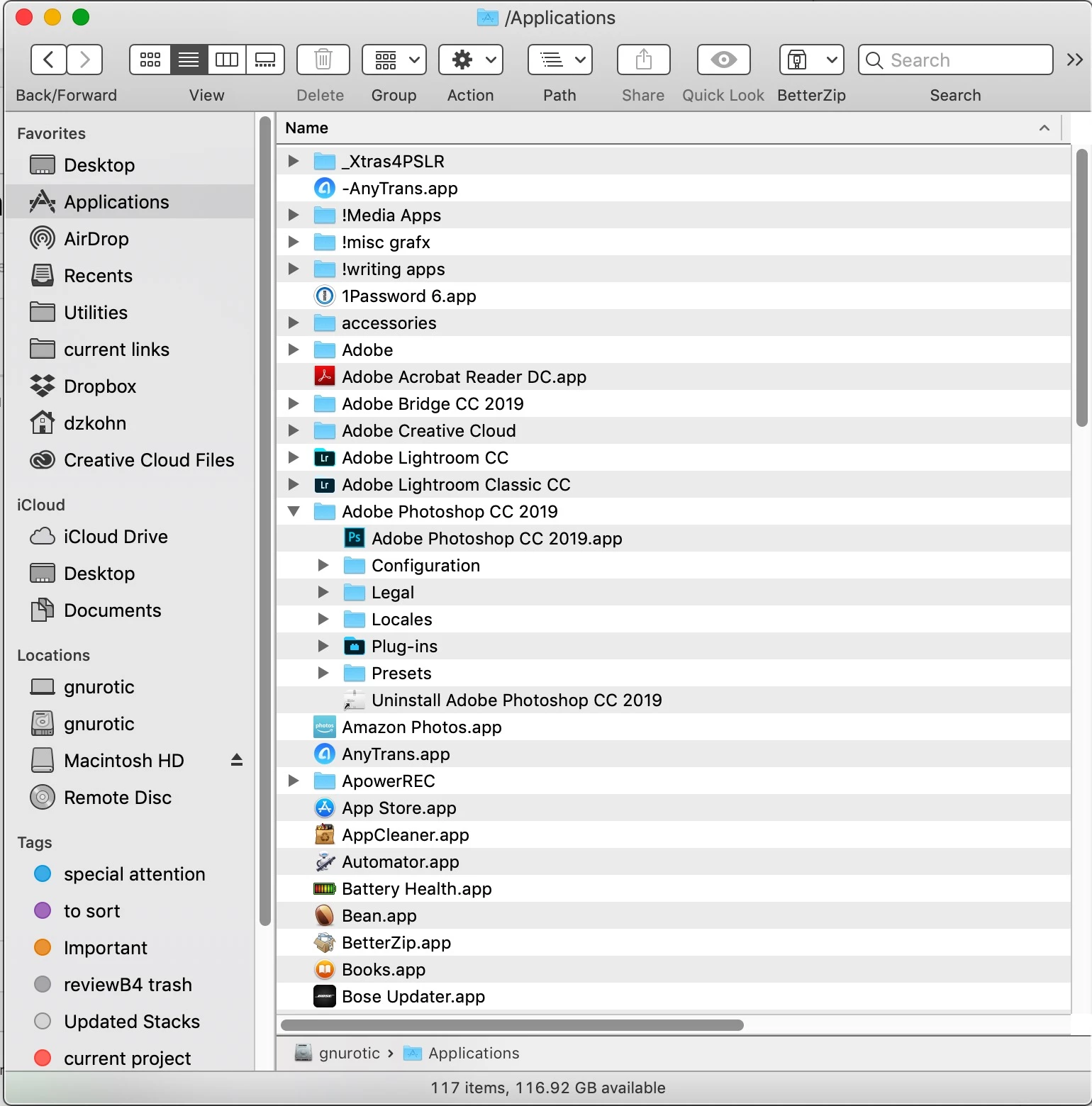
It IS installed and is installed in the location specified in the CC preferences. Why does it show as needing to be installed when it is installed?
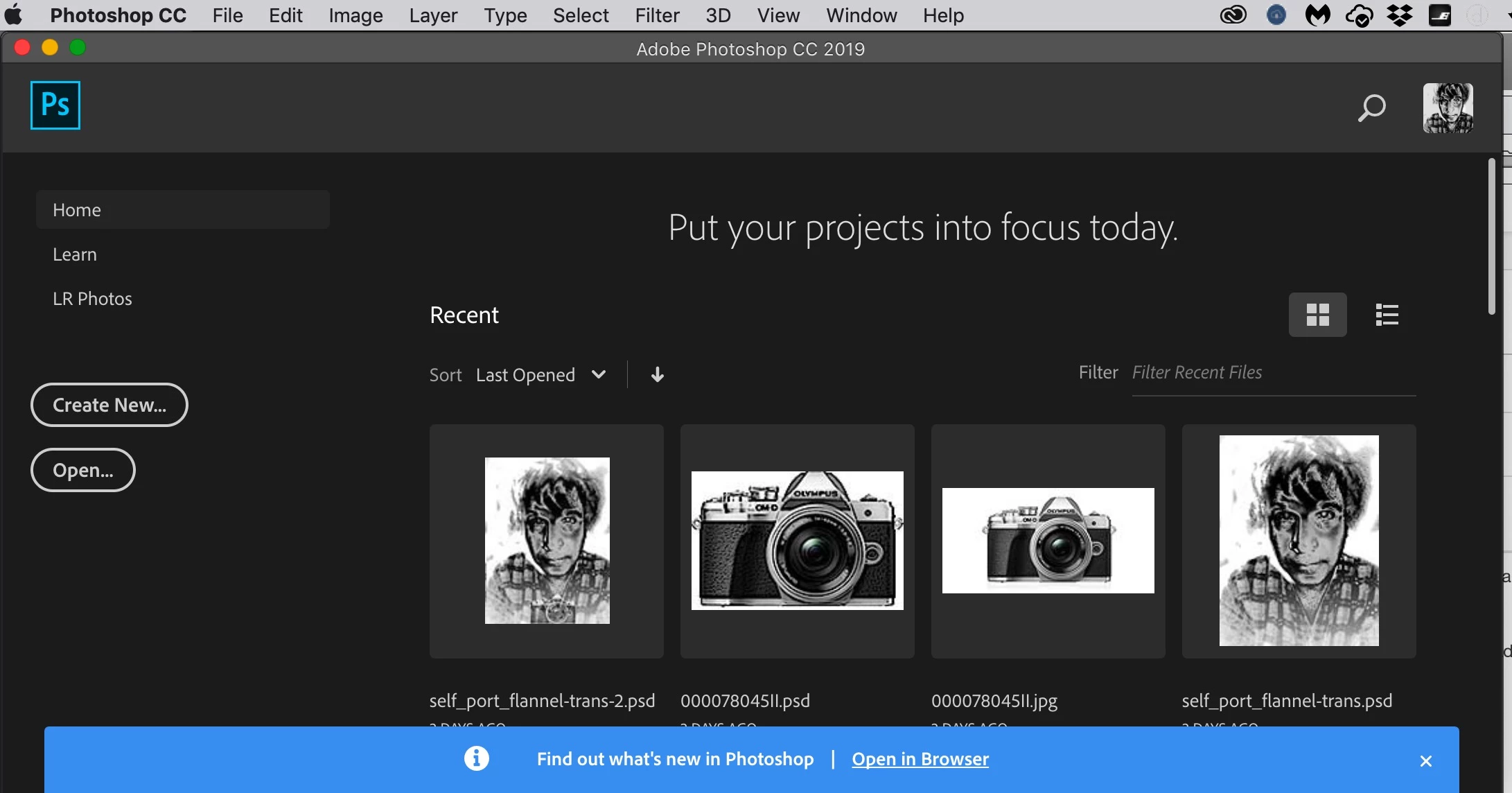
Photoshop CC opens and seems to work properly, except for one detail: It does not open to my default workspace. Instead it opens with a screen that says "Put your projects in focus today". To get my default workspace I have to go into the Window Menu and select it. Why is Photoshop opening to this screen? This only started happening recently.
 AdChoices