CC app sign-in errors!!!
So. I dowloaded my paid for Adobe CC app. All good.
Was signed in under my account, as you need to be.
Then I downloaded InDesign - All good.
But when I try to open it i get this
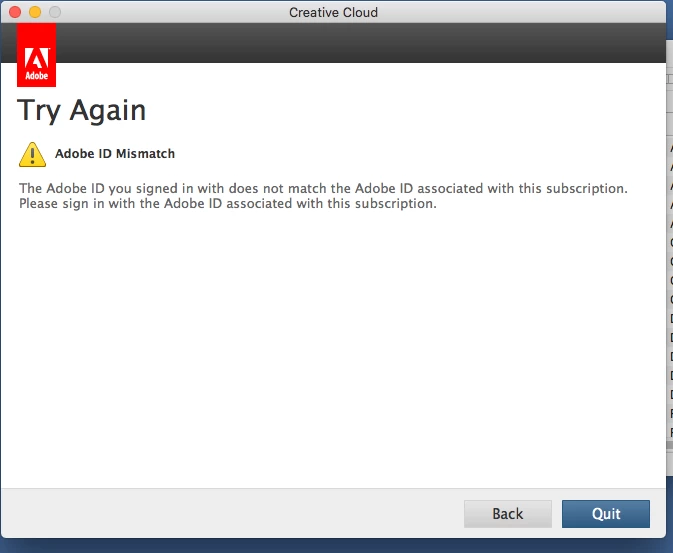
But I just downloaded it with MY account.
I've already tried:
• deleting everything Adobe related and reinstalling everything again. Didn't work.
• As above - but with a password change. Didn't work.
• As above but with a new invitiation from the admin of the account - also me! - Didn't work.
Other errors messages I got have been:
• maximum install reached - this is a lie as i just created a new account and have only tried to install on ONE machine.
• the standard login loop that seems to befall everyone who uses adobe products!
This also happened with Photoshop.
My mac is quite old but up-to-date in terms of software/OS etc. It's also a 64bit machine so should have any issues with new software.
Any ideas anyone?
 AdChoices