Answered
CC App Won't Run Properly
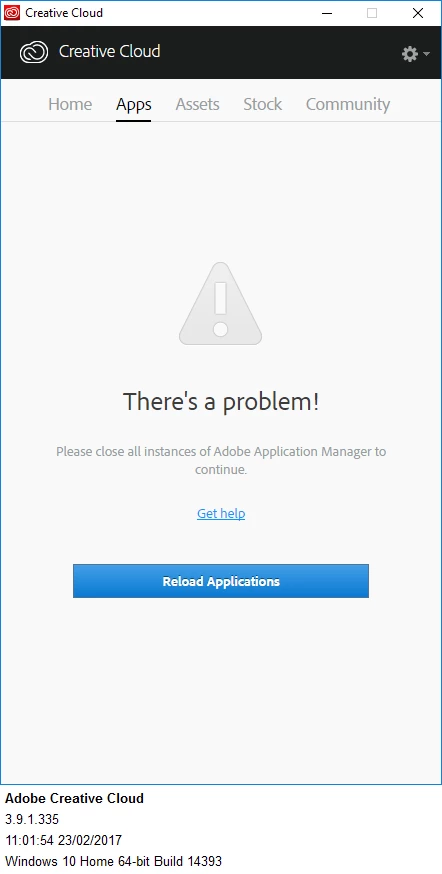 How do I cure this issue? I click the blue button to RELOAD. Nothing happens. I sign out, reboot and try again. Same problem.

How do I cure this issue? I click the blue button to RELOAD. Nothing happens. I sign out, reboot and try again. Same problem.
I can't remember if Microssoft updated my windows 10 system or not. Or if Malwarebytes updated. They are both set to auto update.
Missteach you may want to temporarily disable Malwarebytes to see if you continue to receive a download error in the Apps tab. If you continue to face difficulties then I would recommend contacting our support team directly at Contact Customer Care .
Already have an account? Login
Enter your E-mail address. We'll send you an e-mail with instructions to reset your password.
 AdChoices