After trying everything known to mankind, I finally did fix the problem!
Here's what I did, I hope this can help someone else in a jam:
>> Install a new Application Manager, then run it and let it update itself. It will automatically download and install the latest version of CC Desktop App. <<
Here's the full instructions:
1) Download and Install a new Application Manager
Adobe tech support gave me this link to download a new Application Manager: Adobe - Adobe Application Manager : For Macintosh
The app is from June 2016 and on the official adobe.com website, so that's great. I did a double-take when I saw a note there saying "if you've been advised to download this, then download the latest CC Desktop app", but what they mean is you'll probably want both apps. Feel free to download it, but it's probably the same one that's crashing on you now.
In any event, download this new Application Manager, launch the disk image, and run the Install program.
2) Run the new Application Manager
After you've installed it, go to "/Applications/Utilities/Adobe Application Manager" folder. You'll just see a SWF and some folders in there, but if you go into the folder called "core" you'll see a nice red application called "Adobe Application Manager.app" (or just "Adobe Application Manager" if you don't have filename extensions turned on). Launch that app.
3) Done
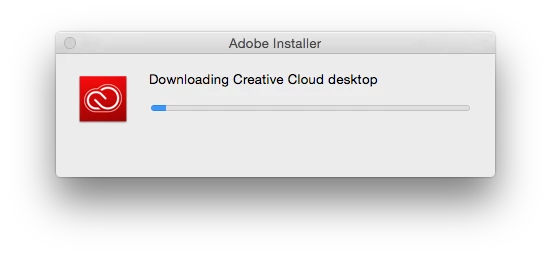
Let the application Manager run for a minute. It will download some updates, and install CC Desktop App for you! (Fun fact, if you keep your Utilities folder open you can see it install in realtime).
When that's done, you should have the CC icon in your top menu bar. If not, go to "/Applications/Utilities/Adobe Creative Cloud" and open the "ACC" folder and you'll see the application ("Creative Cloud.app") which you can launch.
You should be back in business.
4) But if you're still having problems, delete these folders and start over:
/Library/Application Support/Adobe
~/Library/Application Support/Adobe
/Applications/Utilities/Adobe Application Manager
/Applications/Utilities/Adobe Creative Cloud
This is what the Adobe tech told me to do first, but in hindsight I don't know if it's necessary. I'd recommend you try the fix first with your old folders intact, because if you delete all those folders, you'll lose all your CC subscription history and have to re-download and re-install every app again from scratch, including all your 3rd-party plug-ins from 3rd-party websites, which is a super pain in the arse if you work in After Effects or have bought plugins for Photoshop.
Also, at one point a tech advised me to download some janky version of CC Desktop App from a non-adobe website that did not look legit, so I wanted to find a solution that used genuine Adobe products on actual Adobe websites.
Hope this helps.

 AdChoices