


Participant
October 29, 2021
Question

CC Installation doesn't work, new MacBook Pro

  • October 29, 2021
  • 1 reply
  • 843 views

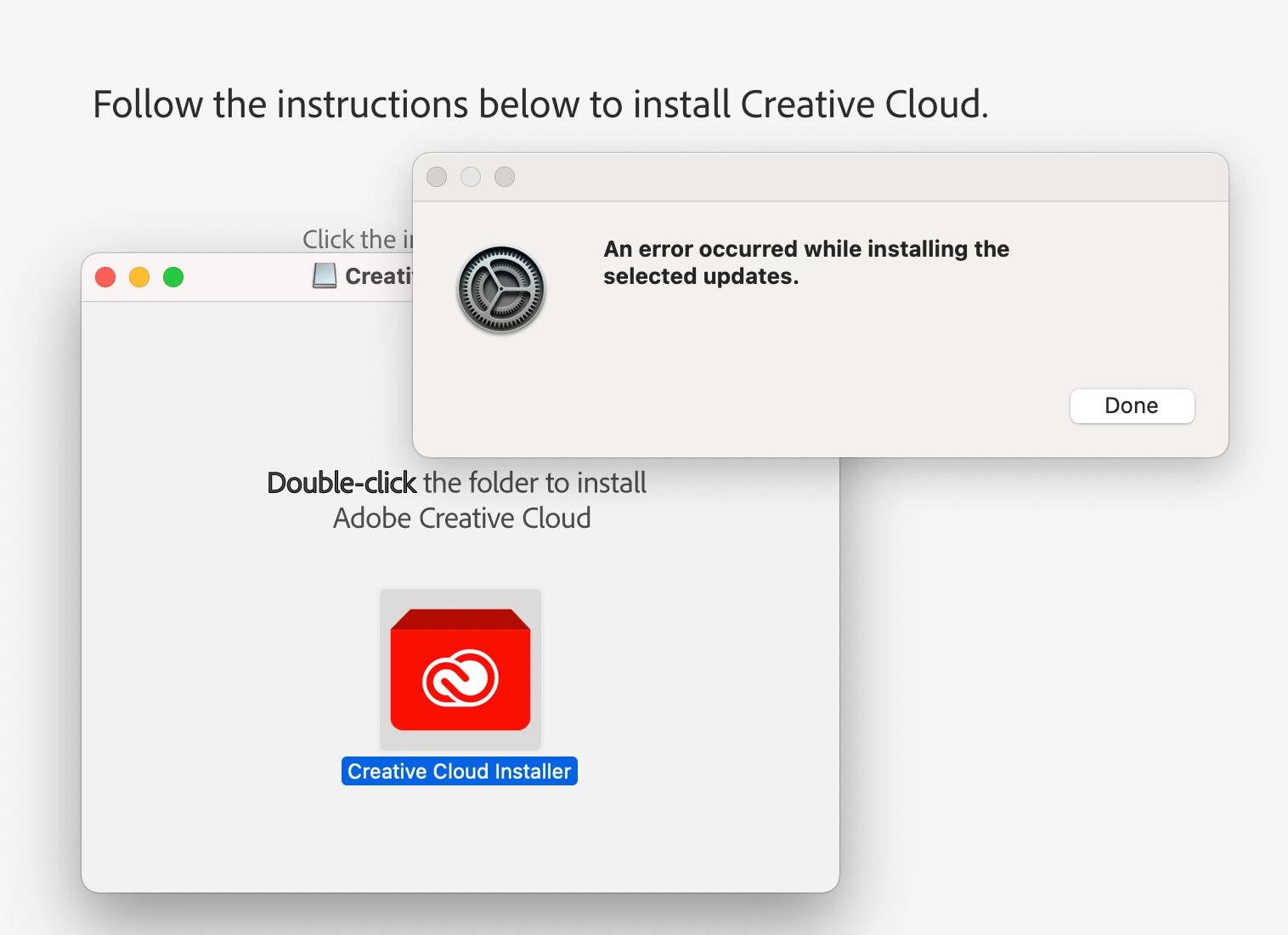
I've just bought a new MacBook Pro (Apple M1 Pro) and used the Migration Assistant to transfer all my files from my previous Mac. It worked fine but then Adobe didn't allow me to sign in again, so I uninstalled all the apps, including CC and reinstalled. I'm getting the following error and cannot do anything else. Any ideas how to fix it?


This topic has been closed for replies.

1 reply

thatsmauri
Community Expert
Community Expert
October 30, 2021

Try cleaning any possible remains of the old CC installation by using the 'Creative Cloud Cleaner tool':


Make sure to follow the steps outlined on that site before you run the Creative Cloud Cleaner tool to avoid potential data loss. If done, restart your Mac and try installing again.