
Regis P
Participant
March 5, 2020
Question

CE (Central European) fonts in Adobe Portfolio

  • March 5, 2020
  • 2 replies
  • 635 views

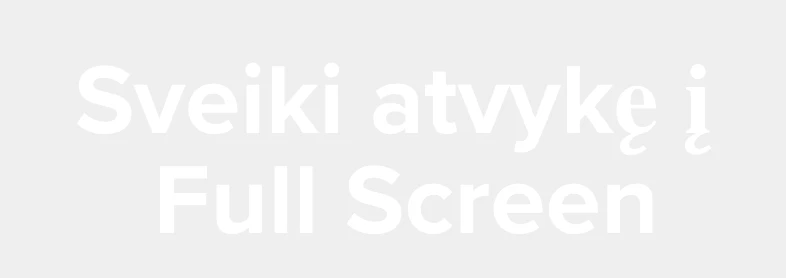
Hi, I've created a portfolio site using Adobe Portfolio and all is awesome except the font (Central European version with Lithuanian symbols). It displays correctly in editing mode (first screenshot), but not when published (second screenshot). The font I use is Proxima Nova and it seems it has all the necessary glyphs. Does anyone come up with the same issue? Any solution?

 

This topic has been closed for replies.

2 replies

Nancy OShea
Community Expert
Community Expert
March 5, 2020

Have you tried using Adobe Fonts instead of the standard ones?  See link below. 

https://help.myportfolio.com/hc/en-us/articles/360036649274-Managing-your-Adobe-Fonts


If that doesn't work,  submit a help request to Portfolio Technical Support.


Nancy O'Shea— Product User & Community Expert
Regis P
Regis PAuthor
Participant
March 5, 2020

Hi Nancy, Portfolio only lets you use Adobe fonts so the answer is Yes 🙂 Though thanks for the link, I've contacted technical support.