Answered
Changing a Logo in Adobe Portfolio
I've my own logo on my portfolio and wish to update it to a newer one but can't find the option to do this. Does anyone have any idea?

I've my own logo on my portfolio and wish to update it to a newer one but can't find the option to do this. Does anyone have any idea?
Depending on your theme, logo options will either display within your Navigation settings or will be its own setting in the left-hand toolbar.
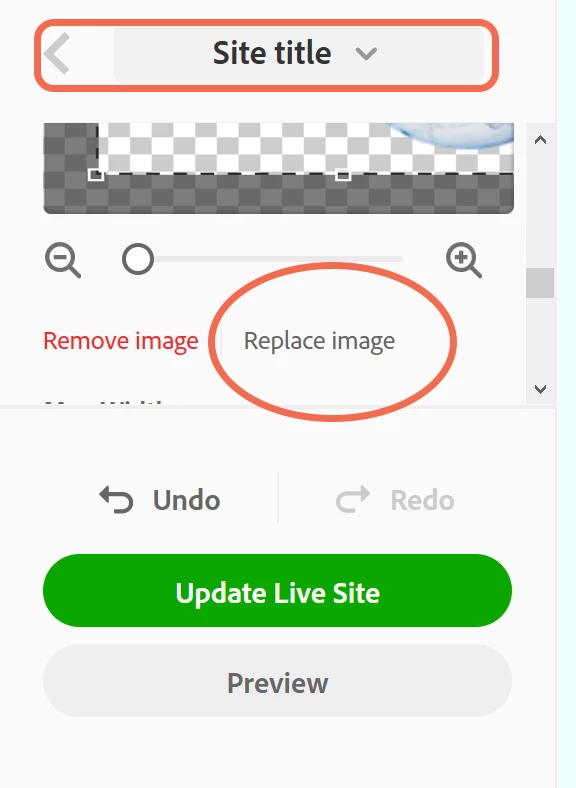
My theme, Sawdust, has logo settings on the left and I click on Site Title. Select Image tab and scroll down to Replace Image. See screeenshot.
Already have an account? Login
Enter your E-mail address. We'll send you an e-mail with instructions to reset your password.


 AdChoices