
Question
Cleaner Tool (Uninstall and Repair Tools) and Install Creative Cloud Failure
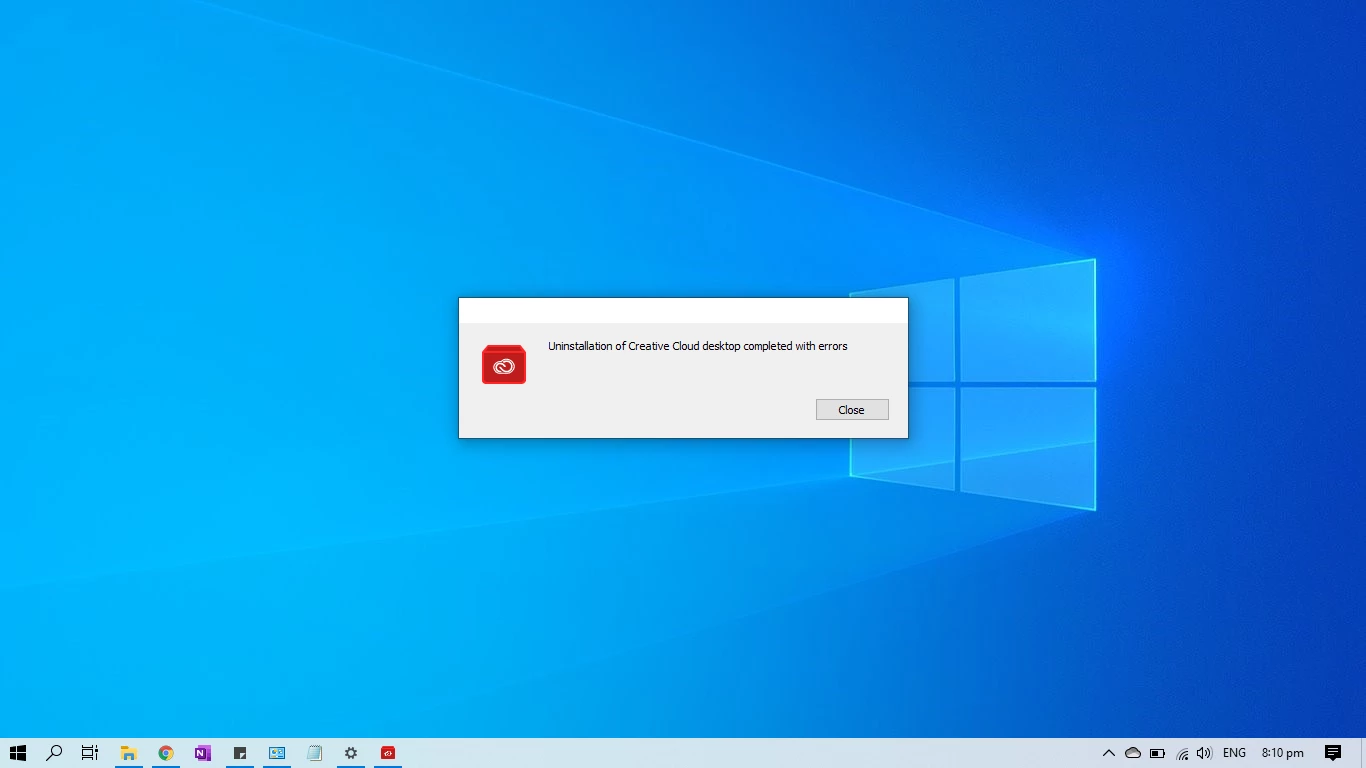
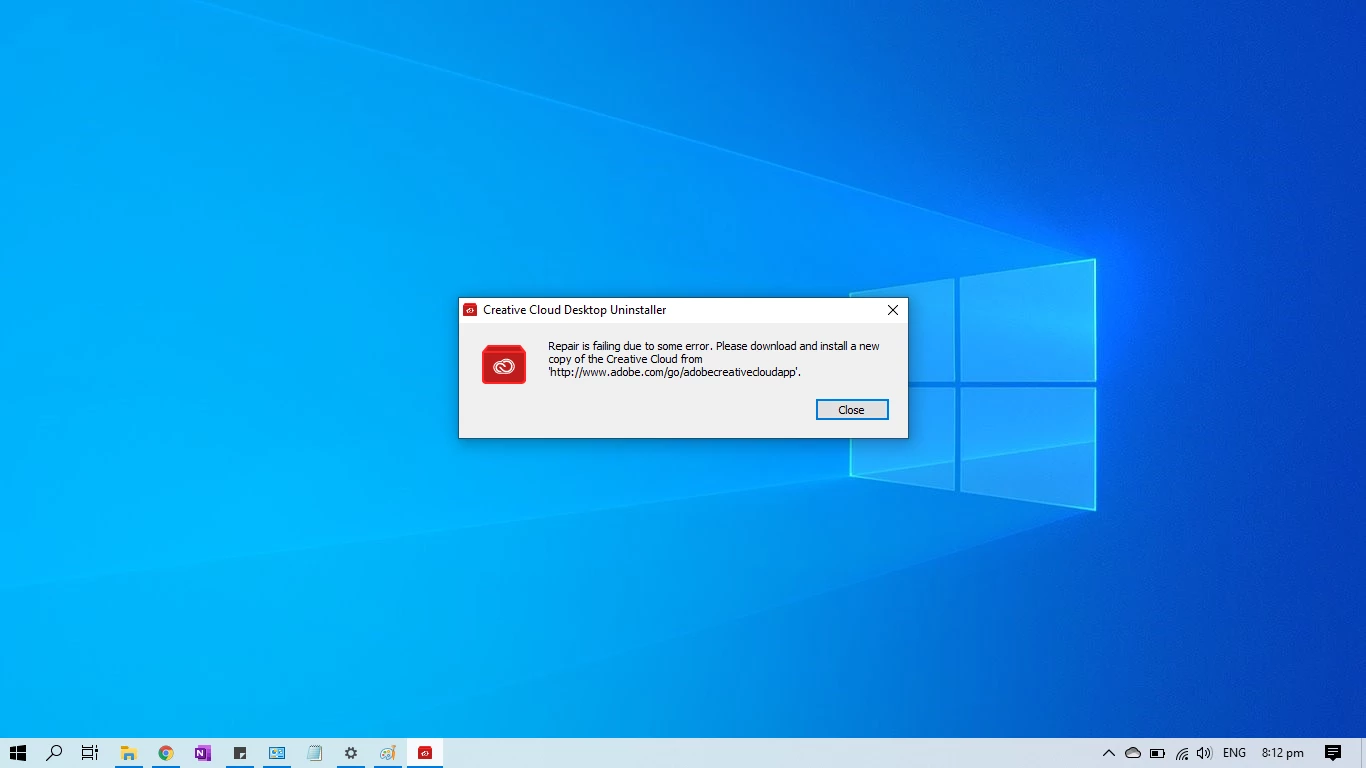
Whenever I run the cleaner tool with the uninstall option, it will just state "Uninstallation of Creative Cloud desktop completed with errors". Also when I run the cleaner tool with the repair option it will just state "Repair is failing due to some error. Please download and install a new copy of Creative Cloud from 'http://www.adobe.com/go/adobecreativecloudapp'".
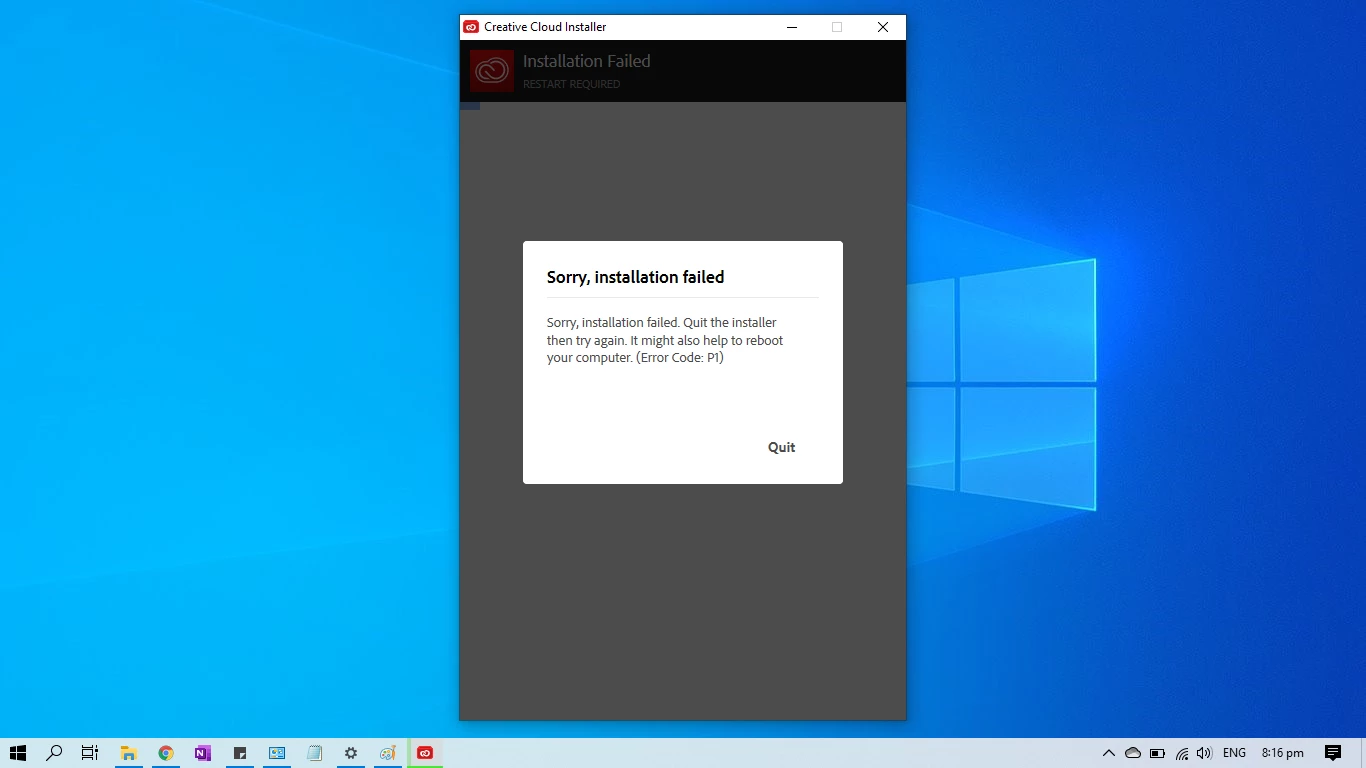
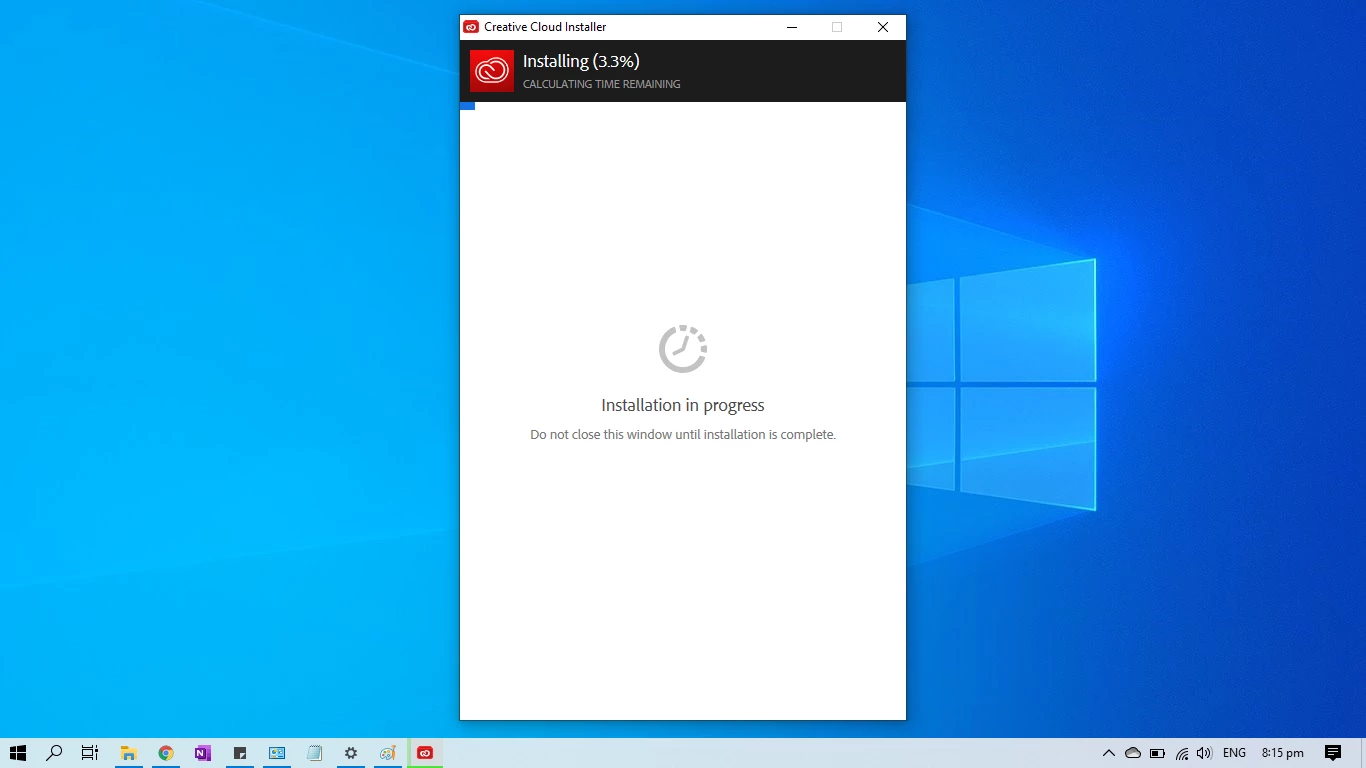
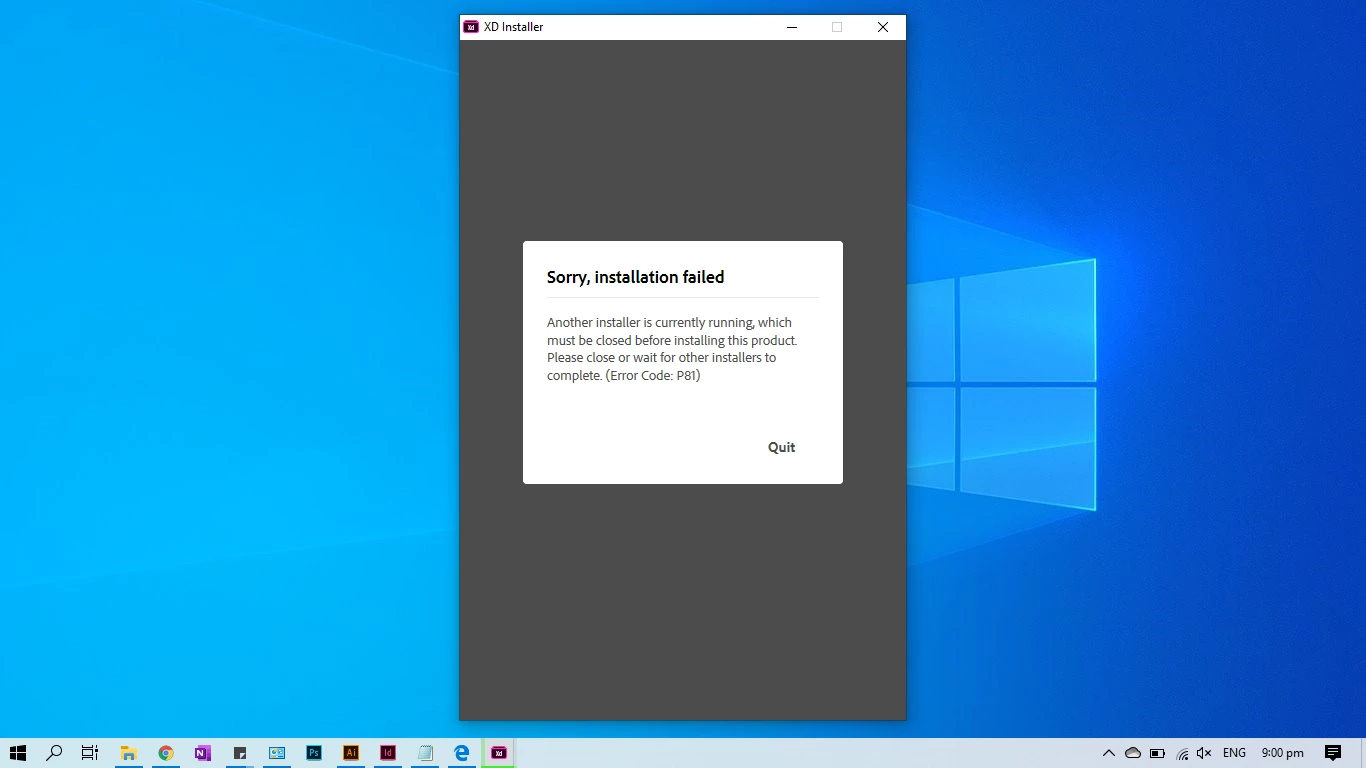
Moreover, I tried running the Cloud Set-up but still, the installation fails. I have done all already and still get the error code P1. Also, I tried installing the apps manually but yield the same results but this time it's P81. See screenshots for reference.
P.S.: I'm using a Windows 10 administrator account.


 AdChoices