Answered
Cloud App not working in Catalina 10.15.7
Since updating to 10.15.7 the Cloud app will not work. I've tried restarting the machine and it's still not working. The pic shows how it looks when I open it from the tool bar.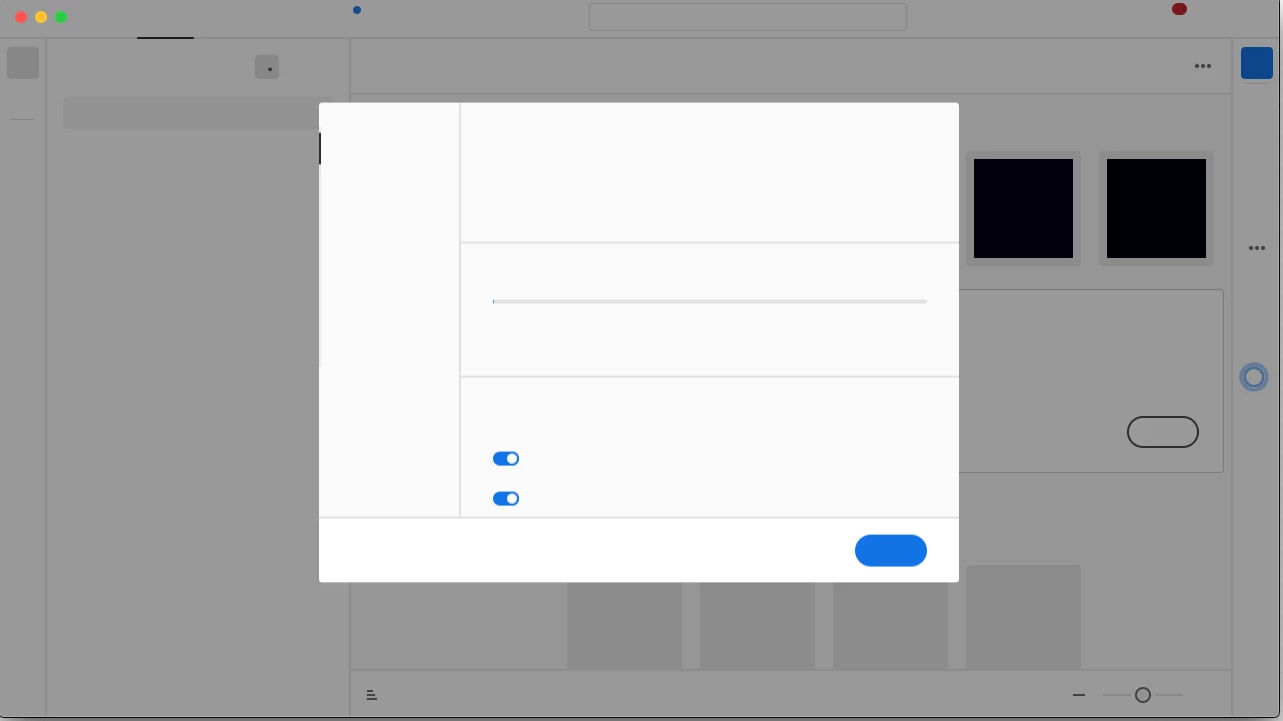

Since updating to 10.15.7 the Cloud app will not work. I've tried restarting the machine and it's still not working. The pic shows how it looks when I open it from the tool bar.
reset the cc app: To reset the Creative Cloud desktop app, make sure it's in the foreground, then press:
Win: Ctrl + Alt + R
Mac: Cmd + Opt + R
if that fails, google cc desktop app white screen
Already have an account? Login
Enter your E-mail address. We'll send you an e-mail with instructions to reset your password.
 AdChoices