


Question
Code 101 trying to install Acrobat DC
Hello:
I uninstalled and reinstalled a few Adobe apps via CC to move them to another drive. I'm on a PC (Windows 11) and logged in as the administrator.
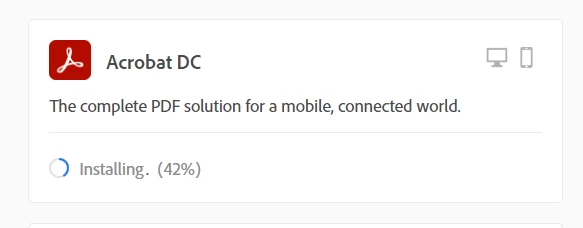
The other apps had no issue. Acrobat, however, gives me a code 101. I tried deleting temp files on the C drive; no dice. I also tried installing via the browser and it seems to be stuck at 42%, though I don't know how much to trust that since I still get the 101 error through CC.
Thanks.
 AdChoices