
Question
color profile problem
Hi
My adobe is upgraded to 2020. Earlier i didnt had any issue. When i open image in photoshop or view in bridge, both apps are not showing real colours. White background image is showing pale yellow, image below.
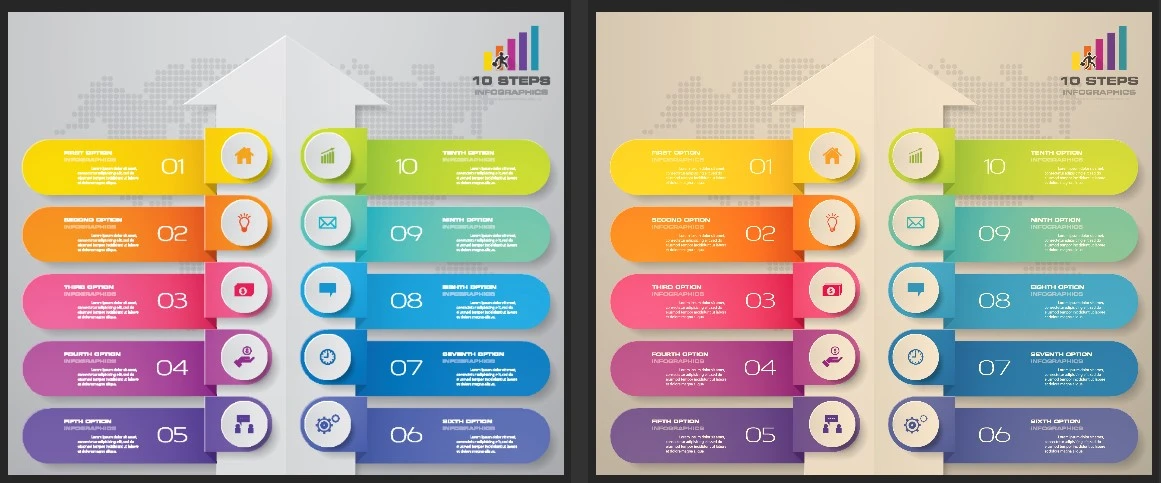
I have checked color setting, which is North America General Purpose 2 (sRGB 2.1):
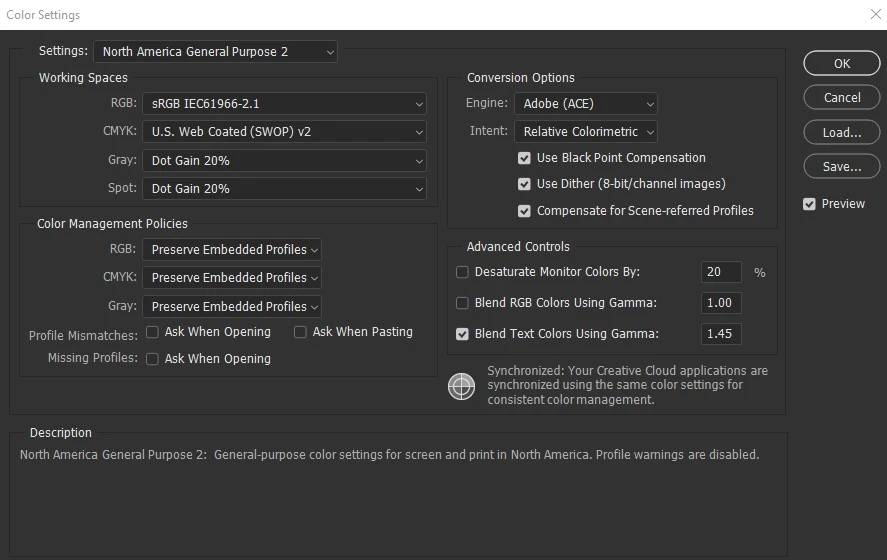
This setting should show white as white.
On my friends comp has same color profile setting, and the color is fine. I dont know where is the issue which setting will work for me.
HELP!
 AdChoices