

Question
"Component Install failed" error when attempting to reinstall CS3 to the same laptop it's always been on.
It started with a computer malfunction (Windows 7) that resolved itself. After that I was unable to open any of my CS3 products and received the error message "Licensing has stopped working". I went to Adobe help and followed all instructions : "Error "Licensing has stopped working" | Windows
But was unable to fix. And so I uninstalled my CS programs and reinstalled via discs up to CS2 (the programs I can open, but cannot open any existing docs created with CS3).
I have attempted multiple times to reinstall my Adobe CS3 update from online. It will go through the process and then in the end I get "Component Install Fail" (see image)
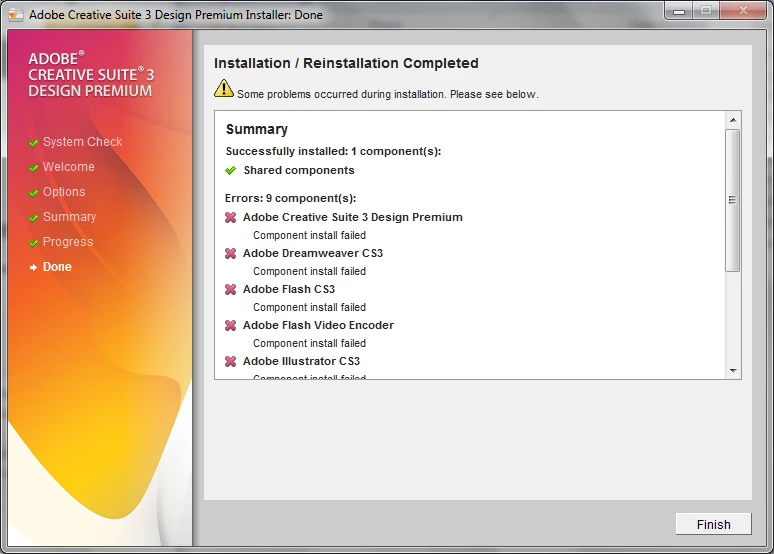
I need help! How do I troubleshoot this problem? Any insight is appreciated.
Gratefully, Anna
 AdChoices