


Known Participant
May 6, 2023
Question

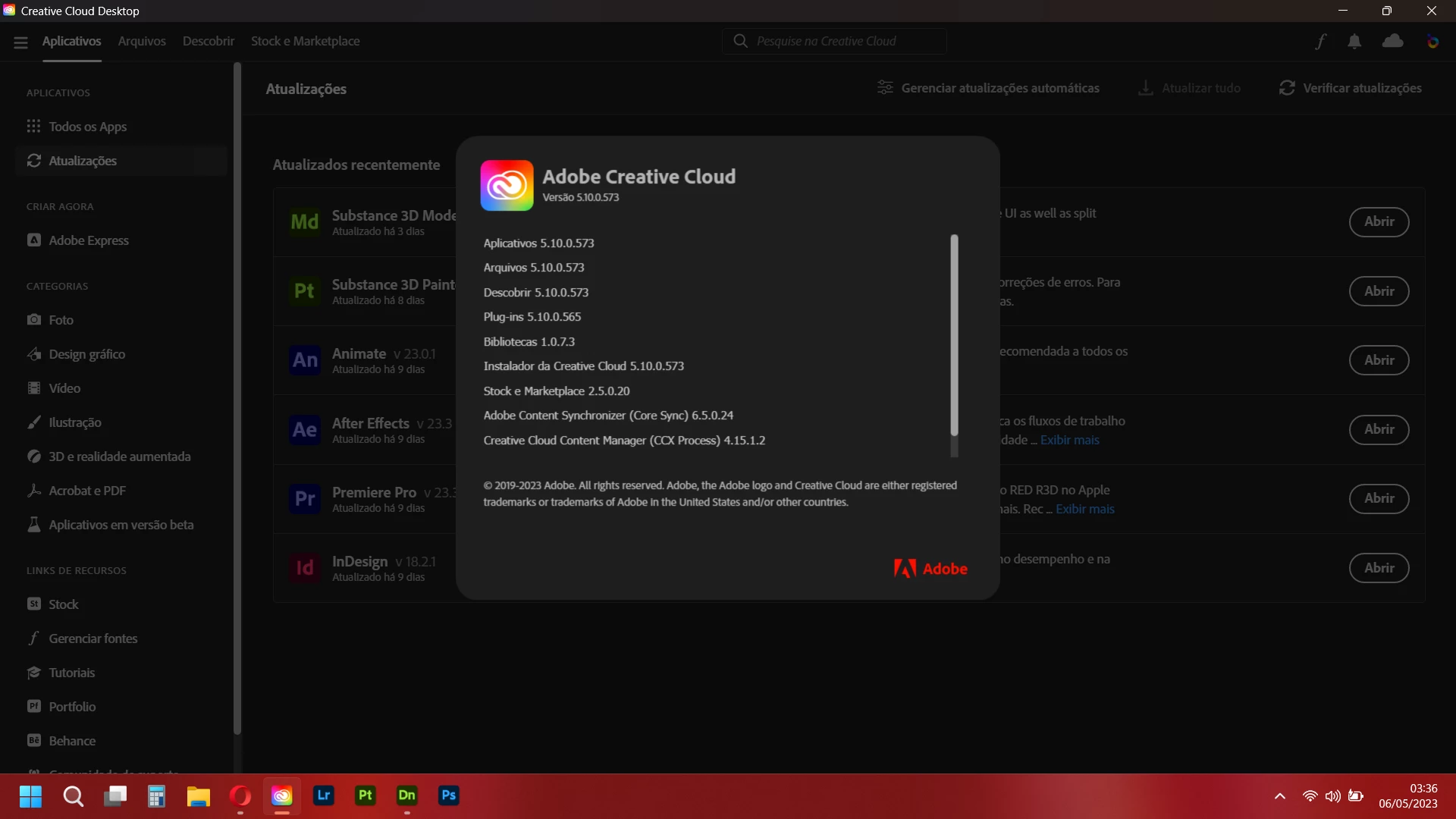
Conflito na atualização

  • May 6, 2023
  • 1 reply
  • 1056 views

Recebi notificação para atualizar 6 apps (entre eles illustrator e photoshop). Cliquei em atualizar tudo e imediatamente apareceu janela de erro "conflito na atualização" e fechou tudo. Quando reiniciei a creative cloud desktop apareceu como atualizada, mas sem qualquer registro das atualizações. 

Não deu tempo de ver os outros 4 apps que teriam atualizações, mas o Dimension não está mais renderizando pela GPU, ele reinicia de onde parei, mas renderizando pela CPU toda vez que eu altero nas preferências. Agora mesmo travou geral, nem consigo fechar
This topic has been closed for replies.

1 reply

kglad
Community Expert
Community Expert
May 6, 2023

@Anavrin Art 


restart your computer and then check for problems.


<moved from cc services>

Known Participant
May 10, 2023
It was the first thing I've done, your solution doesn't work
kglad
Community Expert
Community Expert
May 10, 2023

reset the cc desktop app by making sure it's in the foreground, then press:

Win: Ctrl + Alt + R
Mac: Cmd + Opt + R


if that fails, repair per https://helpx.adobe.com/download-install/kb/creative-cloud-install-stuck.html


if that fails, uninstall using the correct uninstaller from https://helpx.adobe.com/creative-cloud/help/uninstall-creative-cloud-desktop-app.html#sa_src=web-messaging and then reinstall using*


if that fails, do a clean cc install carefully following each applicable step:

uninstall every cc app including preferences per https://helpx.adobe.com/creative-cloud/help/uninstall-remove-app.html

then uninstall the cc desktop app, again using the correct uninstaller per https://helpx.adobe.com/creative-cloud/help/uninstall-creative-cloud-desktop-app.html#sa_src=web-messaging

clean your computer of cc files per http://www.adobe.com/support/contact/cscleanertool.html

check for, and if available, update your os

if windows is your os, repair all ms visual c++ versions that can be repaired (use google if you don't know how to do this)

if windows is your os update your ms visual c++, if it can be updated (use google if you don't know how to do this)

restart your computer (don't skip this)

reinstall the cc desktop app using the "alternative download links" at the bottom of the page at https://helpx.adobe.com/download-install/kb/creative-cloud-desktop-app-download.html

use the desktop app to install your cc programs/trials

NOTE: win 11 users that have trouble with the latest win 10 installer often have success with the older win 10 installer.