
Participant
May 26, 2019
Answered

Creative Cloud apps launch a popup with a spinner

  • May 26, 2019
  • 1 reply
  • 338 views

Hi,

Whenever I open Photoshop or Lightroom I get the following window:
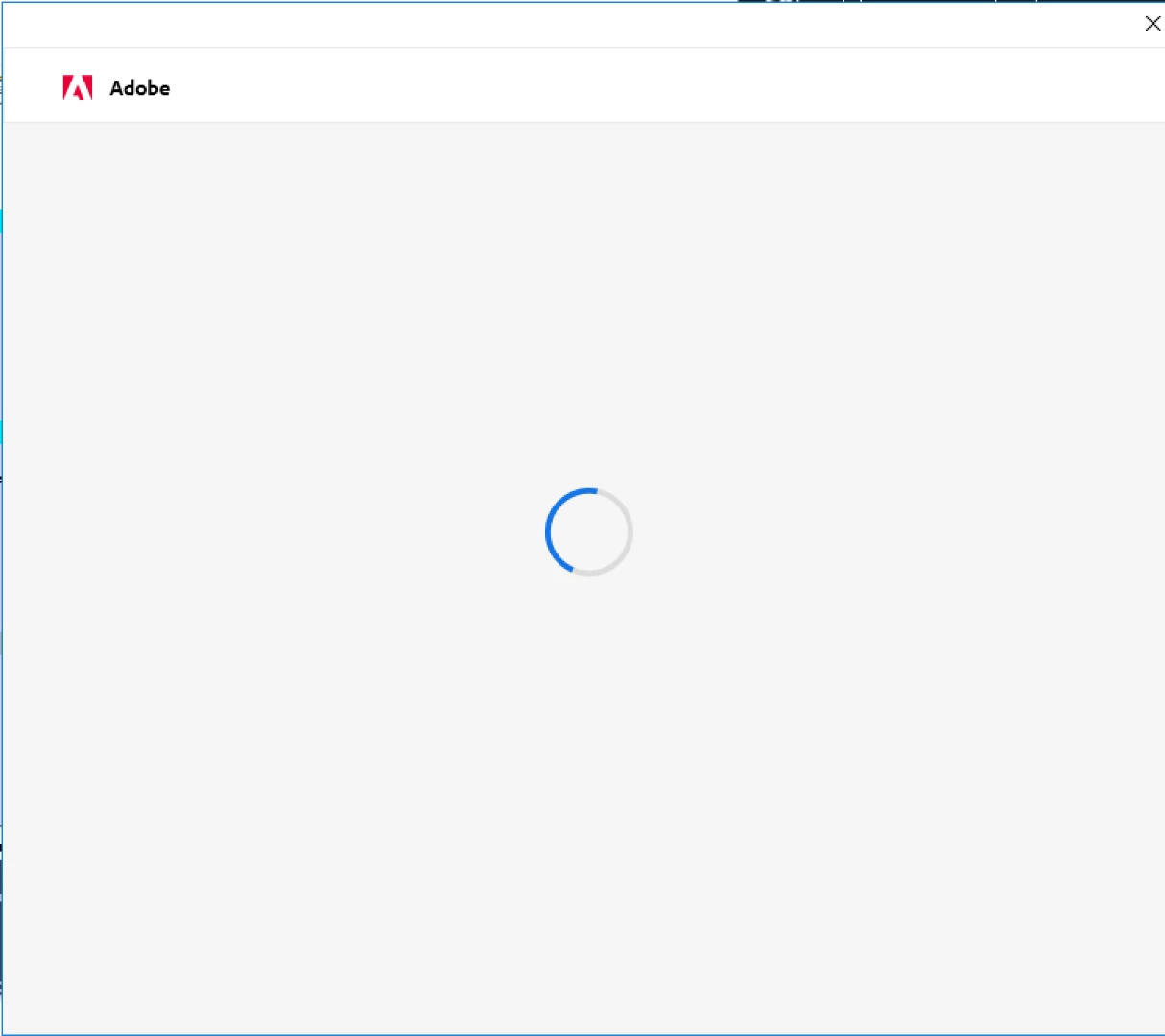
If I close that window the application itself closes (i.e. photoshop or lightroom).  I've left it open for several hours and nothing has happened - it's kept spinning.  When I closed it then the application quit as well.

I've tried the following steps to fix it:

1) uninstalling all creative cloud applications

2) uninstalling the creative cloud desktop application

3) running the creative cloud/adobe cleanup utility

4) rebooting

5) reinstalling creative cloud desktop

6) reinstalling photoshop

Any ideas?

This topic has been closed for replies.
Correct answer scootaloo1

I figured it out.  It was the pop-up saying I had too many devices activated, but I had to decrease the security level in internet explorer in order to see the content.

1 reply

AxelMatt
Community Expert
Community Expert
May 26, 2019

Please quit the Creative Cloud desktop app from the three vertical dots icon at the upper-right corner. Then delete the content of the OOBE folder.

Windows:

C:\Users\<user folder>\AppData\Local\Adobe\OOBE

The AppData is hidden with Windows default settings. See Show hidden files, folders, filename extensions | Windows for instructions to show it.

Mac

/Users/<user folder>/Library/Application Support/Adobe/OOBE

The \Users\<user folder>\Library\ is hidden by default after 10.7. See Access hidden user library files | Mac OS 10.7 and later for instructions on accessing it.

After this restart you computer and launch the Creative Cloud app again.

How to fix the issue of Adobe Creative Cloud desktop app not opening or showing a spinning progress wheel

My System: Intel i7-8700K - 64GB RAM - NVidia Geforce RTX 3060 - Windows 11 Pro 25H2 -- LR-Classic 15 - Photoshop 27 - Nik Collection 8 - PureRAW 6 - Topaz Photo AI
Participant
May 26, 2019

Thanks, but I get that window when opening Photoshop, *not* when I open the Creative Cloud Desktop app.  I just tried that again and had the same problem.  I can open Creative Cloud Desktop and use it to install Photoshop, but I get that spinner when I open Photoshop.

scootaloo1AuthorCorrect answer
Participant
May 26, 2019

I figured it out.  It was the pop-up saying I had too many devices activated, but I had to decrease the security level in internet explorer in order to see the content.