



Creative Cloud apps version 2023 auto installing when I don't want them
I hate updating Adobe apps. I have a policy to never, ever update an Adobe app unless an ogre at least 3x my size is glowering over me, brandishing firey pickaxes and spitting blood curdling oaths of terror unless I update.
Then, I update.
However outside of these occasional visits from ogres (had one from Tasmania the other day, quite a decent chap all in all) I obviously do everything in my power to stick with one version of an Adobe app, once I find a version that actually works. To facilitate this, I have some preferences set in the CC app:
- Never keep Creative Cloud up to date.
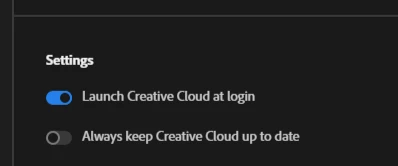
- Never auto update apps
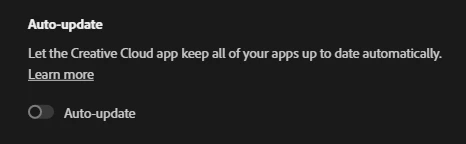
Imagine my surprise then, when today I find that I have several "2023" versions of Creative Cloud apps installed - Illustrator, Premiere Pro, After Effects & Media Encoder. I've been having some problems, and suddenly realised that these apps are opening in the 2023 version by default, although I never installed them. The 2022 versions are still installed alongside these.
So what the hell? It's not 2023 so don't give me a 2023 app. Try and get the 2022 apps working first, Adobe. I also don't want them installed unless I say so, so why are they installed? I have removed, but how do I prevent this from happening again? This is a pain.
 AdChoices