danielc99945543
Participant
March 13, 2017
Answered

Creative Cloud automatically signing me out.

  • March 13, 2017
  • 3 replies
  • 860 views

Every time i open the creative cloud app this message appears. i hit the "sign in" button all that happens is; a loading icon then proceeds to show the same message. I've restarted my computer, uninstalled the app, reinstalled it, deleted some file i found on another forum it suggested. I have literally tried everything and cannot get it to work. It is becoming very infuriating because i have work to do, and it is absolutely ridiculous i have to rely on this already broken app to begin with.
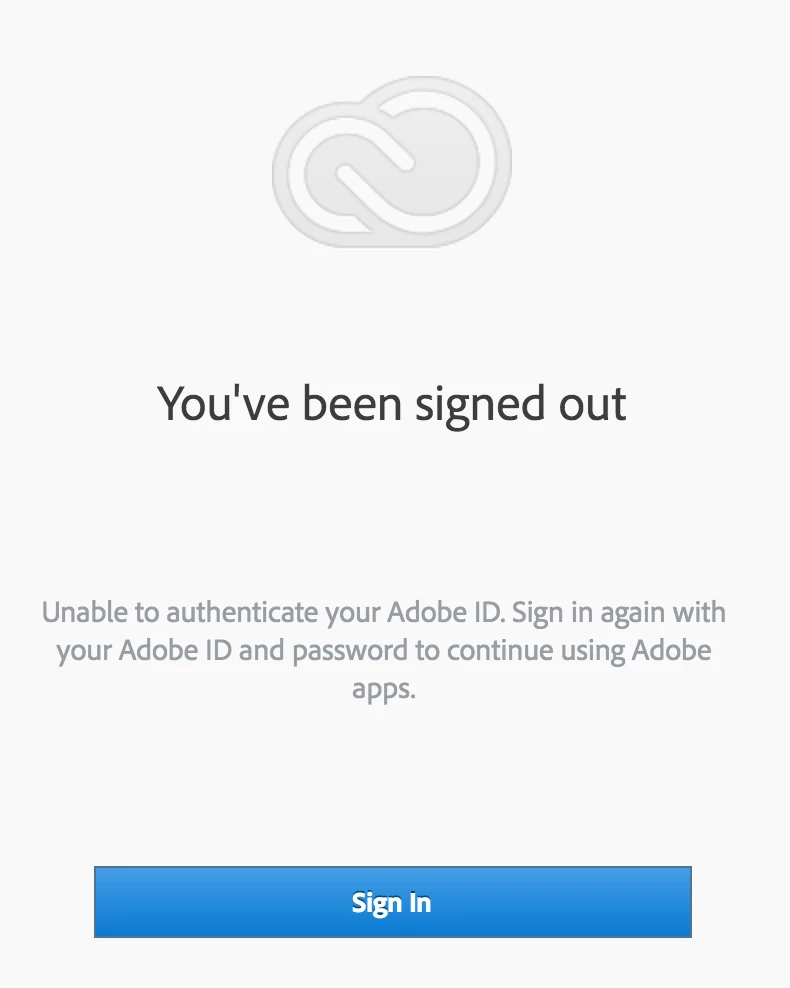
This topic has been closed for replies.
Correct answer Sheena Kaul

Hi Daniel,

I apologize for the trouble you are facing.

Since you have already tried the troubleshooting steps, please Contact Customer Care so that the agent can remotely connect to your machine and help you fix the issue.

Regards,

Sheena

3 replies

alidabbs
Inspiring
March 29, 2017

Same problem here. It's been doing it all day. Unfortunately, I am working at customer sites. Telling them to change their firewalls is not an option. Allowing a remote connection from Adobe customer care will not be possible. It's a pain in the arse, frankly, and now I can't access any Typekit fonts, CC Libraries etc.

danielc99945543
Participant
March 29, 2017

So i think i have figured out an actual tip to troubleshoot this problem. It may very well be you firewall settings. I was getting this issue at my moms house all day. I finally bring my computer to my dads where the firewall settings are different. I uninstalled, re-installed and the issue was solved. CHECK YOUR FIREWALL SETTINGS IF YOU ARE SEEING THE EXACT MESSAGE I POSTED ABOVE. Hopefully no one has to deal with this issue in the future.

John T Smith
Community Expert
Community Expert
March 13, 2017
danielc99945543
Participant
March 13, 2017

tried all three of those methods and still having the same issue come up. i cant delete all the apps from my computer because i need creative cloud to work to uninstall them. I have found no other answers for this absolutely ridiculous problem

Sheena Kaul
Sheena KaulCorrect answer
Legend
March 14, 2017

Hi Daniel,

I apologize for the trouble you are facing.

Since you have already tried the troubleshooting steps, please Contact Customer Care so that the agent can remotely connect to your machine and help you fix the issue.

Regards,

Sheena