

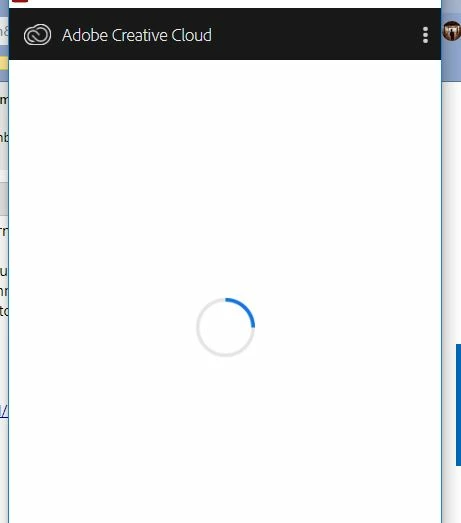
Creative cloud cannot connect to the internet
I'm currently using an ethernet connection, all my other programs (chrome, steam, etc.) can connect to the internet. I have contacted adobe support yesterday and they tried deleting some files and running administrator stuff and he referred me to Windows support which I contacted today, we tried updating the network adapters, etc.and the windows support person said that it's not my laptop's problem but rather the program itself since everything else seems to be working fine. I've had this issue for quite a while (over one year), contacted adobe before and didn't get it resolved, as well as the window forums. So right now i don't really know what to do about it. I can't use the adobe programs because my licence finished and i redeemed it two days ago online but the apps like photoshop can't connect to verify that i have re-subscribed. Yea...
I remember before that the programs (creative cloud, the main app thing, managed to connect to my school internet) did seem to work on my school internet but i can't be sure that it's because of my home network because i tried to hotspot myself yesterday and it didn't work  . Thanks so much for reading and if further information is required please ask!


 AdChoices