Question
Creative Cloud desktop application does not load properly under Windows 8.1
I'm having a very strange problem with the CC tool too.
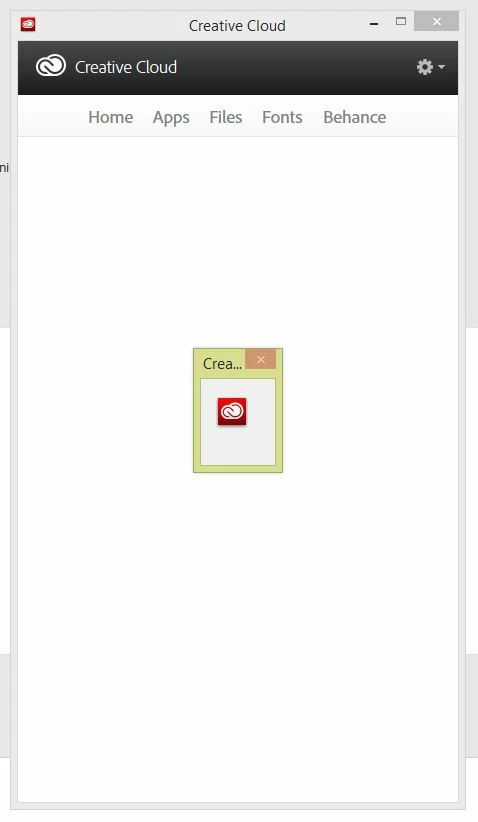
When I open it I just see an empty box with a smaller dialog inside it showing the icon. It won't close and I can't interact with any of the windows. The only way to get rid of it is to kill it via task manager. I've tried the "rename opm.db file" hack and this makes the CC app ask for my Adobe credentials as though its going to work, but then ends up showing the same thing. I've attached a screengrab of what's happening. Windows 8.1 FWIW.
 AdChoices