Creative Cloud Desktop download utility running on Mac 10.8 fails to show apps/install apps
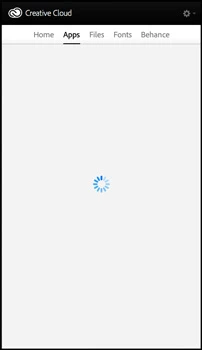
After purchasing subscription, downloading and installing the Creative Cloud Desktop Version (2.0.0.183) utility, I am unable to install a single app. When on the 'App' screen a spinning circle appears. I have tried reinstalling the Creative Cloud Desktop Utility many times, spoken with chat member who suggested deleting a database file in the OOBE folder, then restarting computer—none of these have worked. I have been struggling with this for over 5 hours, trawling forums with little success. I also have older versions of Adobe software (ie CS4. CS5, CS5.5 and CS6 which I do not want to delete).
I am running a Mac system 10.8, have 50 Gb drive space available and 32 Gb of ram.
Welcome any help as I purchased software subscription I cannot use.
Thanks
 AdChoices