


Creative Cloud Desktop stuck on “Initializing” — Error 740 launching Adobe Desktop Service
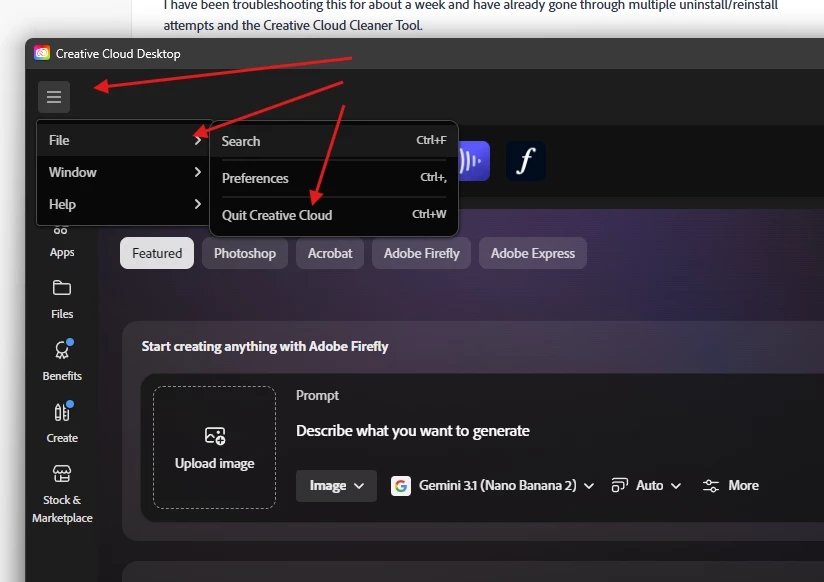
I’m having a persistent problem with the Adobe Creative Cloud desktop app on Windows 11. Creative Cloud installs successfully, but every time I launch it, it gets stuck indefinitely on “Initializing.”
I have been troubleshooting this for about a week and have already gone through multiple uninstall/reinstall attempts and the Creative Cloud Cleaner Tool.
I was able to find a specific error in the ACC.log:
CreateProcess failed! Error: 740
Failed to launch ADS. Error Code: 740
The affected process is:
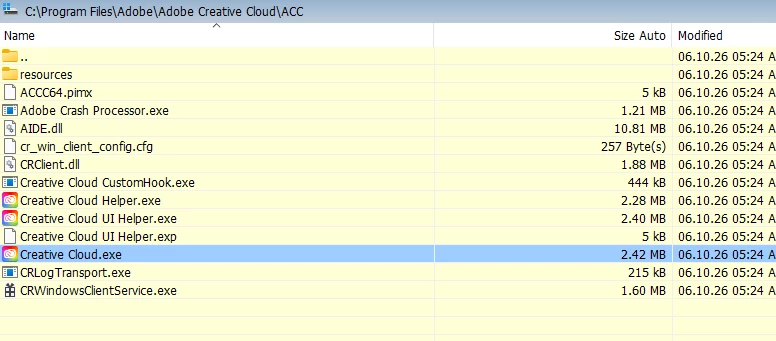
C:\Program Files (x86)\Common Files\Adobe\Adobe Desktop Common\ADS\Adobe Desktop Service.exeThe interesting part is that Adobe Desktop Service.exe is actually present and can be launched manually from an Administrator Command Prompt.
The log also shows that Adobe Desktop Service successfully starts at one point:
START Adobe Desktop Service. Version: 6.10.0.253but Creative Cloud/CCDContainer subsequently continues trying to launch it and receives Error 740.
I've also verified:
- Windows Management Instrumentation is running and the WMI repository is consistent.
- Windows Installer is functioning normally.
- Credential Manager is running.
- UAC is enabled and using normal administrator consent behavior.
- Adobe Desktop Service.exe has normal Windows permissions.
AdobePIM.dllis present.- The Adobe Desktop Common/ADS files are present.
- I found a
RUNASADMINAppCompat registry entry for Adobe Desktop Service.exe and removed it, but Creative Cloud still gets stuck on Initializing with Error 740. - A fresh installation still produces the same behavior.
Windows: Windows 11, build 10.0.26200.8973
Creative Cloud: 6.10.0.253
I'm looking for help determining why CCDContainer is receiving Windows Error 740 when launching Adobe Desktop Service, even though the executable exists and can be launched manually.
I've attached/provided the relevant log information if needed.
I'm particularly interested in whether this is an Adobe elevation/launch issue, an installation/manifest issue, or something in Windows preventing CCDContainer from launching ADS normally.
Thanks!

 AdChoices