
Participant
May 11, 2020
Answered

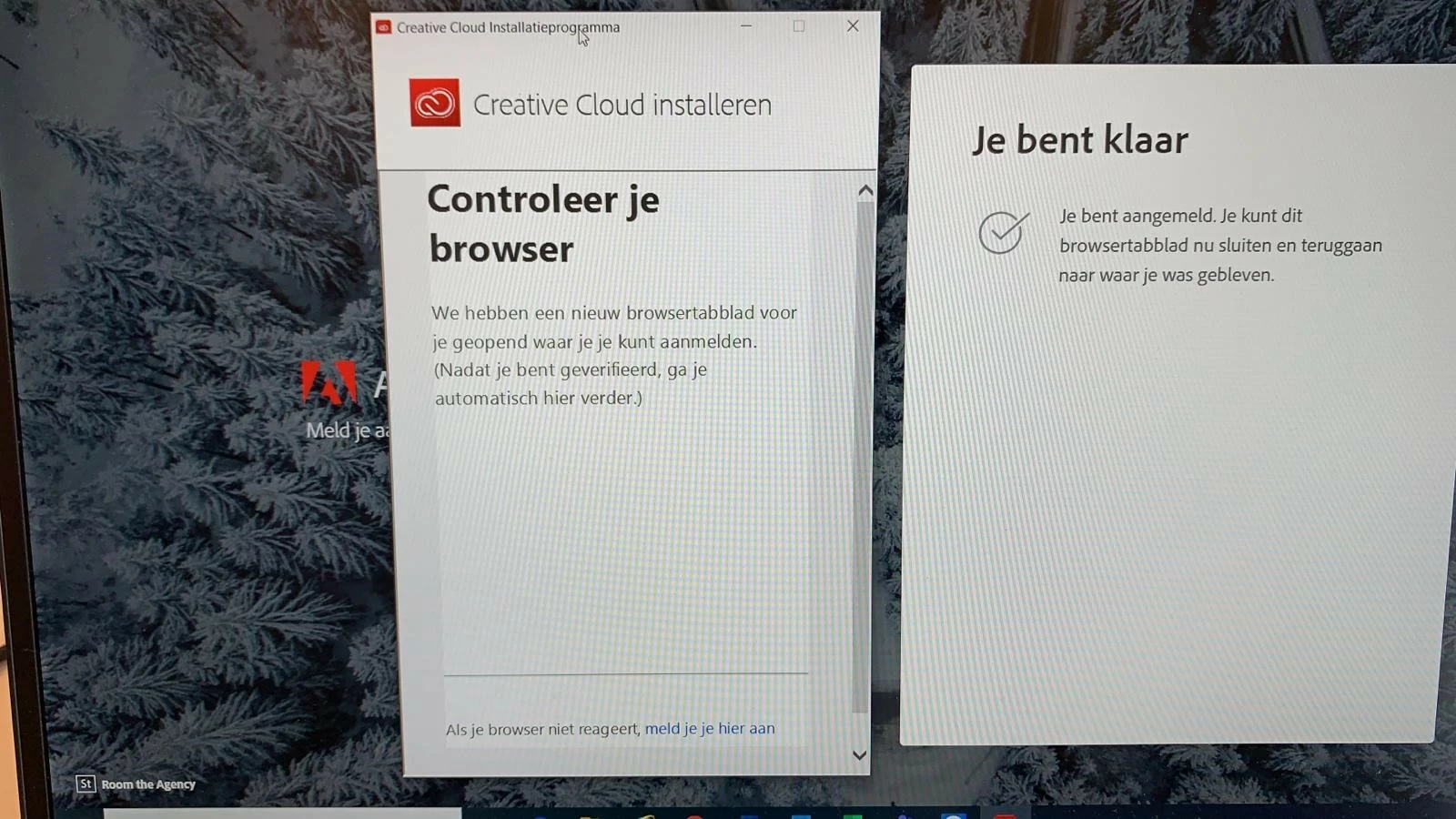
Creative Cloud does not log in ( check your browser )

  • May 11, 2020
  • 1 reply
  • 5449 views

I am stuck at installing Adobe Creative cloud.
Its says Check your browser, after logging the screen stays the same.


Things i already tried:


Upgrading browser to latest version
Tried with Chrome,Edge,IE
Tried in Safe mode
Installing with Admin account
Uninstall and install Adobe CC.


This topic has been closed for replies.
Correct answer Meric01

I solved this problem with the help of @LisaMiller.
Topic: https://community.adobe.com/t5/get-started/installer-hangs-on-browser-authentication/td-p/10607735?page=1


I dont know what the exact problem is, but i am happy it has been solved.

1 reply

Meric01AuthorCorrect answer
Participant
May 11, 2020

I solved this problem with the help of @LisaMiller.
Topic: https://community.adobe.com/t5/get-started/installer-hangs-on-browser-authentication/td-p/10607735?page=1


I dont know what the exact problem is, but i am happy it has been solved.