
Known Participant
June 22, 2013
Question

Creative Cloud does not remember/store my credentials.

  • June 22, 2013
  • 20 replies
  • 45557 views

I have several issues login in to my Creative Cloud CC Apps. (I´m a full member to the Cloud, running on Windows 7, 64 bit).

1. Creative Cloud Connection app does not remember or store my credentials. I have to re-write them frequently. Also, It constantly disconnects itself from the web.

2. Photoshop CC, InDesign CC and Illustrator CC require, every other time I launch them, to sign-in.

3. I have to sign the "Adobe Software License Agreement" every time I launch Photoshop, Illustrator or InDesign.

The cycle goes like this:

I launch the program and I´m asked to sign in (a trial version window):
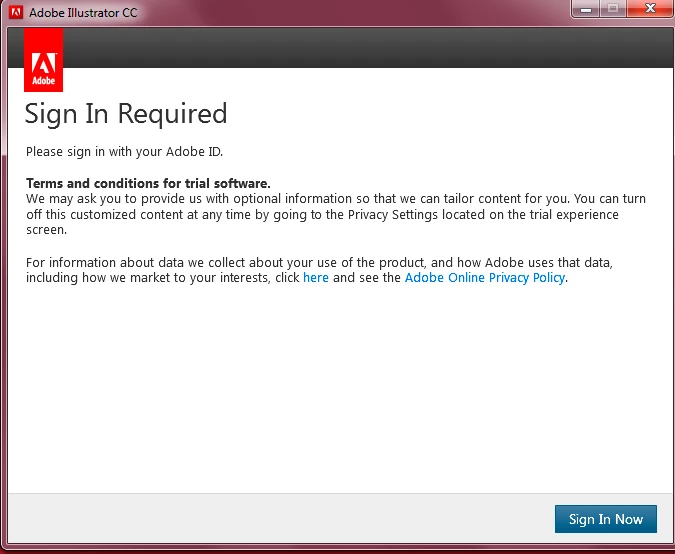
I click the "Sign in Now" button below and get this:
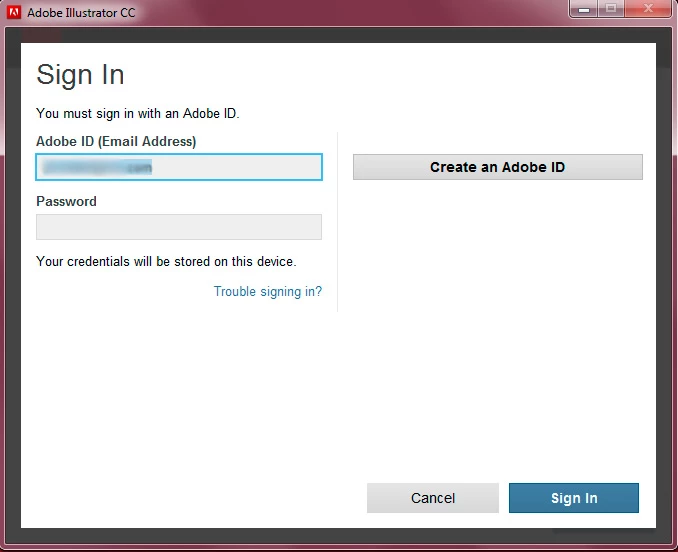
I Log in with my password and get the "Software License Agreement":
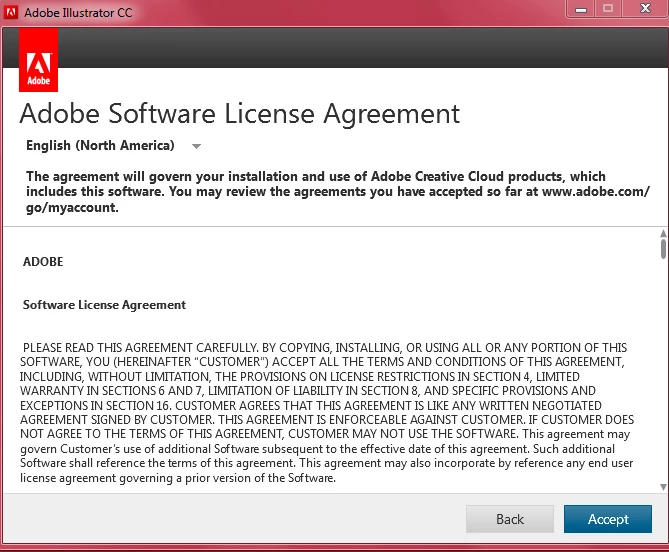
Click on "Accept" and get the trial period expired message (I´m not on trial):
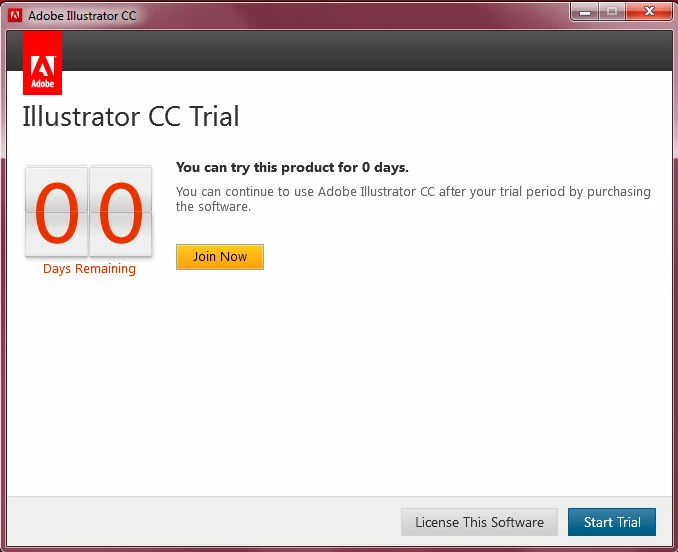
Click on "License this software" and get this:
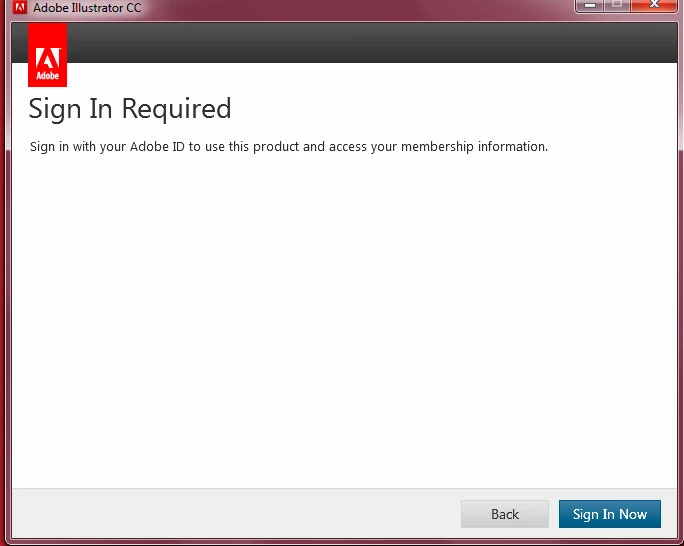
I click on "Sign In Now" and get the previous pop up again (it's ridiculous):
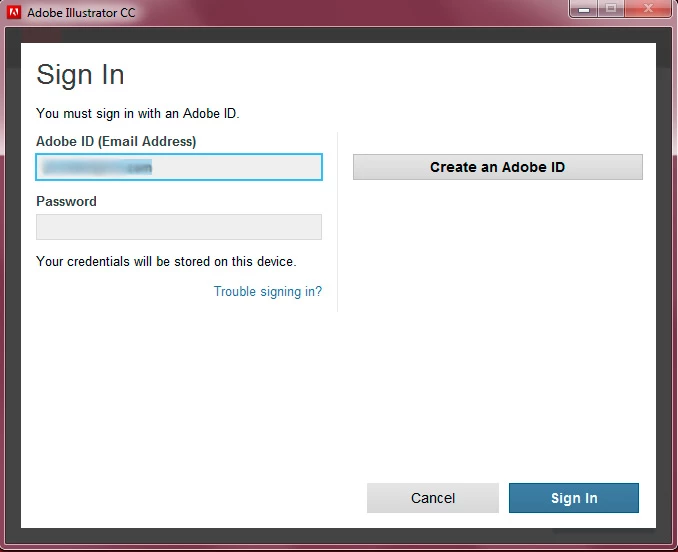
Then the "Thank you" pop up again (7 now!) and the program finally launches.

I have to go trough this every time I launch a program. Anybody else experiencing this issues?

This topic has been closed for replies.

20 replies

Participant
November 28, 2013

Same problem for me, keep logging out on Windows platform, i believed at first instance in a compatibility problem with Win 8.1 x64 but i see also problems on 7 from you, on Mac OSX Mountain no problem.
Any news?! it's incredible such a problem not solved for so long! o.O

Kind regards

Participant
November 29, 2013

Hi all

I have just received this from Adobe via the case I opened with them about this. I have applied the change to my Windows system, but too soon to say if it works yet.

However if you would like to try it as well and give me feedback on if this solves the problem for you then here is what they suggest...

---

This is a follow-up email regarding the ongoing issue with Adobe EULA screen re-appearing on launching Adobe CC applications.

This is to inform you that to troubleshoot this issue please follow the steps depending on the operating system you’re using:

For Windows:

  1. 1) Navigate to the location: C:\Program Files(x86)\Common Files\
  2. 2) Right click on the Adobe folder and provide Full control permissions in the following way:
  • Right click on folder > Properties > Security tab > Advanced button.
  • Click Owner tab. It will show you the current Owner name.
  • Under Change Owner to: highlight your account name and click on Edit button.
  • Highlight your account name again under Change Owner to: and then Click Ok.
  • Click Ok again to Exit the Advanced Security Settings.
  • Click Ok once more to accept the security settings changes and exit the Adobe folder properties dialog.
  1. 3) Now launch the CC apps and test the issue.

For Mac:

  1. 1) Navigate to the location: /Library/Application Support/
  2. 2) Command+Left Click on the Adobe folder and click Get Info.
  3. 3) Expand the Sharing & Permissions section.
  4. 4) Check whether your account name is listed under this section. If not click on the lock icon and enter your Mac credentials.
  5. 5) Click on the + icon to add your current account and from the Privilege drop down: choose Read and Write.
  6. 6) Finally click on the Gear icon and choose “Apply to enclosed items”.
  7. 7) Re-launch CC applications and test the issue.
Participant
December 2, 2013

I've found a workaround of sorts for those of you who are still getting the log in and nag screens etc. I've found that by keeping the actual Creative Cloud app closed, the other Adobe programs will stay logged in. I've been running it this way for a couple of weeks now and haven't had to sign in at all. It's inconvenient if you need to keep your files synced constantly, but other than that it seems to work quite well. You can just open the Creative Cloud app when you need to sync your files and hopefully it won't log out while it's doing it.

At any rate, it's the best I can come up with until Adobe themselves get off their proverbials and fix the damn thing.

Known Participant
November 26, 2013

Same issue. In fact, LOTS of issues since I got CC, NONE of which Adobe has addressed. If they're really trying to completely destroy customer loyalty and drive people to alternatives like Corel, well played. The subscription software rental thing is a ripoff, the programs are more full of bugs than ever, and apparently Adobe is NOT using this new windfall of profits to invest in product support. This is how Quark died...not the business model you want to follow.

Inspiring
November 14, 2013

Same thing happens to me, however only when I restart the machine. I am on OSX Mavericks. Been working fine since I upgraded to CC i July, suddenly started a week ago

Participant
November 14, 2013

Just adding my name to the ever increasing list of people faced with this problem. I never had any issues previously, but ever since I reinstalled Windows 8 (Professional x64) earlier this week the Creative Cloud application has been nothing but trouble. It keeps signing out, then requiring me to log back in and accept the license over and over again. Suffice to say, I am getting VERY frustrated. I've tried all the suggestions people have put here, including running it as an Admin and removing the OOBE and SLStore folders with absolutely no success.

THIS IS NOT ACCEPTABLE ADOBE. GIVE US A FIX.

Participating Frequently
November 14, 2013

After having this problem on my old Windows 7 PC, I bought a new PC, installed Windows 8.1 and guess what - the very same problem raises its ugly head again.

Please login...blah blah... the stupid cloud icon is black, then a few minutes it is grayed out.

Well, at least I could cancel the full subscription and switch to the "photoshop only" offer. Of course this piece of crap still does not work as it should - but at least I'm not giving them much money for their inability.

(On the 18th I will see if they really made it to let the new subscription start or if they just killed the full subscription. According to my experiences with Adobe so far, I fear the worst... but ok, could just install CS6 and wait for the big bang)

Waiting for a fix? Seems there won't be a fix - Adobe is busy with counting money and, of course, loosing their customer data to some hackers.

Participant
September 13, 2013

I have been experiencing the same issue for a week now (several months w/o a problem). Adobe online tech support doesn't seem to understand how to fix this.  How do we get a phone number to call in?

Participating Frequently
September 13, 2013

in wich country you are living?

had today another phonecall with a support guy.. but they dont know how to handle this issue...

on the one side they say they know what todo and we users are all silly and cant install the software but they cant find and provide a solution.

after 1 Week of contacting the support they ask me now to send log files to analyse the problem

but only after i now contacted the press office and told that i thinka bout to release an article about this support behaviour of adobe....

I cant understand this...

unbelievable..

Known Participant
September 19, 2013

Hi everyone,

This is amazing, I having the same problem and have indicated so in other similar posts. They just don't want to fix this problems. It has being more than 6 months know and we continue experiencing this problem.

I think they just don't want to fix this problem. I guess it is a problem for who has no reliable internet service. The worst of it is that we are a lot of us with this type of problem. Can't believe they just don't care.

After all this time it should have being corrected. I have had 3 adobe creative cloud updates and the same thing. They just do updates of features but they do not wan't to spend time fixing this issue.

Adobe Employee
June 26, 2013

Hi,

Apologies for inconvinence caused due to this. Can you try deleting OPM.DB from steps below and try again.

Also we would like few more details:

  • When has this issue started occuring, was this after installation of any specific adobe product.
  • On which platform are you seeing this.
  • Please do mail me PDApp.log along with details of above on priyjain@adobe.com
  • Also we would like to know if after above steps this issue occurs ever again in future.

Priyank

Known Participant
June 26, 2013

Also we would like few more details:

  • When has this issue started occuring, was this after installation of any specific adobe product.
  • On which platform are you seeing this.
  • Please do mail me PDApp.log along with details of above on priyjain@adobe.com
  • Also we would like to know if after above steps this issue occurs ever again in future.

Priyank

Jain,

so far, for me, things are back to normal: all programs run just fine. I'm not sure what exactly was the fix, but this is what I did:

  1. Erased the opm.db file.
  2. Deactivated my antivirus and firewall temporarily
  3. Signed out of the Creative Cloud app; started it again as an administrator; logged in.

And it worked. Note that only erasing opm.db didn't work for me. It worked until I signed out and logged in again.

I´ll check if the problem is definitively solved and post about it.

  • The problem started right after the install of the new CC apps (I was using Cs6, as a Cloud member)
  • I'm running on Windows 7, 64 bit
Adobe Employee
June 26, 2013

Hi All,

Thanks for the confirmation, this would help us in isolating the root cause. I will update this forum once we have a permanent resolution.

However I would like to point out that deleting the file would not be a solution for this issue.

Priyank

Participating Frequently
June 24, 2013

Hi guys, sorry to hear you're having trouble. This forum post may offer a solution: http://forums.adobe.com/message/5437653

Let us know if the problem persists after trying this.

Participant
June 24, 2013

Same problem. Mac 10 8 4 italian. I asked here

http://forums.adobe.com/message/5438170

but relative to this issue no one had suggest a definitive solution.

Participating Frequently
June 24, 2013

I called Adobe last Monday about this problem.

Here their reply today:

Hi Ralph,

Thank you for contacting Adobe, you contacted us regarding cloud renewal. We informed to wait for 24-48 hours.

If you have any concerns or any further questions please feel free to contact us again, we are available 24x7.

Thanks,

So, a whole week wasted and I'm pretty sure they do not understand the problem.

Here is the problem. EVERY TIME I try to open Photoshop CC, Premiere CC, After Effects CC, etc., the screen below pops up. This is doubleplus ungood to the max. Does anyone know what the problem is. Obviously (as stated in the first post here) credentials are not being retained.

Please. Anyone solved this? CC is useless with this problem.

--Ralph

Participating Frequently
June 23, 2013

Same problem over here. German Windows 7 64 Bit.

Started Photshop CC, worked fine. Closed Photoshop, started it again and it asked for credentials and after that it went on my nerves with "please update your user data".

Must be extremely complicated to store an activation on a pc... my trust in the competence of Adobe knows no bounds.

Participating Frequently
June 23, 2013

I just realised, this means I cannot use any of the CC software offline... I tried to test it out and i'm unable to enter my password if i am not connected to the internet... this is bad!

Participating Frequently
June 23, 2013

I have the same problem as this, except i'm on a mac.

Participating Frequently
June 22, 2013

I have the same problem. So far no help from Adobe Support.

Participant
September 9, 2015

just update it from adobe.com did work for me

Participant
September 9, 2015

So our helpdesk get inundated with calls every morning that their Adobe products does not work and we have to tell them to relogin every time.  They are getting tired of it.  It be a lot greater if Adobe thought of this novel idea.  Give us an activation key that checks the Cloud for Teams for active account without having to login every time.  How about that folks