
michaeld79260720
Participant
April 3, 2019
Question

Creative Cloud Enterprise Sign-In not working

  • April 3, 2019
  • 1 reply
  • 2234 views

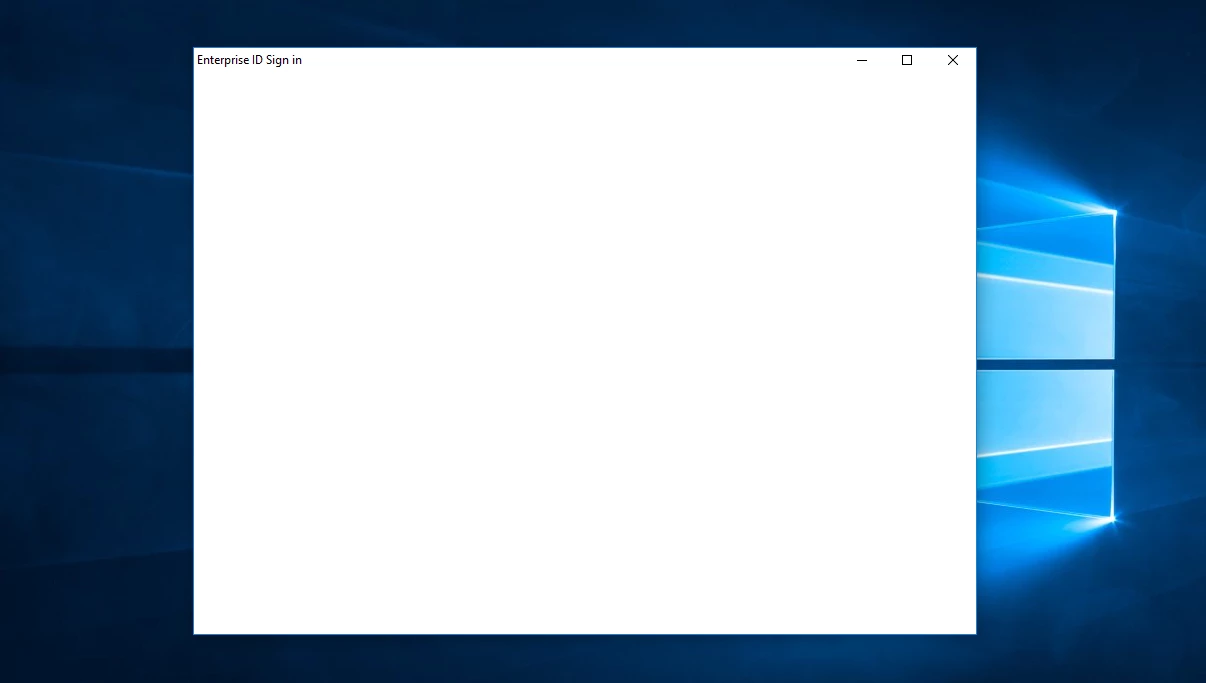
I have a school Enterprise account and have tried numerous times to sign into the Creative Cloud desktop app with it. whenever I click the option to sign in with Enterprise ID, it takes me to a blank pop-up titled, "Enterprise ID Sign in". I believed it is just that the screen took a while to load, but now after leaving the pop-up open for idk how long, I'm not so sure. Does anyone have a fix for this? For clarification, this image shows my problem.
This topic has been closed for replies.

1 reply

Abambo
Community Expert
Community Expert
April 3, 2019

See here: Enterprise ID, sign in, and account help

Some quick tipps:

ABAMBO | Hard- and Software Engineer | Photographer
michaeld79260720
Participant
April 3, 2019

I need to use the cloud to finish installing an extension as per the instructions in this page

https://www.adobeexchange.com/creativecloud/install-instructions.853.html

and the network connection works as the rest of the creative cloud works, as does most of my online applications.

I have also tried using the link and buttons, but none worked...

I'll contact the IT Admin... Thanks!