
johnmcgrann
Inspiring
July 30, 2015
Question

Creative Cloud Error Loop on MacBook Pro

  • July 30, 2015
  • 1 reply
  • 1652 views

I have a recurring error with Creative Cloud on my MacBook Pro.  I am unable to launch it, due to an error.
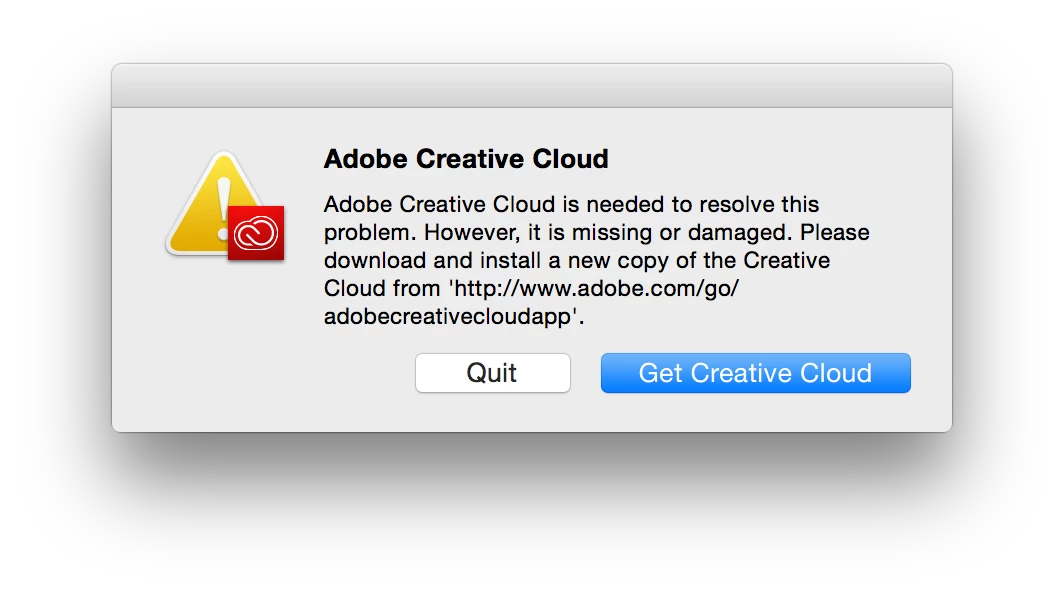
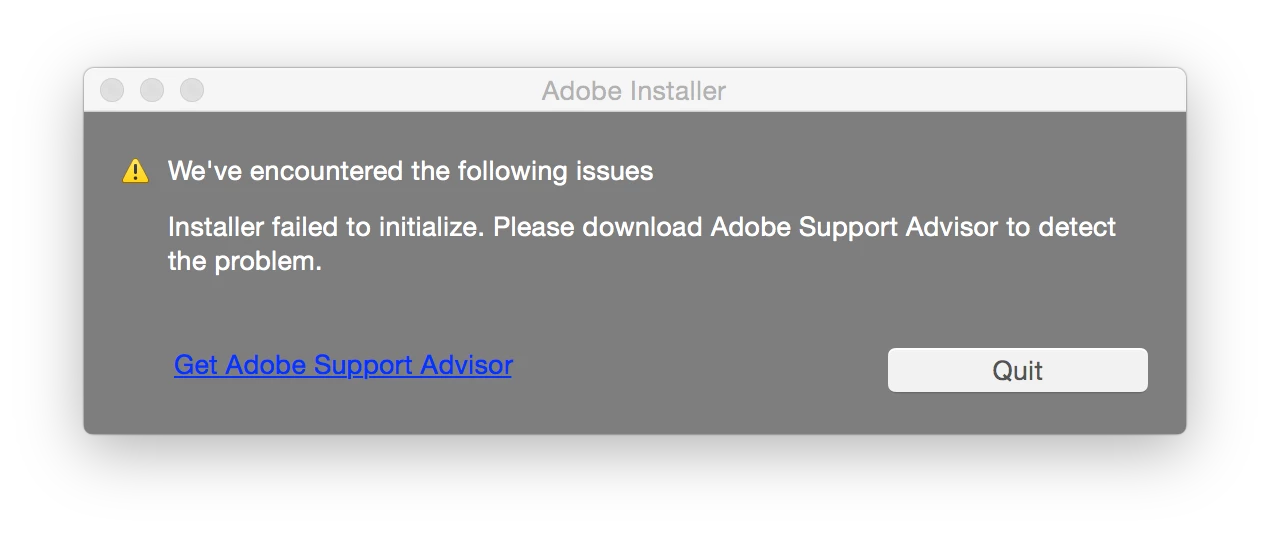
I downloaded and attempted to reinstall Creative Cloud, but get the exact same error during installation.  I was then somehow instructed to download the Application Manager, which I did.  When I attempt to install that, I get another error message (below), and am instructed to install the Support Advisor.  But the page I'm directed to to download the Support Advisor informs me that it's discontinued.  Please help.
    This topic has been closed for replies.

    1 reply

    kglad
    Community Expert
    Community Expert
    July 30, 2015

    start at the top and work your way down applying applicable fixes until your problem is resolved.

    if cc (win):  https://helpx.adobe.com/creative-cloud/kb/creative-cloud-desktop-application-failed.html

    if, your error is:

    "Installer failed to initialize. File not found." or "Installer failed to initialize. This could be due to missing files."

    first, rename OOBE Folder to OOBE.old.

    to find OOBE:

    64 bit win OS: Program Files x86\Common Files\Adobe\OOBE

    32 bit win OS: Program Files \Common Files\Adobe\OOBE

    mac os: HD>library>application support>adobe>caps

    mac os: USER>library>application support>adobe>OOB

    if that fails or isn't the exact error you see, uninstall, clean (http://www.adobe.com/support/contact/cscleanertool.html) and reinstall.

    if you're using a dvd to install:

    copy the disc contents to a desktop directory and install from that directory.

    if you're using a mac:

    1. Try to Create a new user account in Mac with Administrator Priviledges.

    2. Login to the New user, Navigate to Mac HD> Application> Utilities> Adobe Installer folder, Locate products like Adobe Reader, Adobe Flash, Adobe Air and un-install them

    3. Navigate to User Library> Application Support> Adobe and move Adobe to Trash.

    4. Navigate to Mac HD> Library> Application Support> Adobe and move Adobe to Trash.

    5. Start the installation again.

    if everything applicable above fails, check your installation logs:

    http://helpx.adobe.com/photoshop-elements/kb/troubleshoot-install-using-logs-elements.html

    johnmcgrann
    Inspiring
    July 30, 2015

    I've done everything except for "check your installation logs", because I'm not sure what to do there.  I did try to "inspect install logs automatically" but wound up getting a 404 error here:

    https://helpx.adobe.com/creative-suite/kb/support-advisor-install-troubleshooting-app.html

    Before trying this step, it appeared I might have had some success with a reinstall of CC, but then in the end I got this result:

    Downloading Creative Cloud as the blue bar suggests only resumes the endless cycle.

    kglad
    Community Expert
    Community Expert
    July 30, 2015

    uninstall everything cc including the cc desktop app, clean per Use the Adobe Creative Cloud Cleaner Tool to solve installation problems, restart your computer and then reinstall the cc desktop app, Download Adobe Creative Cloud apps | Free Adobe CC trial