


Participant
October 16, 2019
Beantwortet

Creative Cloud Freezes At 21.5%

  • October 16, 2019
  • 7 Antworten
  • 10878 Ansichten

Ever since the new Mac OS update I've been having issues with my Adobe Apps. Photoshop refused to open and now when I'm trying to install Creative Cloud in order to manage all my apps, it freezes consistently at 21.5%, I've left it for hours. No internet issues, it's been able to install previously, years ago, and I haven't added any firewalls for it to get stuck on.
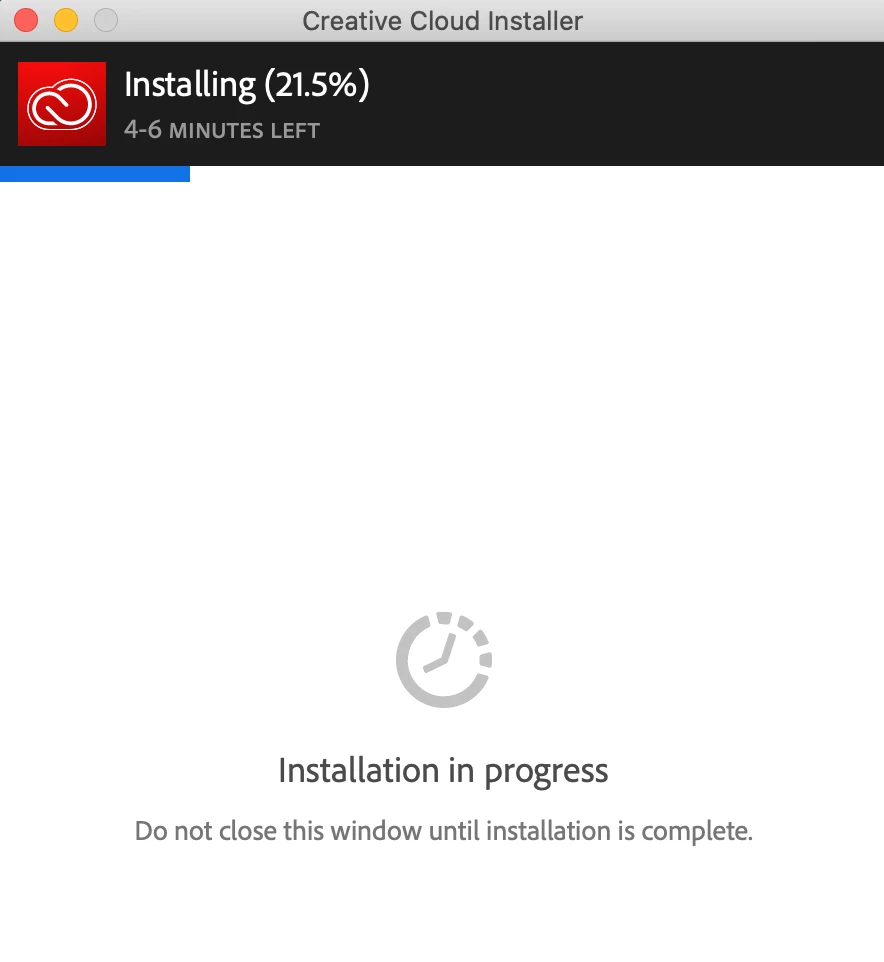


What can I do?

    Dieses Thema wurde für Antworten geschlossen.
    Beste Antwort von boogie

    After searching the board, I used the tool below. Basically unistall everything, empty trash, hard restart, and then re-launch the installer. Worked for me to get the download to install within 3-5 minutes. Good luck.

    Try using this tool

    https://helpx.adobe.com/ie/creative-cloud/kb/cc-cleaner-tool-installation-problems.html

    7 Antworten

    Sebastian Buczek
    Participant
    April 26, 2020

    There is one more Fast solution to this problem in OS, Stop all processings in Adobe  go to System preferences/ Network / Advanced/ Proxies And uncheck the SOCKS Proxy . Restart the system and start instalation again. 

    kristieb74645172
    Participant
    February 21, 2020

    Yes wow this works MANY MANY THANKS, I just wish I saw your post 12 hrs ago! 

    Participant
    February 5, 2020

    I stuck on 21 % and then after trying another link on 5 %

    CC cleaner tool doesnt work forme because there is only 1 file in adobe creative cloud folder and its pim.db. So if there is no uninstall file what do i do? T_T

    Jeffrey_A_Wright
    Community Manager
    Community Manager
    February 19, 2020

    K8K8K8K8, what happens when you download and run the CC Cleaner Tool from https://helpx.adobe.com/creative-cloud/kb/cc-cleaner-tool-installation-problems.html?

    kimcartier
    Participant
    February 19, 2020

    I am unable to uninstall the previous versions of Creative Cloud, Photoshop
    or Lightroom, which is what you are supposed to do PRIOR to running the
    cleaner tool. Can I run the cleaner tool without uninstalling the old
    versions?

    --
    _____________________
    Kim Cartier ~ Portrait Artist
    <Removed by Moderator>

    Participant
    January 31, 2020

    Same issue here!

    boogieAntwort
    Participant
    October 17, 2019

    After searching the board, I used the tool below. Basically unistall everything, empty trash, hard restart, and then re-launch the installer. Worked for me to get the download to install within 3-5 minutes. Good luck.

    Try using this tool

    https://helpx.adobe.com/ie/creative-cloud/kb/cc-cleaner-tool-installation-problems.html

    Participant
    October 17, 2019
    Wow it's really work!!!!!! thx bro!!
    Participant
    October 17, 2019

    having the same issue. Running MacOS 10.15 and the CC installer stops at 21.5%

    Participant
    October 17, 2019

    I have same issue. it make me crazy. anyone know the answer???

    Participant
    July 8, 2021

    If doing a complete unistall doesnt work. Make an administrator account then do a complete uninstal/reinstall. You will most likely have to disable your firewalls. Make sure no adobe program is running. Allow all permissions for every adobe account that attempts to run during install. Making the administrator account on your computer is the key though.