


Participant
November 5, 2021
Question

Creative Cloud Infinite Loading Screen

  • November 5, 2021
  • 1 reply
  • 379 views

Hi,

Ever since I updated Windows on my computer I have been unable to connect to any of my Adobe Apps. Creative Cloud is in an infinite loading screen. 
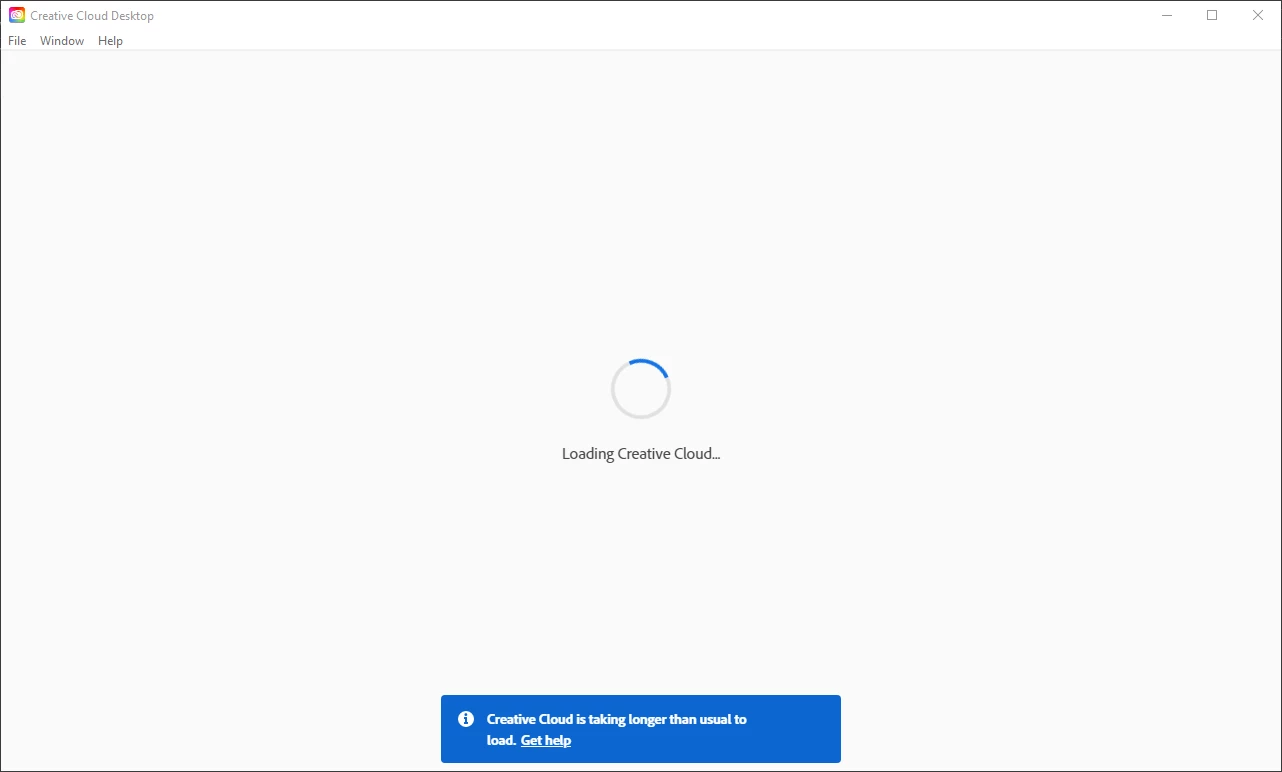
 

This goes on for about five minutes until this window pops up:
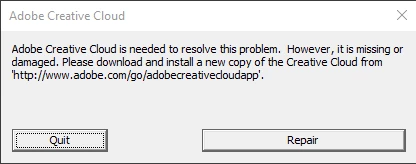
I've tried many solutions but I none have worked so far.


Please help I have to use these apps for my job and this is extremely detrimental. 


Thanks in advance,

Andre

This topic has been closed for replies.

1 reply

Jeffrey_A_Wright
Community Manager
Community Manager
November 5, 2021

Andre, when was the last time you were able to open the Creative Cloud desktop app successfully on this computer?  What has changed since then?  Was any new security software installed or updated?


Please see https://helpx.adobe.com/creative-cloud/kb/creative-cloud-app-doesnt-open.html for steps you can take to allow the Creative Cloud desktop app to load.

Participant
November 5, 2021

It's been about a month and a half. I downladed a new Windows 10 update: Version 21H1. And after that I have been having the loading issue. 


I uninstalled every Adobe App and tried to reinstall but that didn't work.


Thanks.

Jeffrey_A_Wright
Community Manager
Community Manager
November 5, 2021

Andre, was the Windows update applied successfully? Also, are there any additional updates available for the installed security software or available through the Microsoft Store?