Participating Frequently
April 4, 2019
Answered

Creative Cloud install on desktop and not on macbook, why?

  • April 4, 2019
  • 2 replies
  • 616 views

I purchase Creative Cloud, I install it on the iMac with no issues

I decided to install it on MacBook and it is not accepting my password and username

I decided to test it on my PC and it went through

what is the problem?

NB. the iMac and PC are both on a network however the MacBook is connected via WIFI

This topic has been closed for replies.
Correct answer Nancy OShea

Let me thanks to all for assisting me so quickly.

Still having issues

1st issue - When I leave my machine idling, it will require me to log in, when I enter my password, I am unable to log in however if I switch user and click my username and insert the SAME password I am able to log in..

2nd issue - if I decided to log off my computer, it will ask me to insert the password to close programs when I do my password wud not go through... when I click the "eye" icon I realised that my Z is seen as Y and  my Y is seen as Z

so we decided to download US keyboard under the ADMIN profile, the cloud installer finally installs, however, it only shows 5 software which we have installed now.

Under my profile, the cloud installer icon is not seen (only seen under ADMIN's) and if i try installing the cloud installer again under my profile the same issue. it will not accept the password...

3rd Issue - I can log in using Adobe ID on internet however if I am on the App store and I want to install an App when i put in username and password (the same that was used to log in via internet) it does not work. it says password incorrect.

I'm wondering if its a keyboard feature issue

SEE IMAGES BELOW
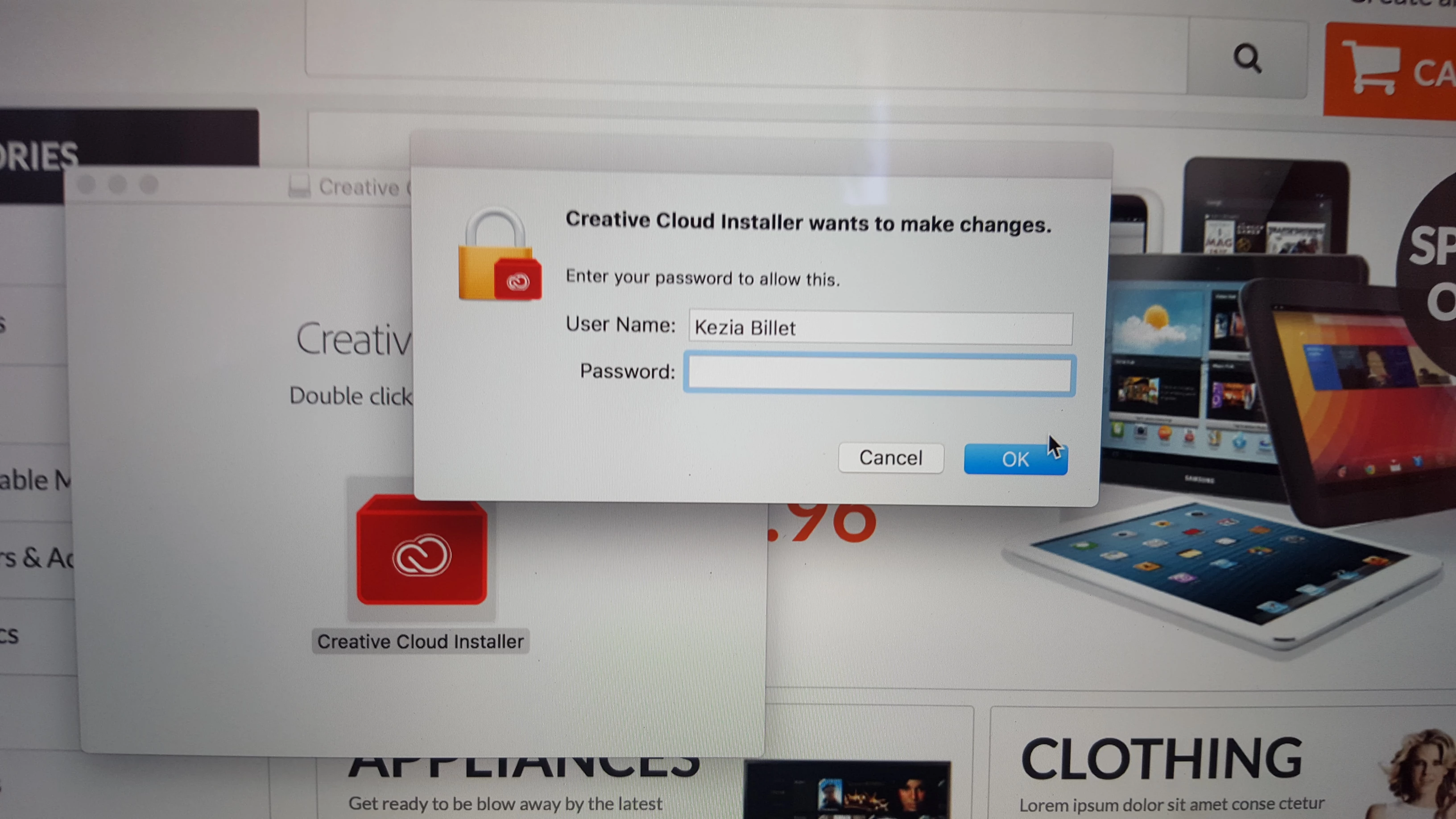
This is my username to log into computer ..however, it's not accepted here.

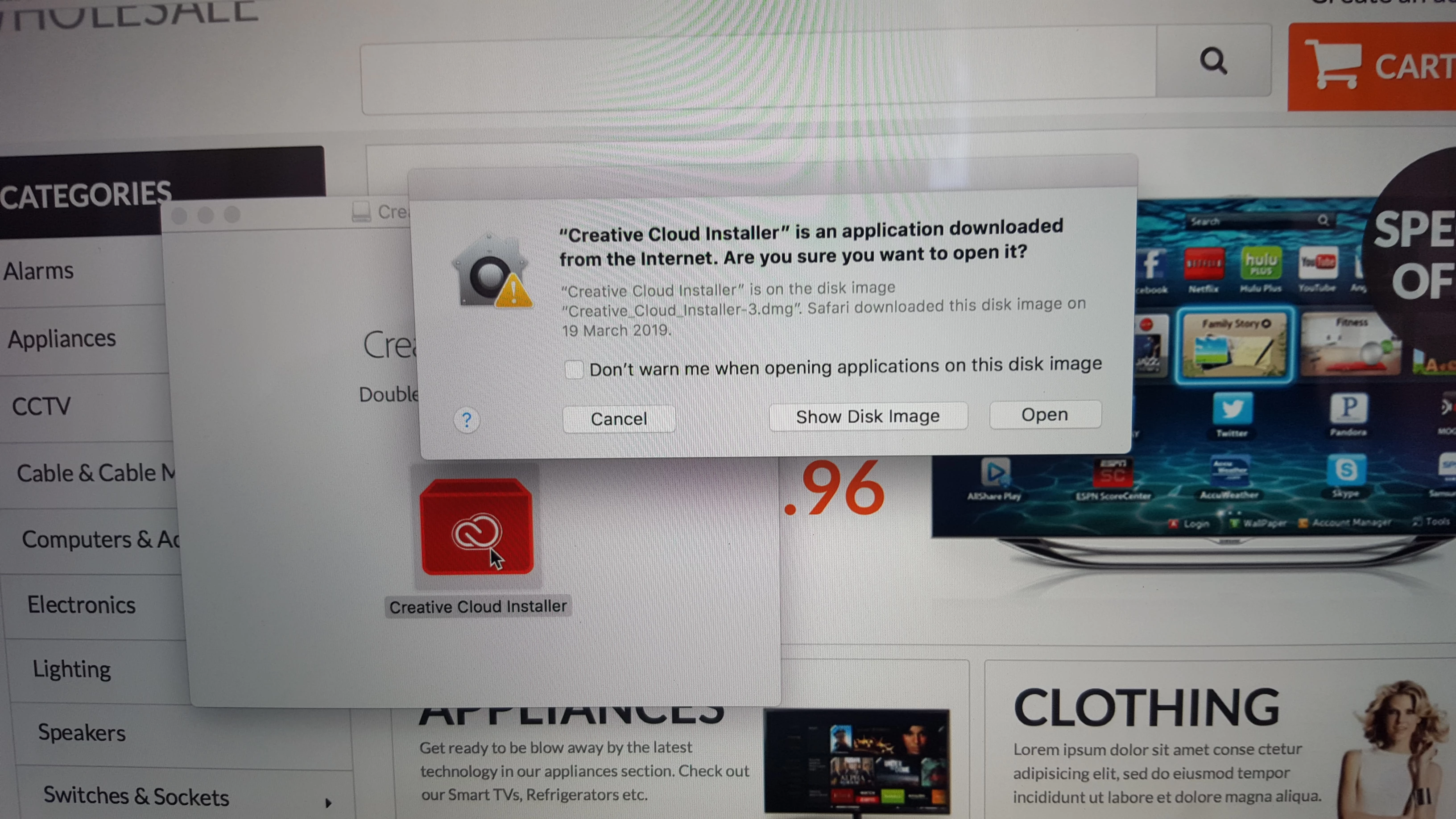
this is the username Adobe given us and it is not accepted under my profile. However, under the ADMIN's profile, it is accepted after he installed US keyboard but only 5 software was listed


That last prompt is your computer's operating system asking you for permission to make changes to files.  That is where you enter your computer username and password, not Creative Cloud.

2 replies

Nancy OShea
Community Expert
Community Expert
April 7, 2019

You can have Creative Cloud installed on up to 2 machines at the same time --  Mac / Windows or both. 

Does your laptop meet the minimum requirements to run the latest Creative Cloud + your OS + all other software titles?  See links below.

Adobe Creative Cloud system requirements

Upcoming Changes to Creative Cloud OS Support for Windows and Mac | Adobe Blog

Nancy O'Shea— Product User & Community Expert
Bani Verma
Legend
April 4, 2019

Hi Kizzibillet,

The message "Creative Cloud Installer want to make changes enter your password to allow this operation" is computer generated and it needs your Mac password to allow the installation, hence please enter your computer/mac password here to start the installation.

Let us know if this helps.

Participating Frequently
April 4, 2019

Hello Bani

I did what you say and it's not working

the same password I use to log on the MacBook its the same password I use however it still does not work.

But on the PC and iMac i did not use my credentials but the email and password that was sent to me and both computers did not give any issues it accepted and I could immediately install.

its been 3 weeks now trying to install 

Participating Frequently
April 4, 2019

Hey Bani

I think the Laptop need to go on the network

Prob that's the reason it's not going through as I am connecting via WIFI

I'm not sure what you think?

I am just thinking