


Participant
October 18, 2019
Answered

Creative Cloud installer stuck for new mac installation

  • October 18, 2019
  • 5 replies
  • 16704 views

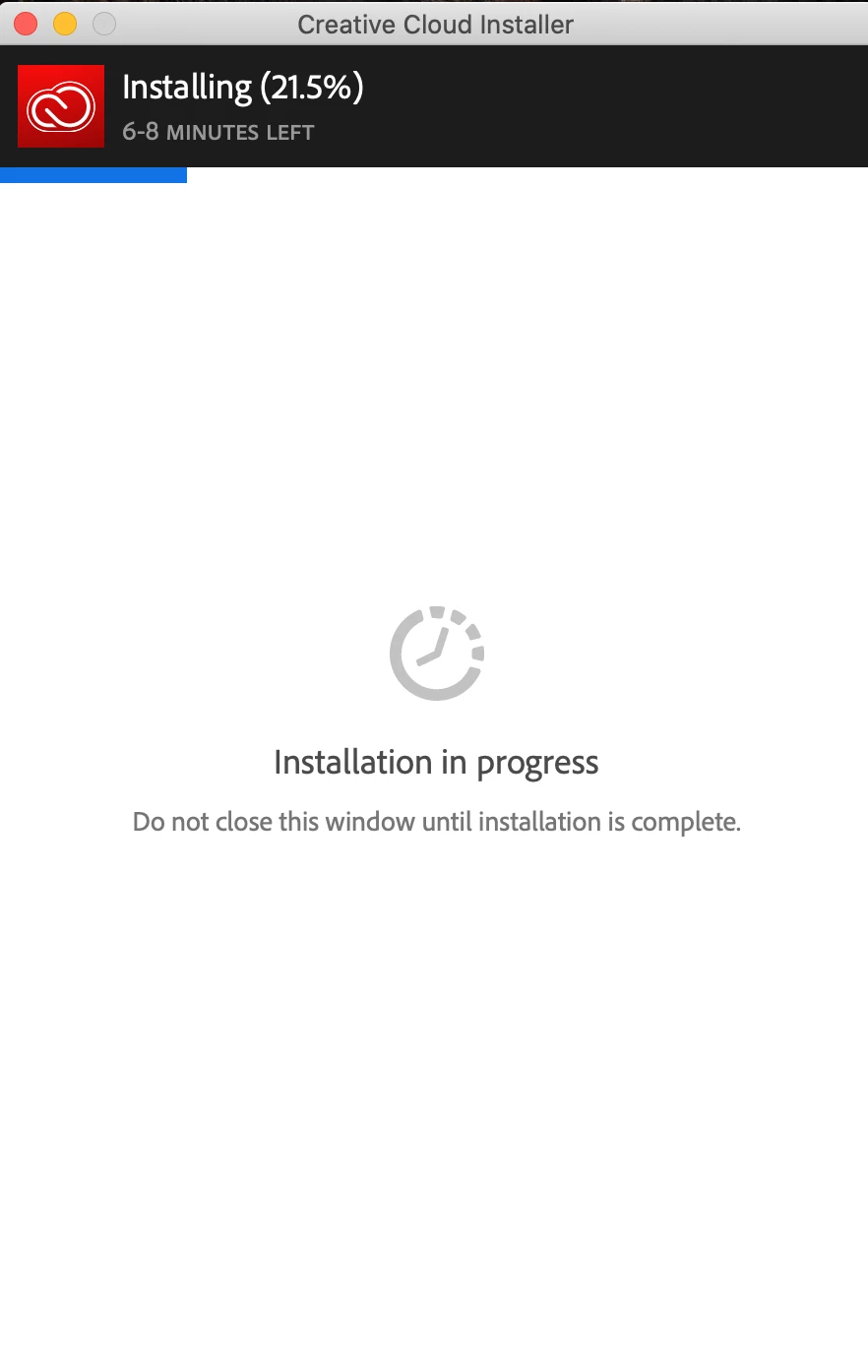
I have a Macbook Pro with the new Catalina OS, and the recent 10.15 update.  Since updating to this new OS, I purchase a Creative Cloud subscription and tried installing for the FIRST TIME.  However, the installer keeps getting stuck at 21.5 %.  I have spoken with Adobe on the phone, and they seem to think Apple needs to come out with an update.  And people on the Apple forums think that Adobe needs to come out with an update to their installer.  I have tried installing in Safe Mode, I have tried using the alternative download links provided by Adobe, I've also gone to both Libraries (User and System) to rename Adobe application support folders as "-old" in order to allow the Adobe installer to create new support folders, but nothing works.  Is there a solution to this yet?
 

This topic has been closed for replies.
Correct answer

Hi

Some people have success using this tool, but not all

https://helpx.adobe.com/ie/creative-cloud/kb/cc-cleaner-tool-installation-problems.html

5 replies

Participant
October 11, 2023

My new macbook pro has the OS Sonoma, would this be the reason CC is having trouble installing? 

kglad
Community Expert
Community Expert
October 11, 2023

@Steeleoz 


assumming nothing cc is installed:

clean your computer of cc files per http://www.adobe.com/support/contact/cscleanertool.html

install the cc desktop app using the "alternative download links" at the bottom of the page at https://helpx.adobe.com/download-install/kb/creative-cloud-desktop-app-download.html

use the desktop app to install your cc programs/trials

NOTE: win 11 users that have trouble with the latest win 10 installer often have success with the older win 10 installer.

Participant
January 20, 2020

I'm having the same issue. Totally stuck. 😕😕

ProDesignTools
Community Expert
Community Expert
January 23, 2020

Hi Ondini,


Hearing more and more reports of this type of thing lately, unfortunately. So you tried the suggestions given above – including uninstalling the software, running the Adobe Cleaner tool and rebooting – and that didn't help?


So another option would be to request/use the 2020 direct download links instead, which don't need the Creative Cloud Desktop app to install the main creative tools.


For starters, try the standalone installer for the CC Desktop app itself and see if that helps:


https://helpx.adobe.com/download-install/kb/creative-cloud-desktop-app-download.html#Problemsinstall...


Please let us know how it goes.

Participant
April 7, 2021

Personally I tried all the suggested fixes for this that I found, including downloading the CC Desktop app from the link above.
Despite that I was installing on macOS 10.15 (Catalina), what worked in the end was using the older "macOS v10.11 or earlier" installer available at the same link and then letting it update itself.

Participant
January 17, 2020

I had the same issue.  The cc-cleaner tool didn't work for me, but I noticed in investigating that there was an old "Creative Cloud" folder in the Apps/Utilities folder that had been written to by this newer installer.  I killed the installer and binned the old Creative Cloud folder.  Restarted the installer and it went through without a hitch.

Hope this helps

Participant
February 20, 2020

I had this issue and your suggestion worked perfectly! Thank you!

Legend
October 18, 2019

This is the normal thing for early adopters. Apple and Adobe's techs will be working out the problems: you can't expect the guys in support to know who is at fault, I don't suppose the techs even know. This is why the smart money is on waiting a couple of months then checking carefully. Still, this is all part of the Joy of Mac.

Correct answer
October 18, 2019