



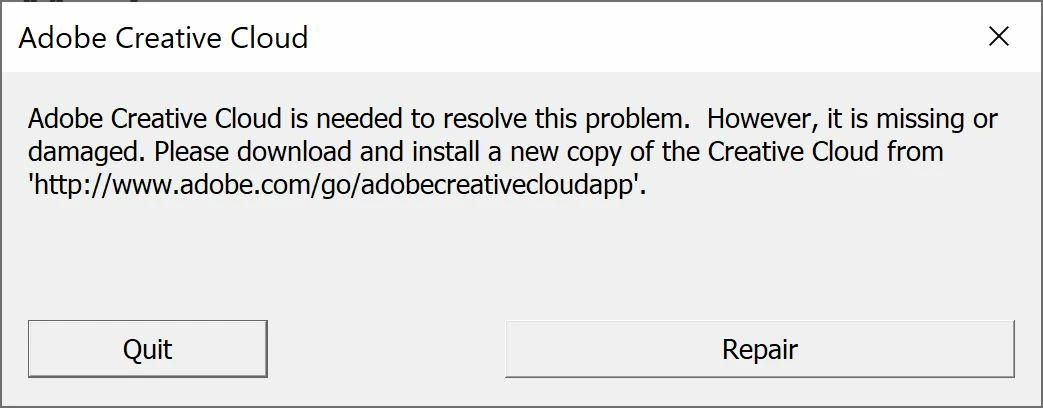
"Creative Cloud is needed to resolve this problem. However, it is missing or damaged".
Hi,
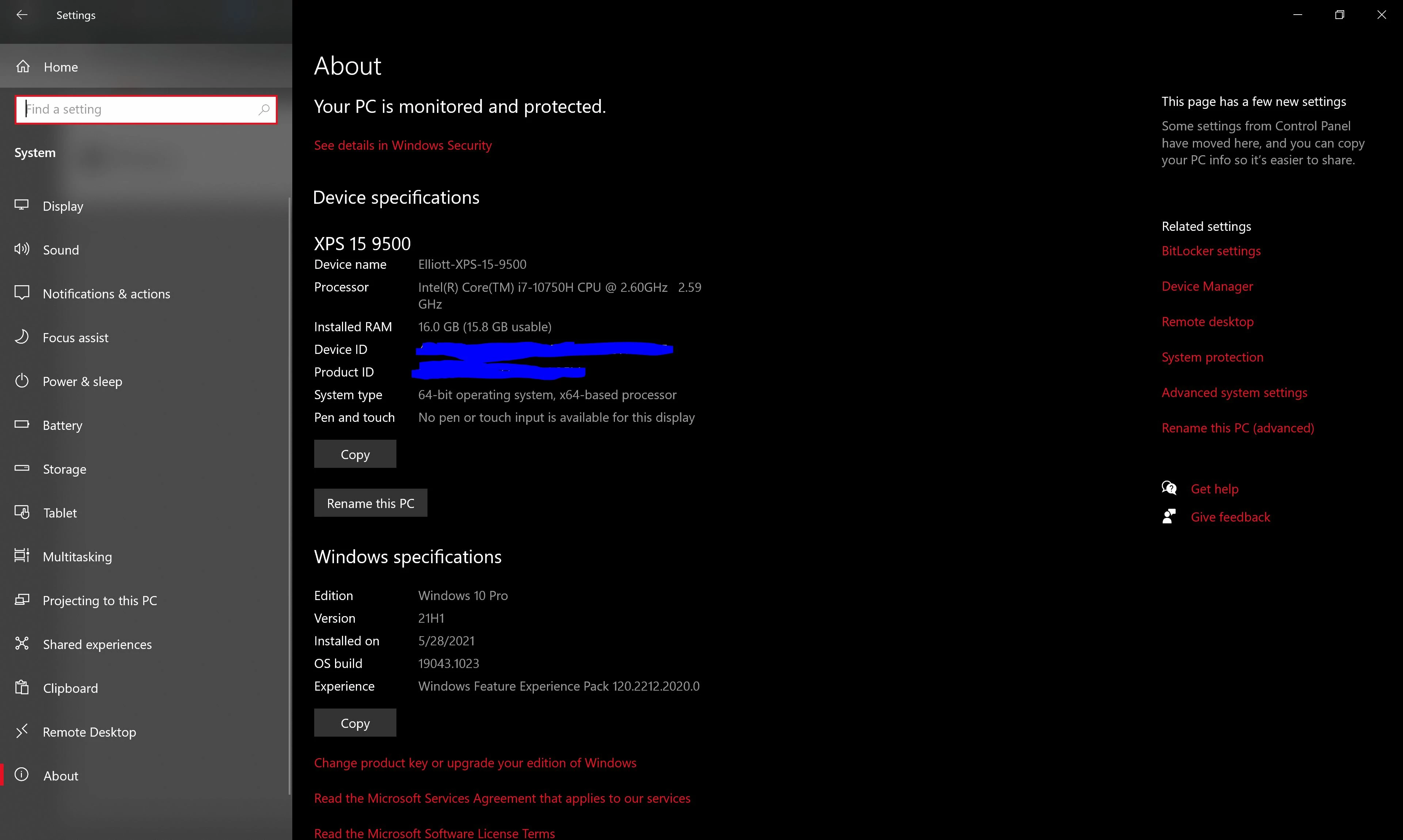
I recently upgraded to a brand new Dell XPS 15 9500, (see top capture for full specs), and completely uninstalled and signed out of CC from my old Windows PC. However, when I try to install the main CC installer, I get the error listed (see bottom capture).
I do not have CC or any other Adobe subscription product installed or signed in on any other device.
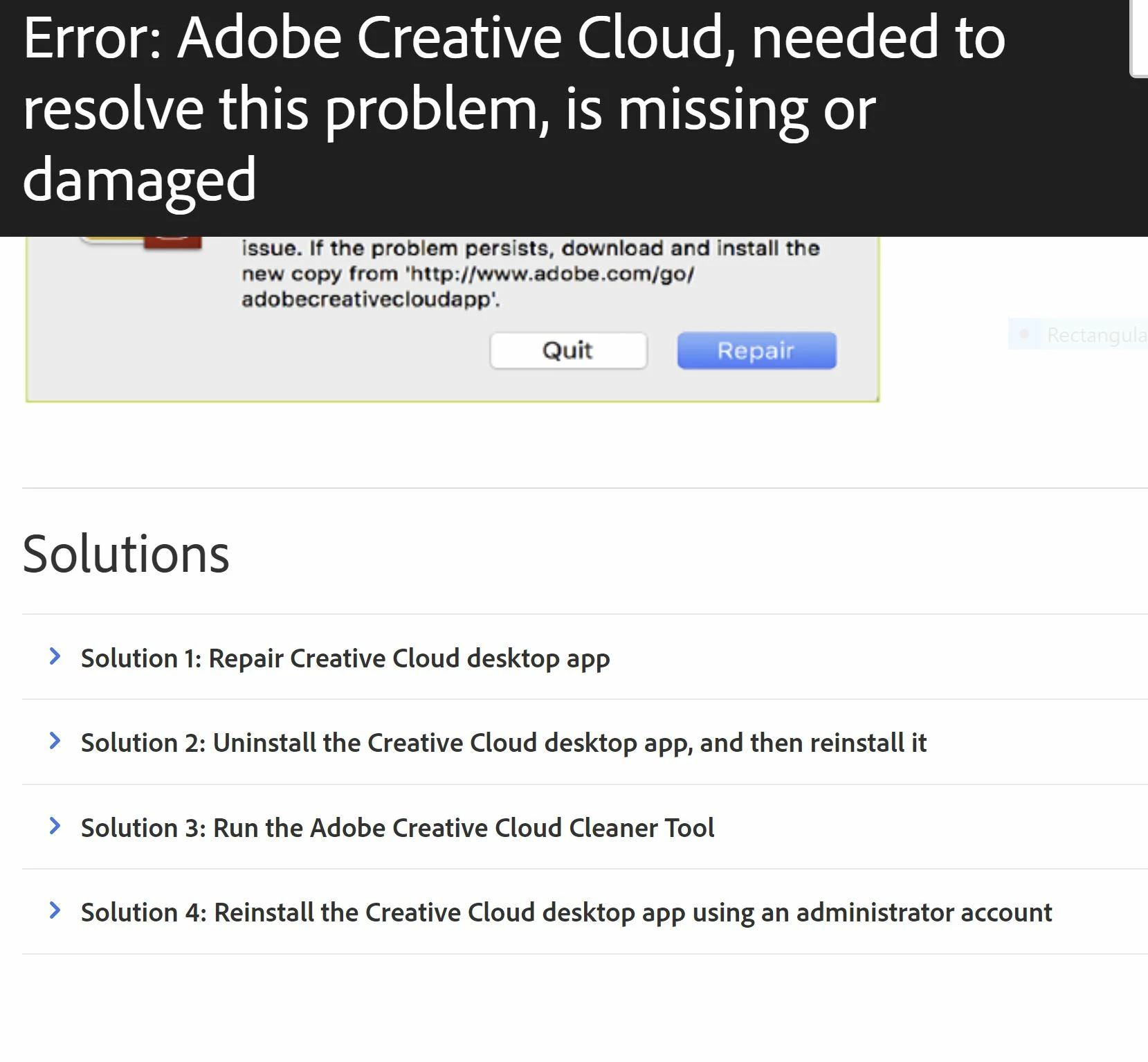
I have tried all the solutions listed the second capture below, (I have "repaired" the program as suggested a few times, completely uninstalled and re-installed it several times, with system reboots in-between each time, I even ran the Adobe CC Cleaner Tool with a system reboot after, and have always selected "run as administrator" on the .exe installer every time.
I am out of solutions, and don't know what to do now. This new PC is much more powerful than my old one (and it ran CC fairly well, especially considering it only had an Intel i3, and 8GB of RAM.)
I should be able to run CC on this PC, and right now I'm throwing away $500/yr plus for a suite of programs which I cannot install. What should I do?
Thanks,
-elliottlinx

 AdChoices