Participant
March 3, 2016
Answered

Creative Cloud is not working

  • March 3, 2016
  • 1 reply
  • 406 views

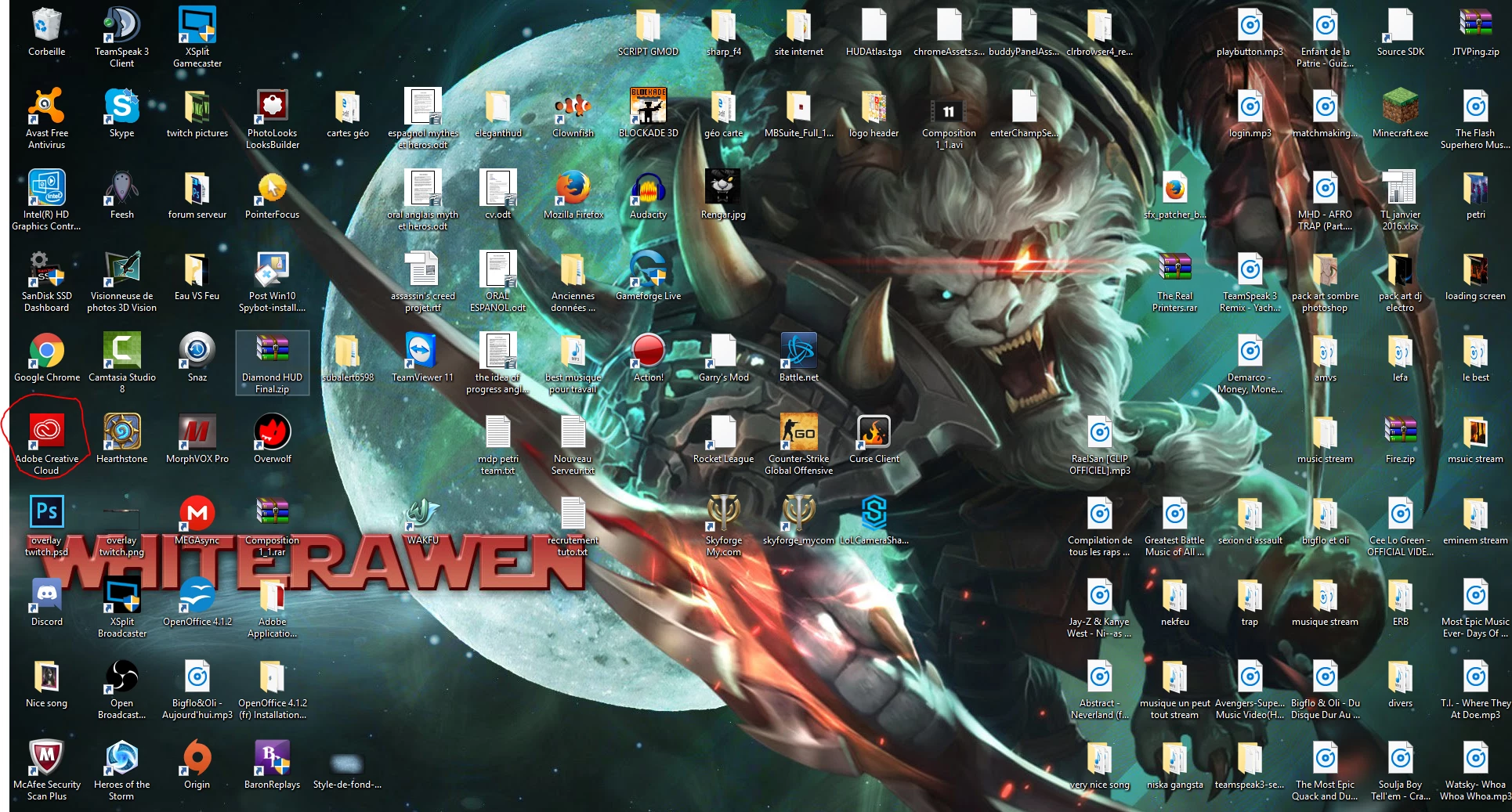
I have the software as you can see in this picture of my desktop :
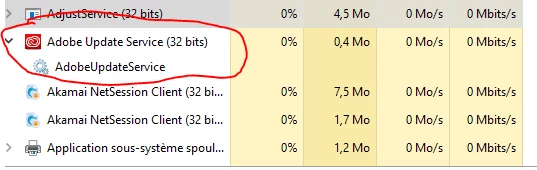
When i run it, this programm start, but nothing more :
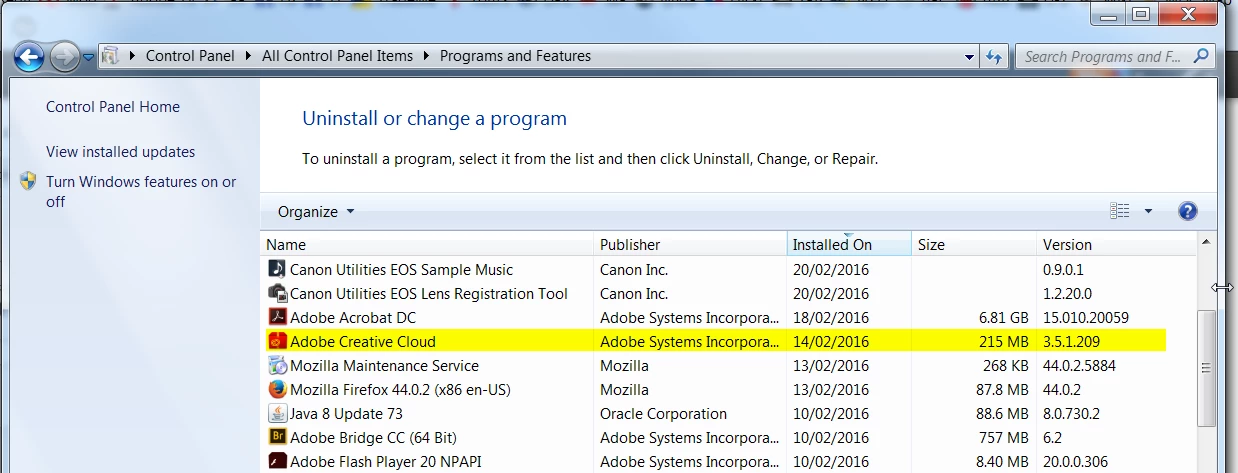
I tried to uninstall Adobe Creative Cloud, Nothing happens.

I bought photoshop, and now i can't use it anymore, because a message told me to reinstall the software. So i unistalled photoshop and now i can't install it again 😕😕

Please an issue !
This topic has been closed for replies.
Correct answer Trevor.Dennis

It looks like Windows, but what version?

Does the CC Application Manager show up in Programs and Features?  If it does, uninstali it.

Download and run the Cleaner tool

https://helpx.adobe.com/creative-cloud/kb/cc-cleaner-tool-installation-problems.html

Restart your computer.

Install the Application Manager

Run the Application Manager as Administrator (by right clicking)

Install Photoshop.

Good luck

BTW  Can someone with Acrobat check and see if their's is taking up the incredible 6.81Gb of drive space that mine is? 

1 reply

Trevor.Dennis
Community Expert
Trevor.DennisCommunity ExpertCorrect answer
Community Expert
March 3, 2016

It looks like Windows, but what version?

Does the CC Application Manager show up in Programs and Features?  If it does, uninstali it.

Download and run the Cleaner tool

https://helpx.adobe.com/creative-cloud/kb/cc-cleaner-tool-installation-problems.html

Restart your computer.

Install the Application Manager

Run the Application Manager as Administrator (by right clicking)

Install Photoshop.

Good luck

BTW  Can someone with Acrobat check and see if their's is taking up the incredible 6.81Gb of drive space that mine is? 

Participant
March 4, 2016

Yes it shows up, but when i click uninstall, nothing happen.

When i'm using the cleaner tool, i choose the option 1, that is to all unistall, but nothing happen too ...

Im' usinger Windows 10

Participant
March 4, 2016

Oh wait, it works, i removed the adobe creative cloud application, wait ...