
Question
Creative Cloud Missing .dll files
So, I was going through my hard drive and uninstalling a bunch of old crap. Needless to say, amongst the crap were a couple of .dll files that I needed. I keep getting error messages saying to reinstall Creative Cloud, but it won't let me reinstall it because...I'm missing those two .dll files. I did try to uninstall it using the remover tool, but it said it completed with errors. So, I can't unistall it and I can't reinstall it. Attaching a snip to show one of the errors. Windows 10 is up to date (I had hoped that might reinstall those files, yet here I am). Any ideas on what I can do to get this working again?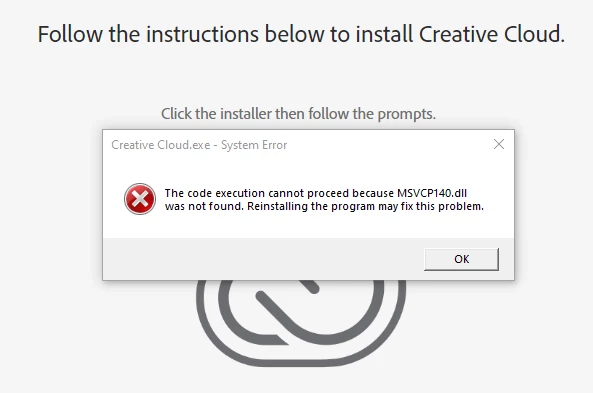
 AdChoices