Participant
January 15, 2018
Answered

Creative Cloud never updates Apps

  • January 15, 2018
  • 1 reply
  • 742 views

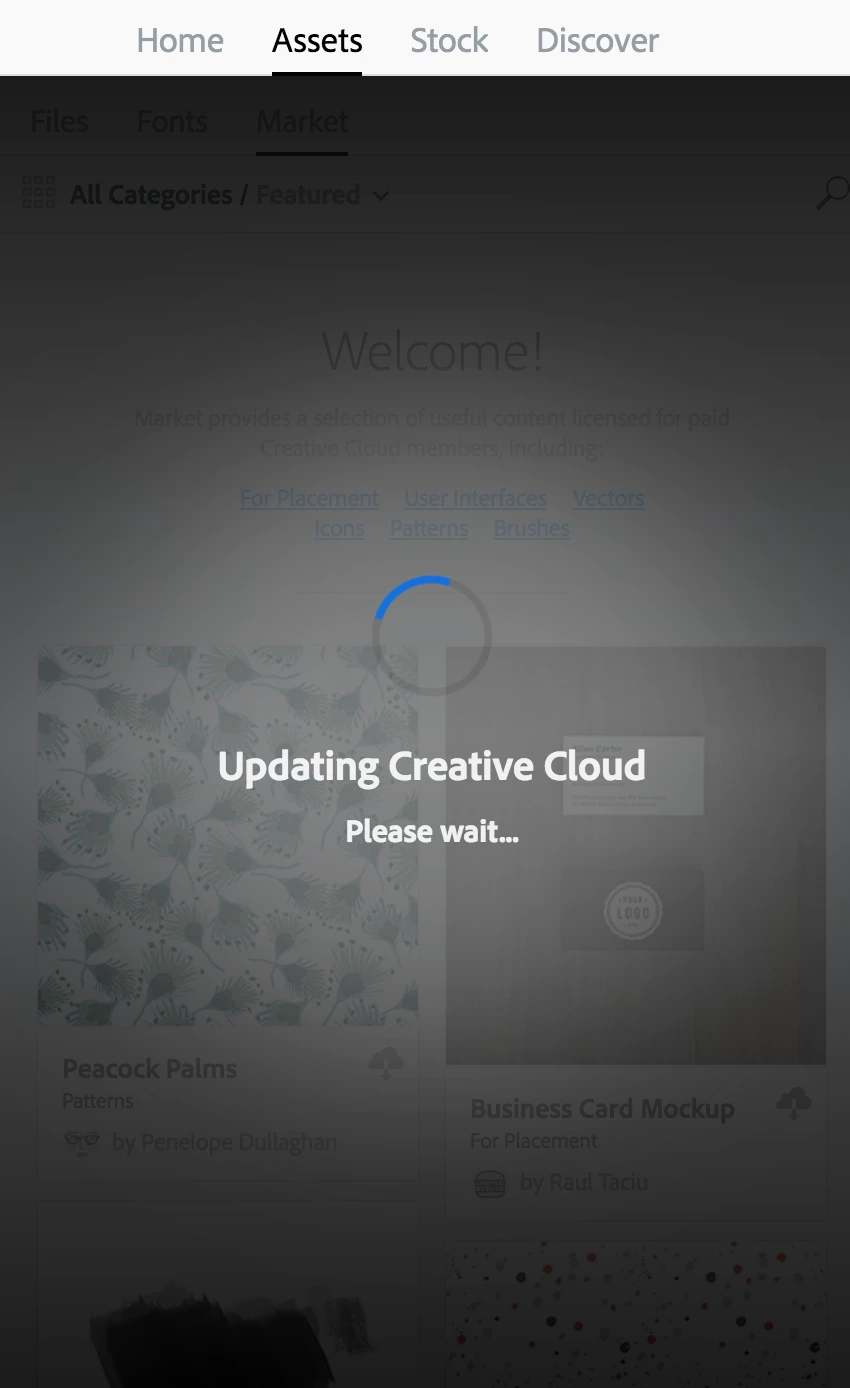
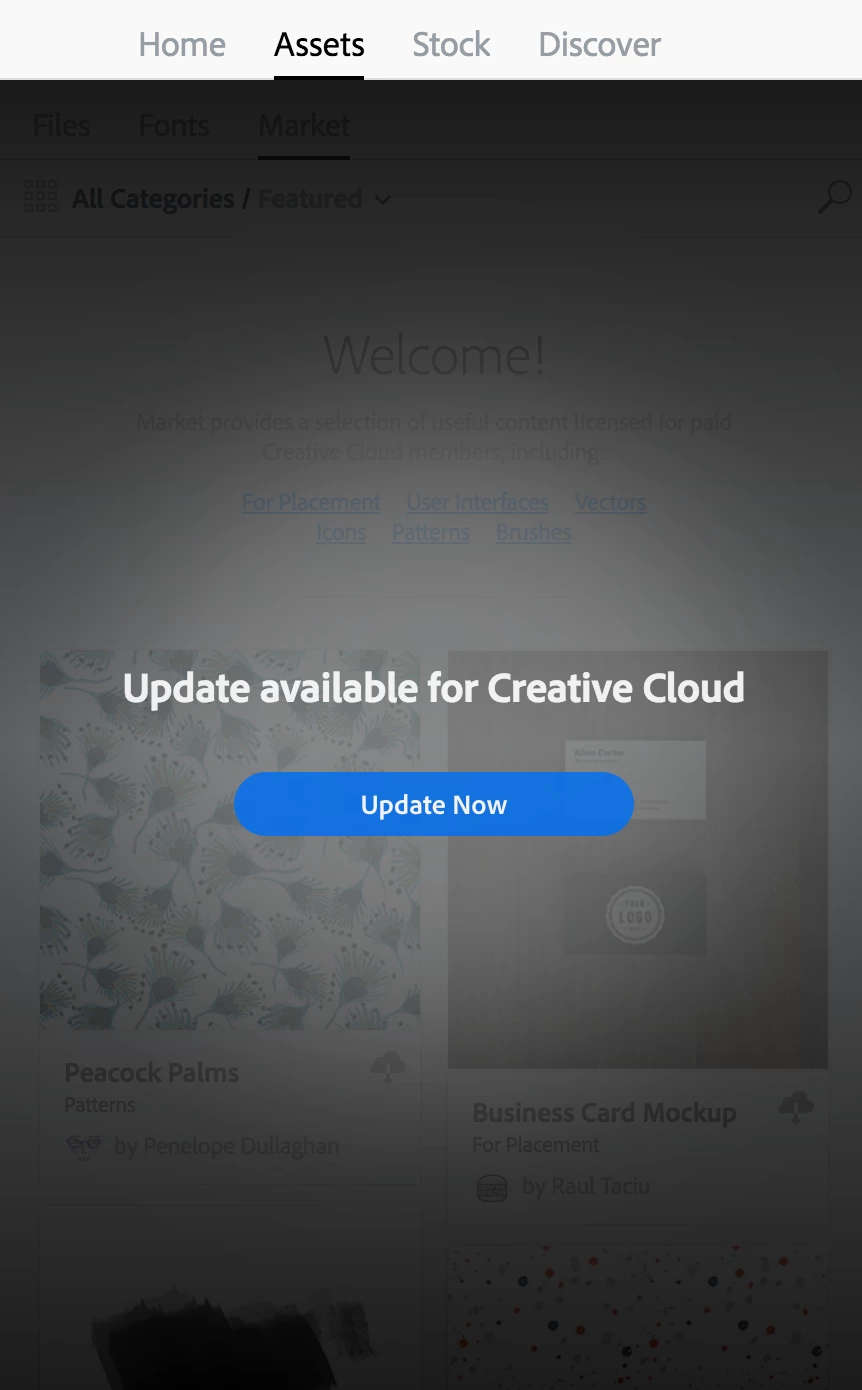
I previously used an enterprise serial number for Creative Cloud. Our organization switched to using Adobe ID. I uninstalled the serial number and Creative Cloud.  I reinstalled Creative Cloud and logged in. On the Assets tab, the message "Update available for Creative Cloud" and the "Update now" button. If I select this button, it changes to "Updating Creative Cloud Please wait..." I waiting hours, waited days, it never changes, never updates. It just hangs. How can this be resolved?

Using macOS 10.13.2. Creative Cloud 4.3.0.256
This topic has been closed for replies.
Correct answer kglad

using a browser that allows popups and cookies,  contact adobe support during pst business hours by clicking here and, when available, click 'chat', http://helpx.adobe.com/x-productkb/global/service-ccm.html

or contact the Adobe Twitter team at @AdobeCare

1 reply

kglad
Community Expert
Community Expert
January 16, 2018

uninstall everything cc including preferences, https://helpx.adobe.com/creative-cloud/help/uninstall-remove-app.html

then uninstall the cc desktop app, https://helpx.adobe.com/creative-cloud/help/uninstall-creative-cloud-desktop-app.html

clean your computer of cc files per http://www.adobe.com/support/contact/cscleanertool.html

restart your computer (don't skip this)

reinstall the cc desktop app, https://creative.adobe.com/products/creative-cloud.

if you're unable to install the cc desktop app at this stage, use an administrator account (solution 3 here, https://helpx.adobe.com/creative-cloud/kb/creative-cloud-missing-damaged.html)

use the desktop app to install your cc programs/trials

Participant
January 16, 2018

Thanks for the response. I completed all of the steps. However, the result is the same.

uninstall everything cc including preferences

The update screen prevents access to installing or uninstalling individual apps via CC.

then uninstall the cc desktop app

Completed successfully

clean your computer of cc files per

Uninstalled CC, restarted, cleaner fixed everything except for “Fix Host File”

I also ran this to see if it would fix the host file: https://helpx.adobe.com/x-productkb/policy-pricing/activation-network-issues.html

There are no Adobe related entries in the host file.

restart your computer (don't skip this)

Restarted

reinstall the cc desktop app

Reinstalled

use the desktop app to install your cc programs/trials

No change. Still stuck on “Updating Creative Cloud, please wait…”. Can’t install apps.

kglad
Community Expert
kgladCommunity ExpertCorrect answer
Community Expert
January 16, 2018

using a browser that allows popups and cookies,  contact adobe support during pst business hours by clicking here and, when available, click 'chat', http://helpx.adobe.com/x-productkb/global/service-ccm.html

or contact the Adobe Twitter team at @AdobeCare