Participant
January 13, 2021
Question

Creative cloud services installer error

  • January 13, 2021
  • 1 reply
  • 137 views

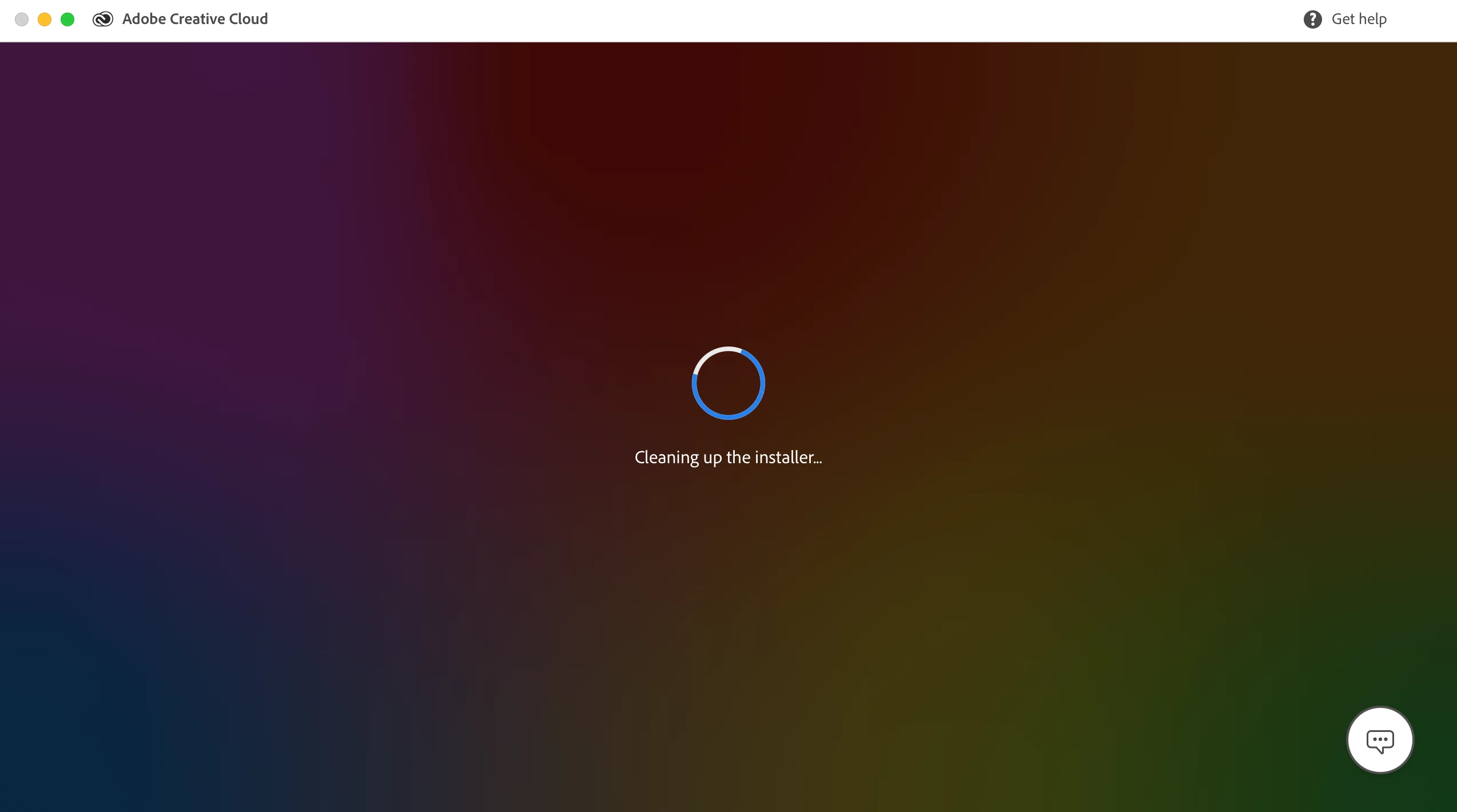
Im trying to install creative cloud on to a new Mac Catalina - and the installer seems to have frozen. Im unable to shut down or remove the installer. Any advice on how to quit install and start again? 
This topic has been closed for replies.

1 reply

kglad
Community Expert
Community Expert
January 20, 2021

you can open your activity monitor and shut it down.

and you can restart your computer though the above is preferable.


if you continue to see the same problem when trying to re-install:


first, reset the cc app:

to reset the cc desktop app, make sure it's in the foreground, then press:

Win: Ctrl + Alt + R
Mac: Cmd + Opt + R

if that fails, try to repair
https://helpx.adobe.com/download-install/kb/creative-cloud-install-stuck.html

if that fails go ahead and uninstall/reinstall per the above link

if that fails, do a clean cc install following each applicable step:

uninstall every cc app including preferences, https://helpx.adobe.com/creative-cloud/help/uninstall-remove-app.html
then uninstall the cc desktop app, https://helpx.adobe.com/creative-cloud/help/uninstall-creative-cloud-desktop-app.html
clean your computer of cc files per http://www.adobe.com/support/contact/cscleanertool.html
check for, and if available, update your os
restart your computer (don't skip this)
reinstall the cc desktop app, https://creative.adobe.com/products/creative-cloud.
if you're unable to install the cc desktop app at this stage, use an administrator account (solution 4 here, https://helpx.adobe.com/creative-cloud/kb/creative-cloud-missing-damaged.html)
use the desktop app to install your cc programs/trials