ec____design
Participant
May 5, 2019
Question

Creative cloud sync option not available to toggle (Can't turn creative cloud sync on or off)

  • May 5, 2019
  • 2 replies
  • 2697 views

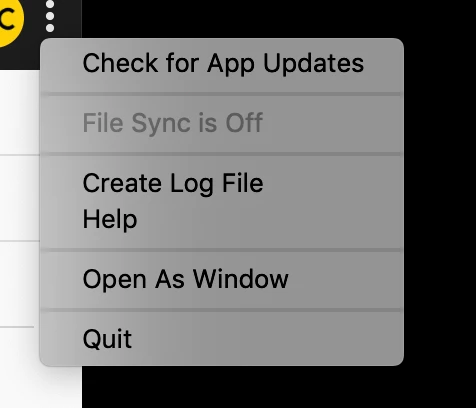
I have been getting a XD error that was not letting me use the app then I noticed that my sync is off (since XD was complaining about syncing issues), but I can't turn it on or off.
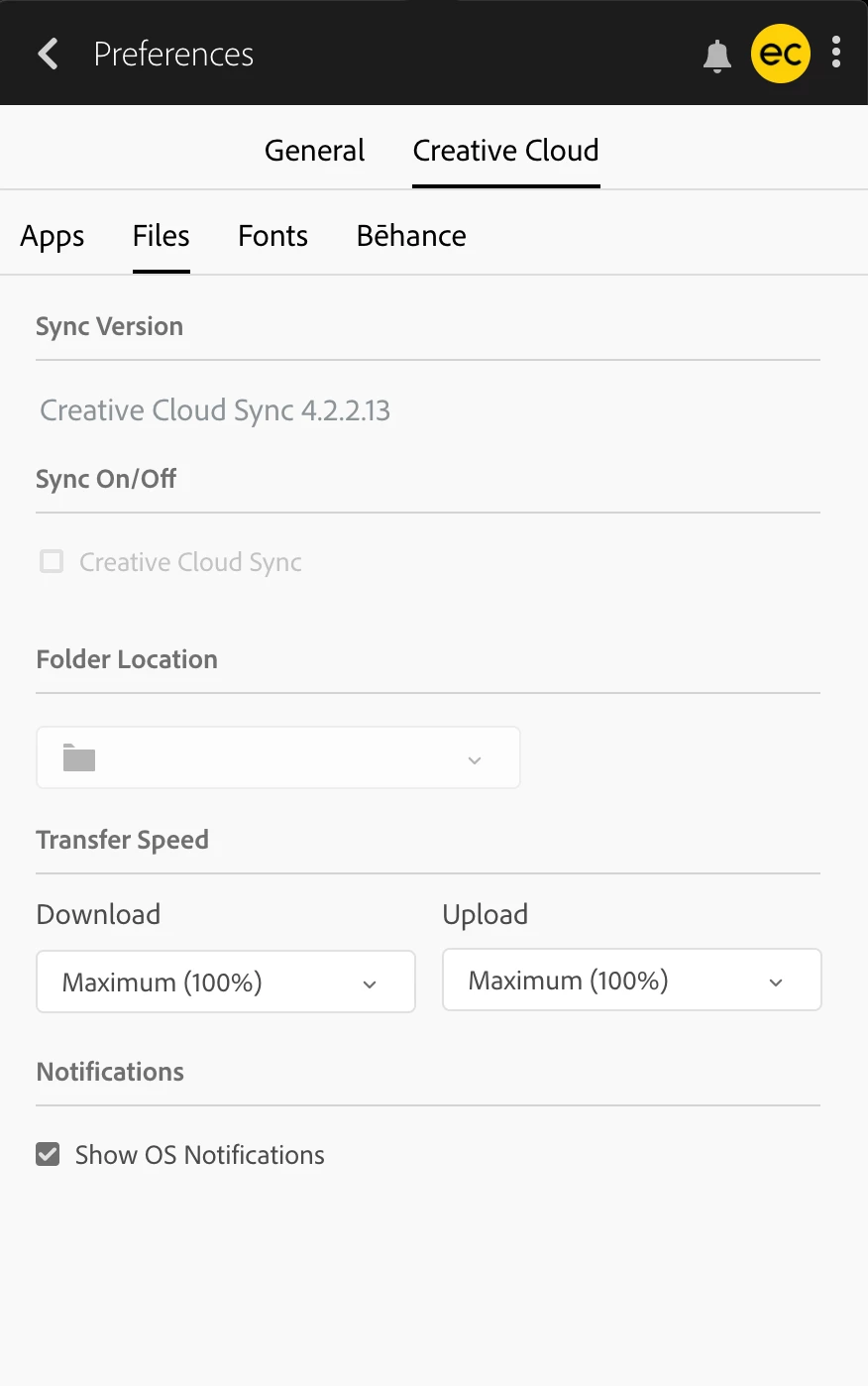
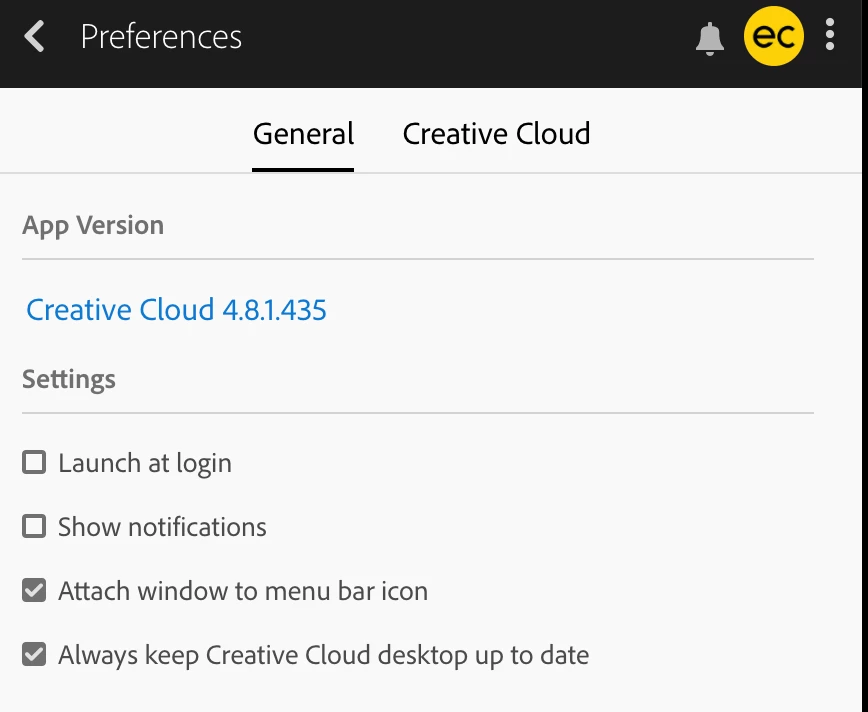
I am running Creative Cloud version: 4.8.1.435 but my Creative Cloud Sync version is 4.2.2.13.
- I also don't have "Core Sync"folder inside Adobe folder. I am using a Mac.
- There is not Creative Cloud updates available.
- I installed and re-installed the whole suite (All adobe apps and Creative Cloud app)
- Can't use XD (Can't create document but can use old ones)

This topic has been closed for replies.

2 replies

David__B
Adobe Employee
Adobe Employee
May 6, 2019

Hi EC Design,

I've seen this occur in cases where there was some kind of permissions issue with the installation of the Creative Cloud desktop app. You might try uninstalling and reinstalling it with the process described here: Uninstall the Adobe Creative Cloud desktop application and also test if the same behavior occurs from a newly created user account with administrator rights. This article shows the steps if needed How to Create a New Administrator Account on Mac OS

Best,

- Dave

ec____design
Participant
May 7, 2019

Thanks for the suggestion but I tried that and it is the same thing for the new user as well. I also tried repairing it in addition to uninstalling it.

Nancy OShea
Community Expert
Community Expert
May 5, 2019

Which operating ssytem do you have?  Some older  OSs are no longer supported.

OS support for Creative Cloud 2019 apps

Nancy O'Shea— Product User & Community Expert
ec____design
Participant
May 6, 2019

I am using the latest MacOs

Abambo
Community Expert
Community Expert
May 6, 2019

ec____design  wrote

I am using the latest MacOs

Please give always the exact version number, for 2 reasons:

  • the latest version may be true today, after the next update it will not follow.
  • Some users think they have the latest version, but effectively do not have for some reason. Advice may be much accurate in such cases.
ABAMBO | Hard- and Software Engineer | Photographer